

Jul 19, 2024 3:39 PM UTC
Answered

How to enable Welcome Screen

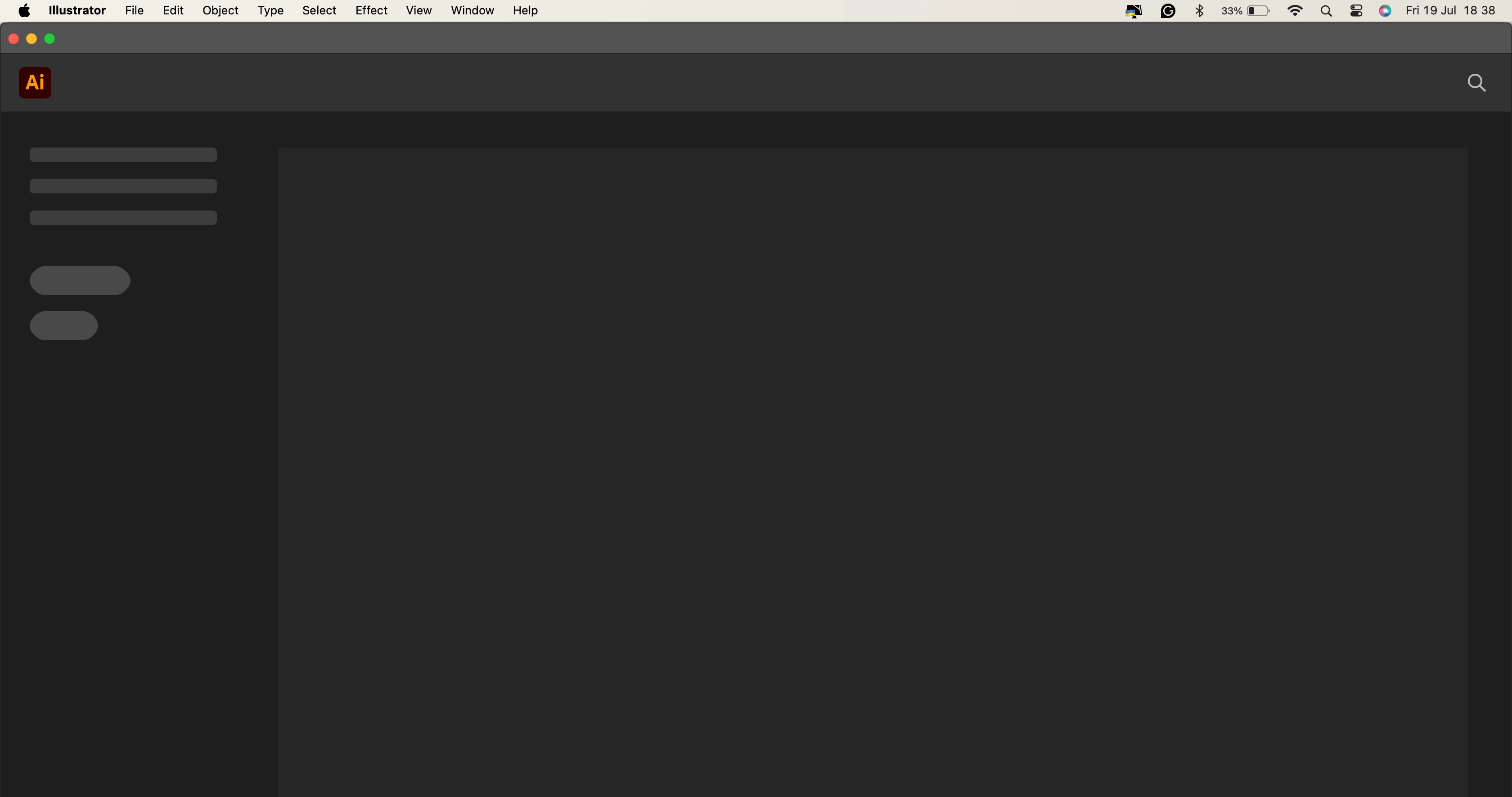
I can't seem to see the option to enable the Welcome Screen for Illustrator 28.0 I need to be able to see the preset and the recent files but what I get is this screen

 

This topic is closed to new replies. Start a new post to keep the conversation going.
Anshul_Saini
Anshul_SainiCorrect answer
Community Manager
Jul 29, 2024 3:45 PM UTC

I've tried that and I still have a blank Welcome Screen.


Hi @Ian Kiryowa,


I'm sorry to hear you're having trouble with the Welcome Screen in Illustrator 28.0. Could you please try updating to Illustrator 28.6 and see if that resolves the issue? If not, you can try installing version 27.7 to test if it's working on your end, as this issue has been reported by multiple users.


Also, please share your macOS version and Mac system details so we can better assist you.


Best,

Anshul Saini

10 replies

Brad @ Roaring Mouse
Community Expert
Community Expert
Jul 19, 2024 6:56 PM UTC

Check your Prefernces to see if "Show the Home Screen..." is unchecked. If so, turn it on.

Translate
Jul 23, 2024 12:08 PM UTC

Hi Brad, my Illustrator v28.0 doesn't show me that. See what my screen looks like.

Translate
Brad @ Roaring Mouse
Community Expert
Community Expert
Jul 23, 2024 3:30 PM UTC

It's there. and it is checked  (I had just abbreviated the sentence. Full sentemce is "Show The Home Screen When No Documents Are Open"). Try uncheck it, close the program and reopen, then check it and reopen again to see if that "bumps" it into working.


Otherwise, yu might try "Reset Preferences"?

Translate
Monika Gause
Community Expert
Community Expert
Jul 19, 2024 3:43 PM UTC
Jul 23, 2024 12:07 PM UTC

Hi Monika. I can seem to see the option mentioned. I'm using Illustrator 28.0 and this is what it shows when I go to preference.


Translate
Monika Gause
Community Expert
Community Expert
Jul 25, 2024 2:52 PM UTC

There are a couple of other things mentioned in the thread.

Translate
