
Answered
How to erase a layer below my selection without erasing outside the selection?
I'm trying to create a basic road icon. I used white rectangles to create the gaps in the road, but then when I changed my background to transparent, I realized the blue road needs to be transparent where those gaps are and once i've erased those gaps into the blue road, the white rectangles need to be removed.
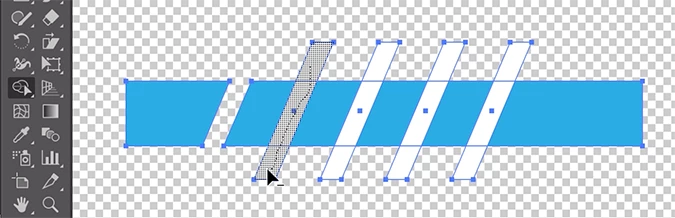
Is there any way I can have those white rectangles selected and then erase the blue road WITHOUT erasing beyond those rectangles? I'm very new to illustrator, so I'm sorry if this is a stupid question.
Thanks!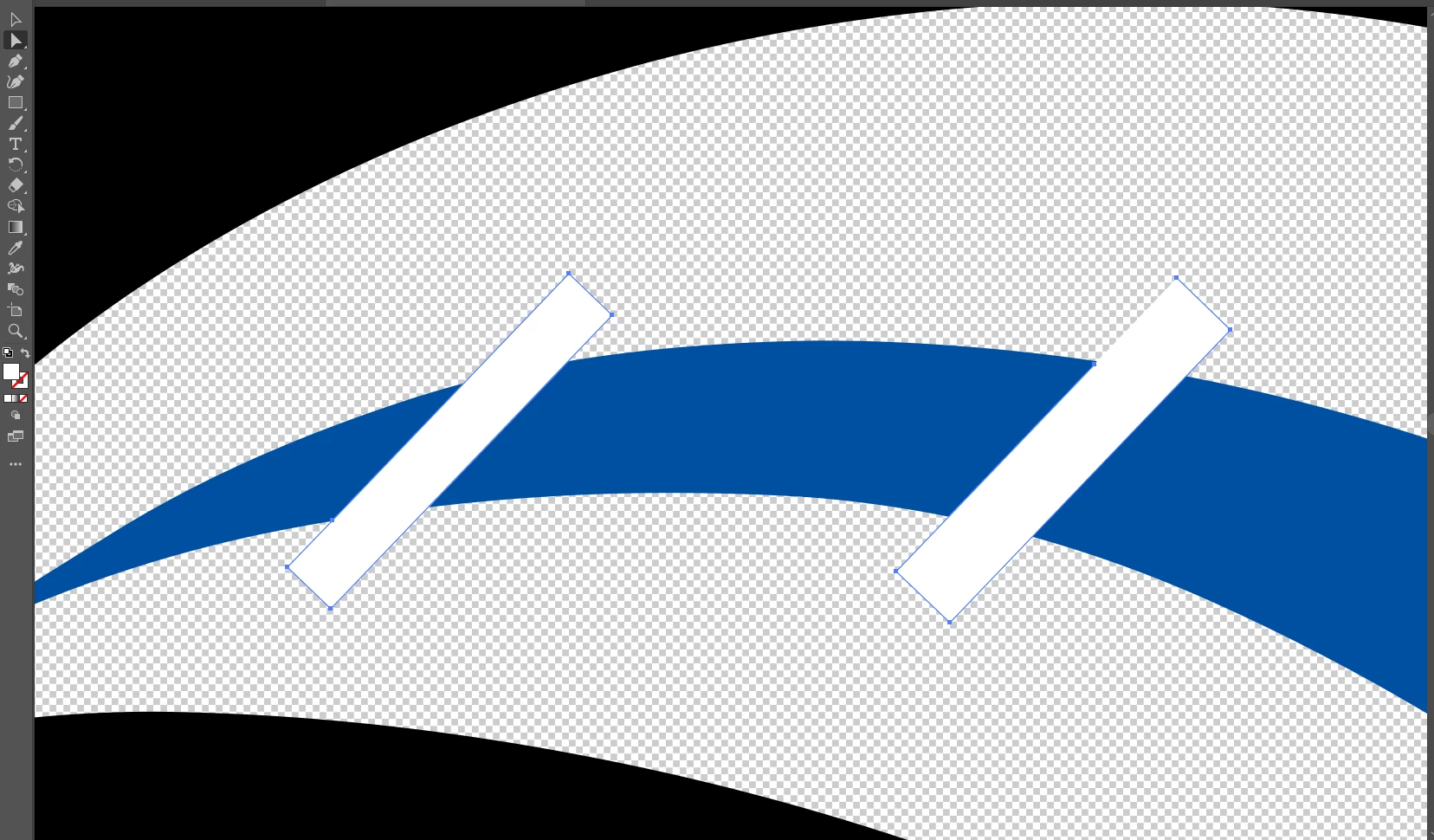
 AdChoices