

Answered
How to evenly distribute shapes created using the blend tool?
I have a question as I continue to learn Illustrator.
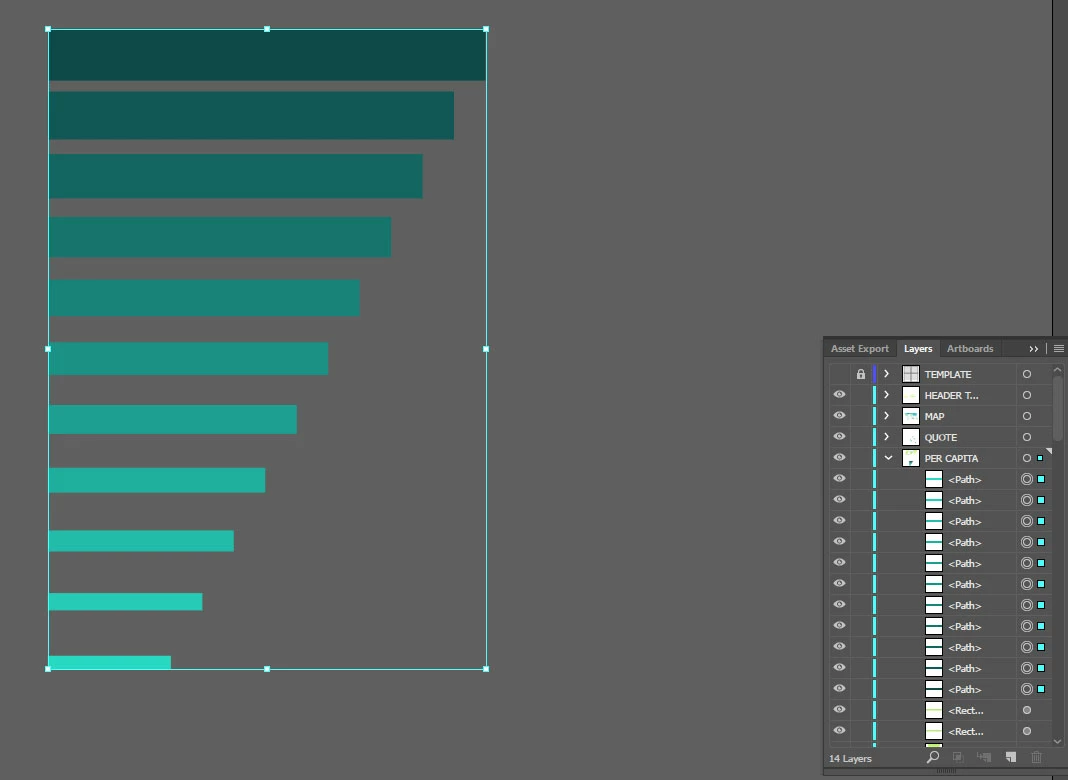
I created 2 rectangles and used the blend tool to create the sizes and colors between the two. I then expanded the appearance. I would like to evenly distribute these rectangles vertically so there's the same amount of space between each one. However, when I select them all and click on the distribute button all of the rectangles get distributed unevenly (please see attached image.)
How can I get these to distribute them evenly?
Thanks in advance for any help!
 AdChoices