
How to evenly space lines among shapes using pixel grid
Hi Forum.
I have my canvas set to 162 pixels height. and the grid settings to: Grid line every 100 and subdivisions to every 100 to make it even.
The red lines is 1 pixel height, one on the top, one in the middle, and one on the bottom. I then make 10 Cyan lines 1 pixel height, and try to evenly distribute them within the middle red line, and bottom red line, but the Cyan Lines do not sit within in the pixel grid perfectly. I know this is a maths issue, so any help appreciated.
So what Im trying to achieve is having my canvas 162 Height. Red line on the top, Red line in the middle, Red line on the bottom. And in between the red lines, 10 Cyan lines distributed evenly sitting within the pixel canvas.
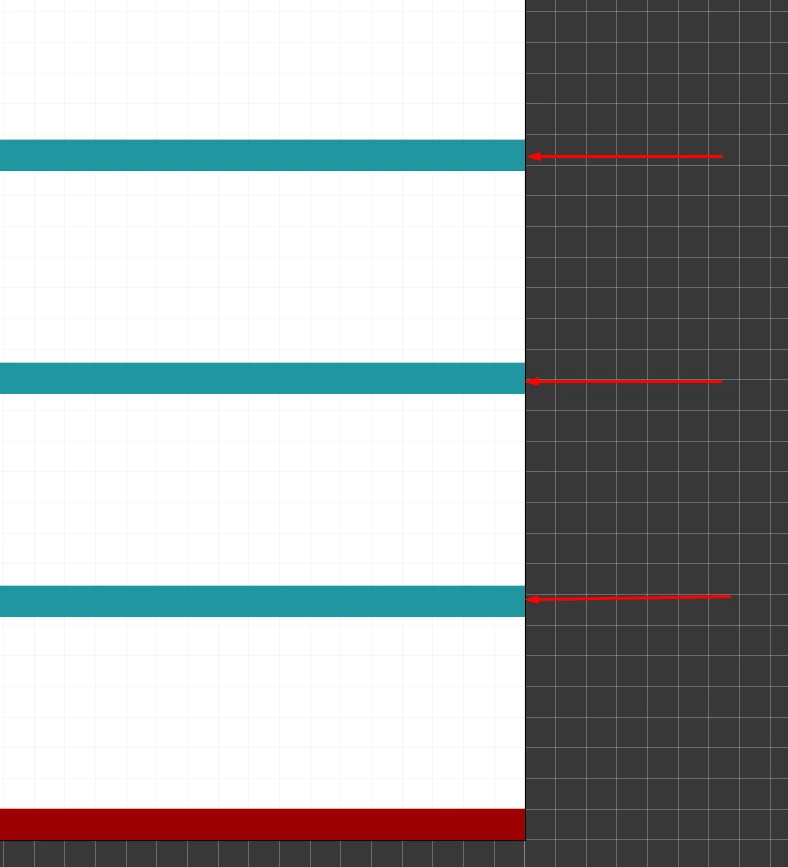
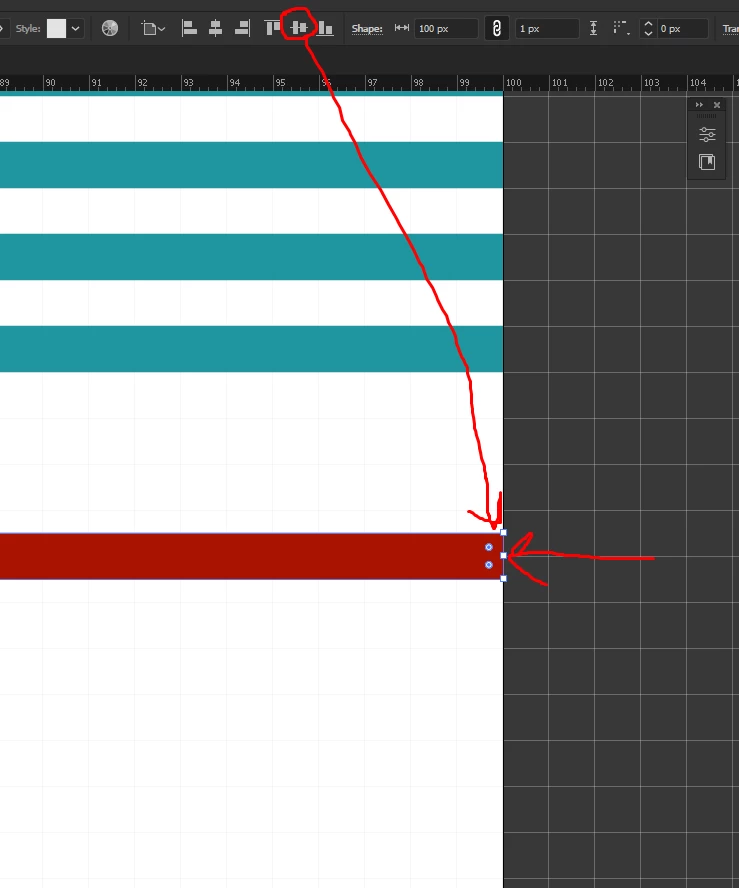
PS: One thing I noticed is, when I selected the middle red line, and clicked Vertical align centre to the canvas, it wasn't 100% in the middle of the canvas. I then clicked the option in the Properties> quick actions> Align to pixel grid. The only was it sitting 100% between the pixels.
 AdChoices