


Known Participant
March 24, 2026
Question

How-to Expand Image

  • March 24, 2026
  • 1 reply
  • 23 views

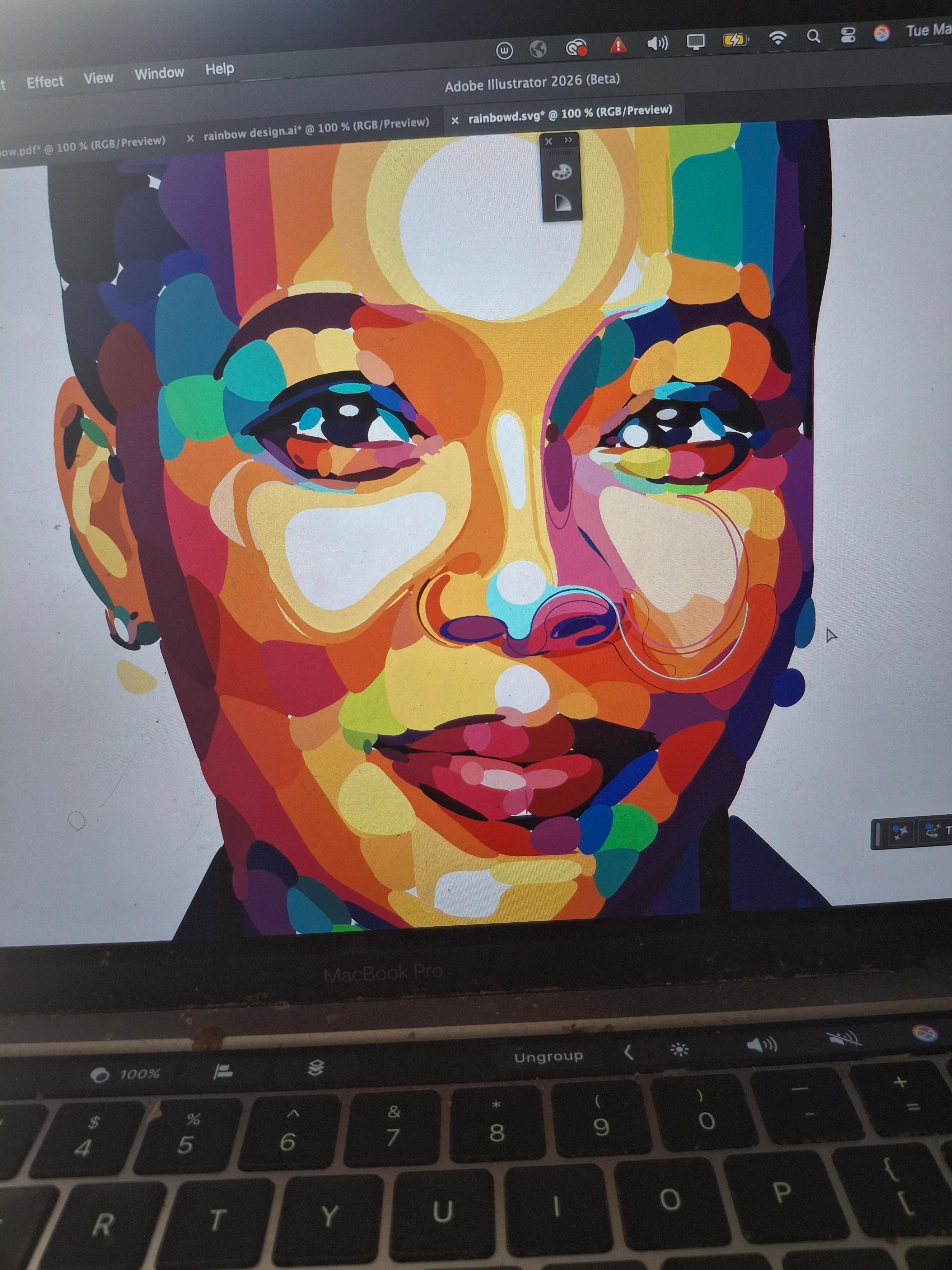
I have an image with alot of shapes on it, and I would like to expand the image so that I can select the shapes I have created.  I have tried an image trace but it ruins the quality of the image.  I have also tried rasterising the image and then expanding it, but after I rasterize and then click expand, nothing happens.  
 

    1 reply

    Tina_Irvine
    Community Expert
    Community Expert
    March 24, 2026

    Hi ​@breG,

    Are you on the latest version of Illustrator?

    When I tried working from a clipping of your phone pic, which contains noise, I think the quality comes out quite well with the basic High Fidelity setting of Image Trace. You can try playing around with the number of colours, paths, corners, etc. You can also use the “smooth” or “simplify” options to smooth out odd corners. Objects > Paths > Smooth (or Simplify).

    If there are a few shapes that are way off, you can manually draw those with the pencil tool (probably the quickest). You can adjust the pencil tool’s fidelity, which might help as well.

    Image Trace version on the left. Clip of original shown on the right.