
How to export as svg while (consistently) preserving text?
I have some design files which I need to export to svg. Even when the Font flag as set to "svg", rather then "convert to outlines", I find that AI does not consistently export text elements as svg text and will often "squash" text into a paths, which is unnacceptable for our puporses. In our case, it's more important that the text be preserved than it is for it to be pixel-perfect. I have fiddled with the font setting, hoping that by removing type-treatment, I would make some progress but so far, even the default fonts like Times New Roman, exhibit this mis-behavior. 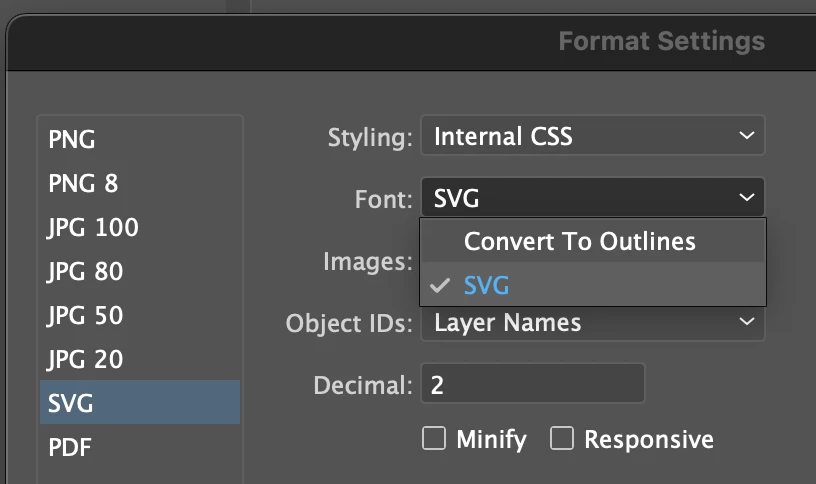 Note that I have already found this setting and it does not appear to work as I expect.
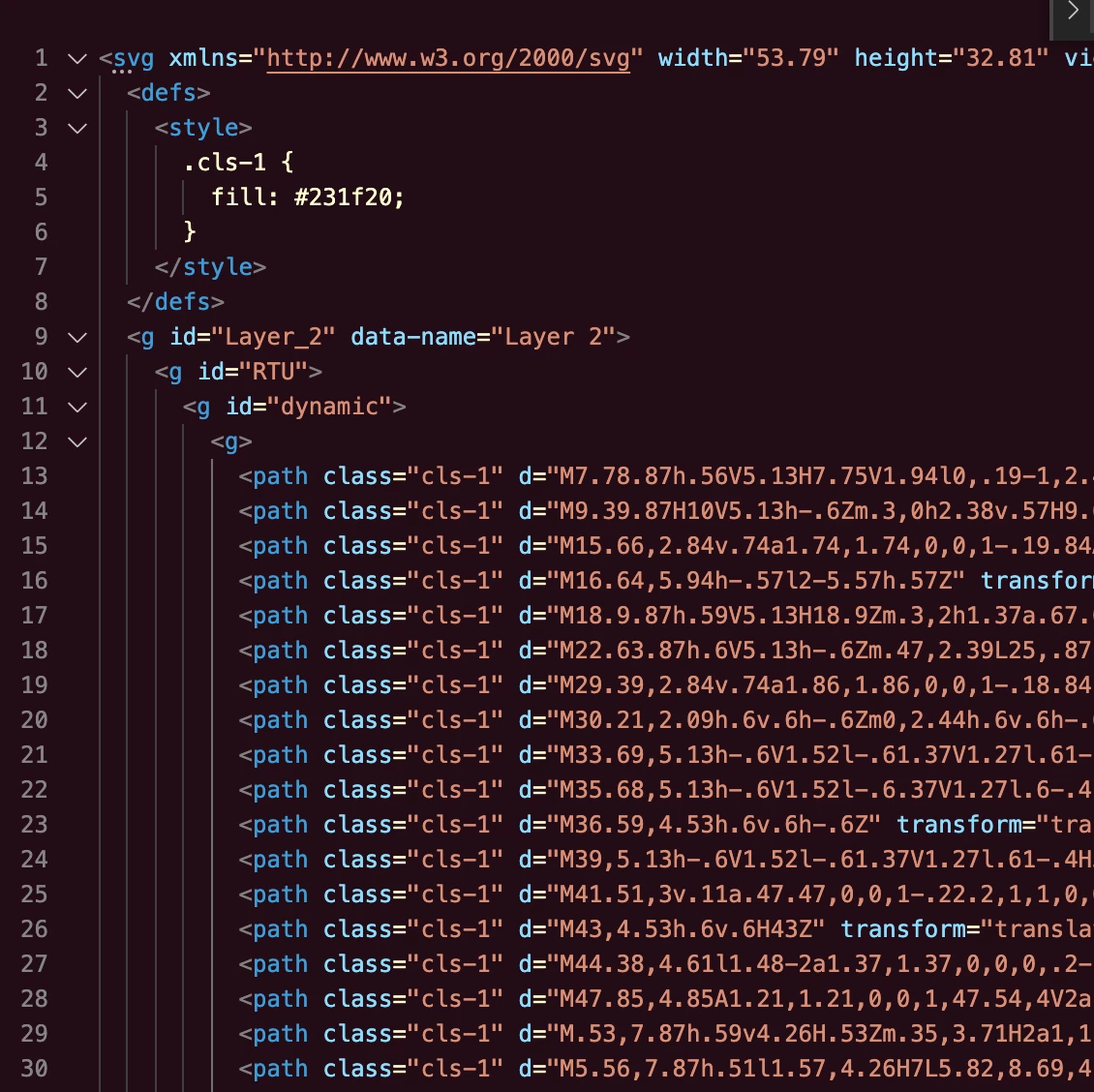
This is an example of improper output. The text as been "squashed" into paths.


 AdChoices