


Answered
How to export from illustrator to a photoshop-friendly file in exact dimensions
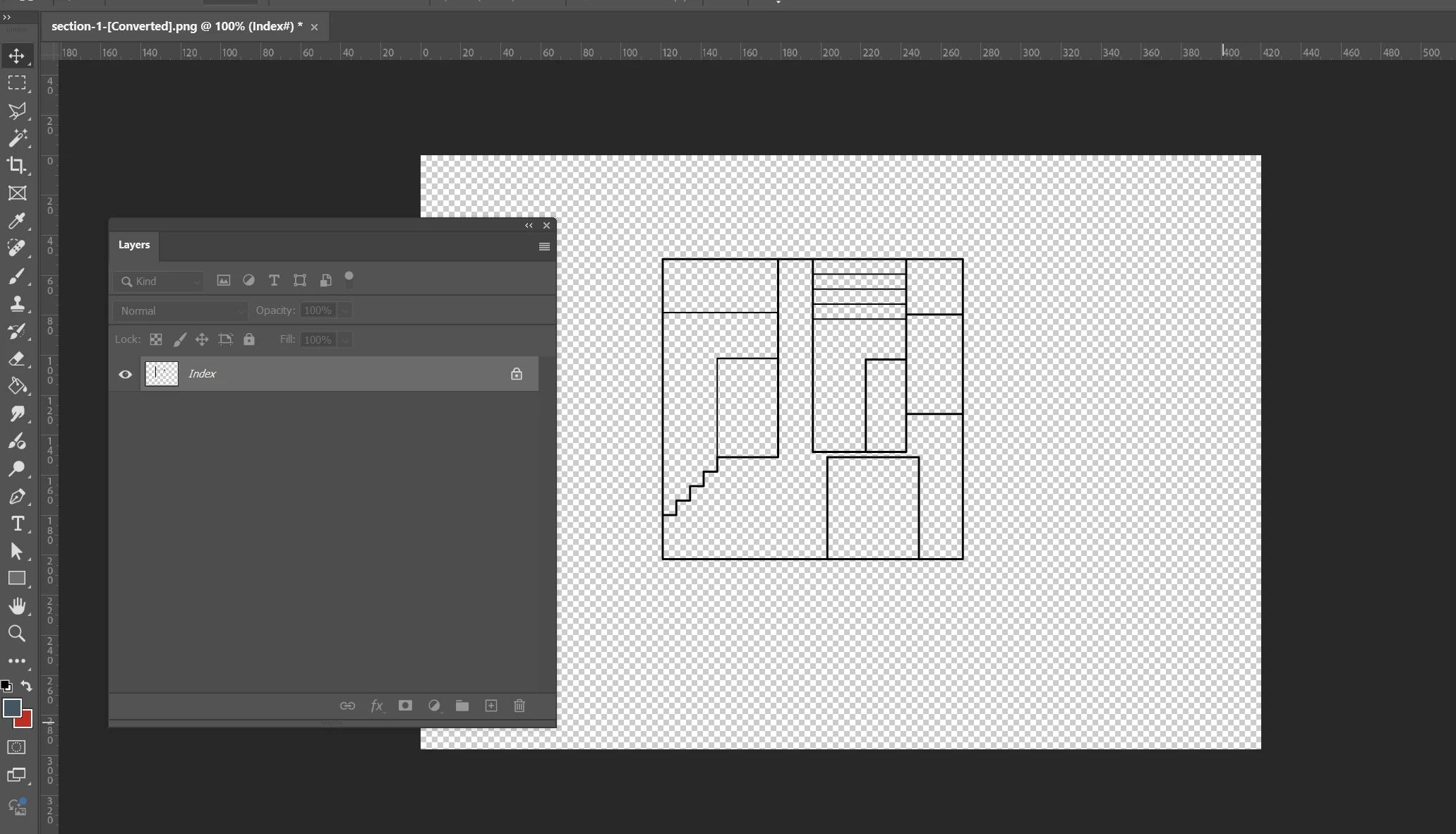
I have a drawing in illustrator that I want to keep in the exact same dimensions in photoshop. (eg 16mm in ai is 16mm in ps). So I exported from illustrator as a save as web and opened the file in photoshop, but found that I'm unable to edit in the layers panel. Can't even add a new layer there. Is there a fix or alternative way to do this?

 AdChoices