

KirstieJayne
Participant
March 19, 2026
Question

How-to Export Transparent PNG

  • March 19, 2026
  • 3 replies
  • 23 views

Hi :)

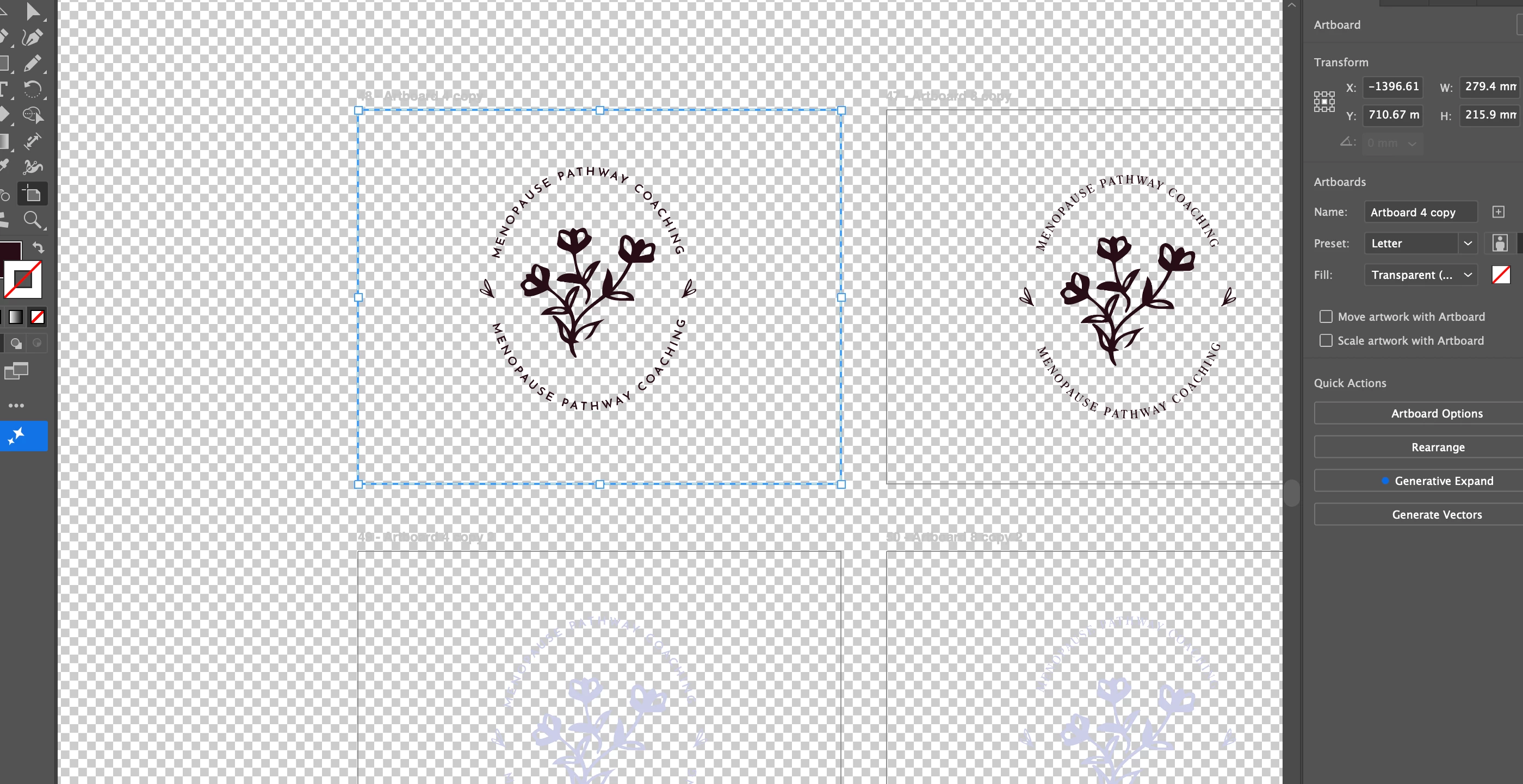
I have created a logo for a client and all of a sudden when I download a PNG it dowloads with a white background. I have got RGB on, settings in PNG set to transparent and when checking transparency it shows me it is. I have even tried copying and pasting the logo into a document that I could download a transparent one before and it still downloads it with a white background. 

I have searched and tried everything, never had this issue before!

Thanks 🙏
 

    3 replies

    Ton Frederiks
    Community Expert
    Community Expert
    March 19, 2026

    Another option is Export > Export for Screens where the cog wheel can show the options.


    Bill Silbert
    Community Expert
    Community Expert
    March 19, 2026

    Which method are you using to export the logo as a PNG? ​@creative explorer has shown you the Save For Web option. You can also use the File>Export>PNG option. When you do so the PNG Options dialog will appear wherein you can set the background to transparent as seen in the screen shot below.


    creative explorer
    Community Expert
    Community Expert
    March 19, 2026

    @KirstieJayne that is correct. Your Illustrator document would always be transparent until you add a colour fill for the background. As shown is a new document with a coloured fill rectangle:


    In your case, I would use ‘Export’ - Save for the Web
    If you don’t check on transparency, you would get a white background.
    If you check on transparency, you would get a transparent background.


    Hope that helps.

    m