Known Participant
April 4, 2023
Answered

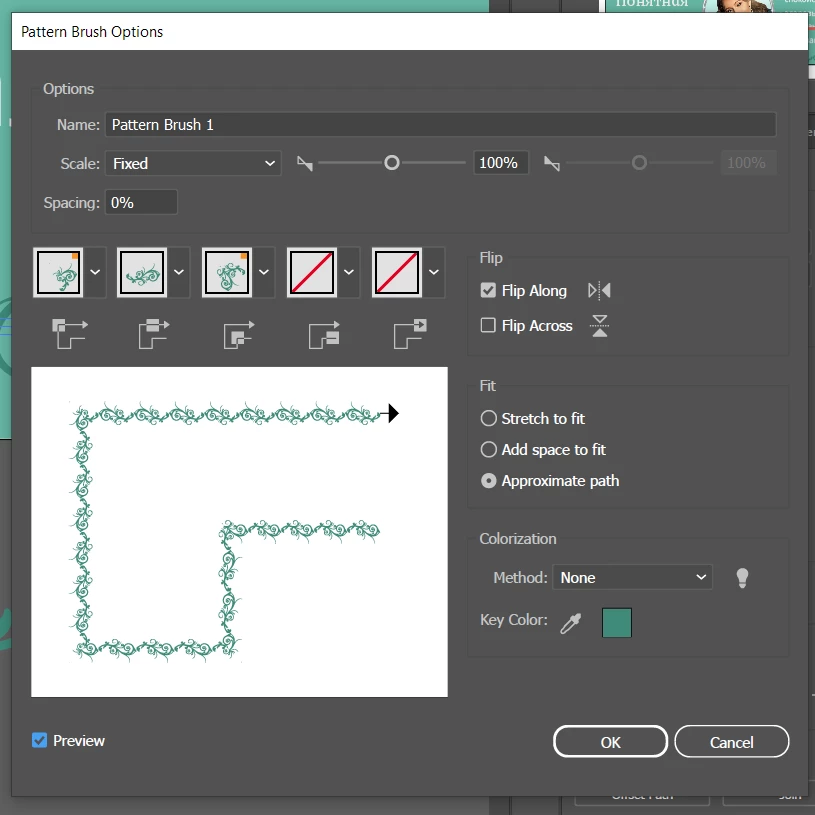
how to fill in with negative number spacing in pattern brush?
  • April 4, 2023
  • 2 replies
  • 1247 views

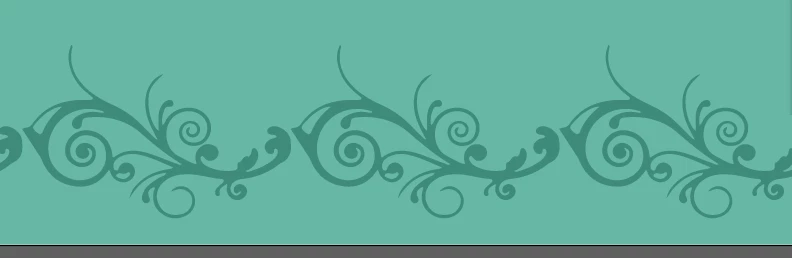
so I need pieces to overlay each other a litle bit but Illustrator doesn't let me to type numbers below zero. How would you solve this? Thanks everyone for trying to help!

This topic has been closed for replies.
Correct answer Monika Gause

Draw a rectangle that is smaller than the pattern. Apply no fill and no stroke and send it to the back. Then make the pattern brush.

2 replies

Monika Gause
Community Expert
Monika GauseCommunity ExpertCorrect answer
Community Expert
April 4, 2023

Draw a rectangle that is smaller than the pattern. Apply no fill and no stroke and send it to the back. Then make the pattern brush.

fyliyAuthor
Known Participant
April 4, 2023

thanks a lot!

Jacob Bugge
Community Expert
Community Expert
April 4, 2023

fyliy,


One way to cheat is to:


1) Create a straight path with a length equalling, or at wee bit above, that of the pattern tile,

2) Move copies by a distance that equals the length of the pattern tile minus the desired overlay,

3) Apply the brush to the set of paths.


You can Group the paths or turn them into a Compund Path before or after 3).


fyliyAuthor
Known Participant
April 4, 2023

the first is without grouping, the second is with compund path
it doesn't really fix this, just making it through once

Jacob Bugge
Community Expert
Community Expert
April 4, 2023

fyliy,


Just to make sure: you made the paths with the desired amount of overlap?


Another way is to drag the Pattern Brush out upon the workspace and strip it down to the actual artwork, then move copies of it by the desired distance to get the overlap.