


Participating Frequently
September 26, 2026
Question

How to find the centerline/skeleton of an outlined letter?

  • September 26, 2026
  • 2 replies
  • 30 views

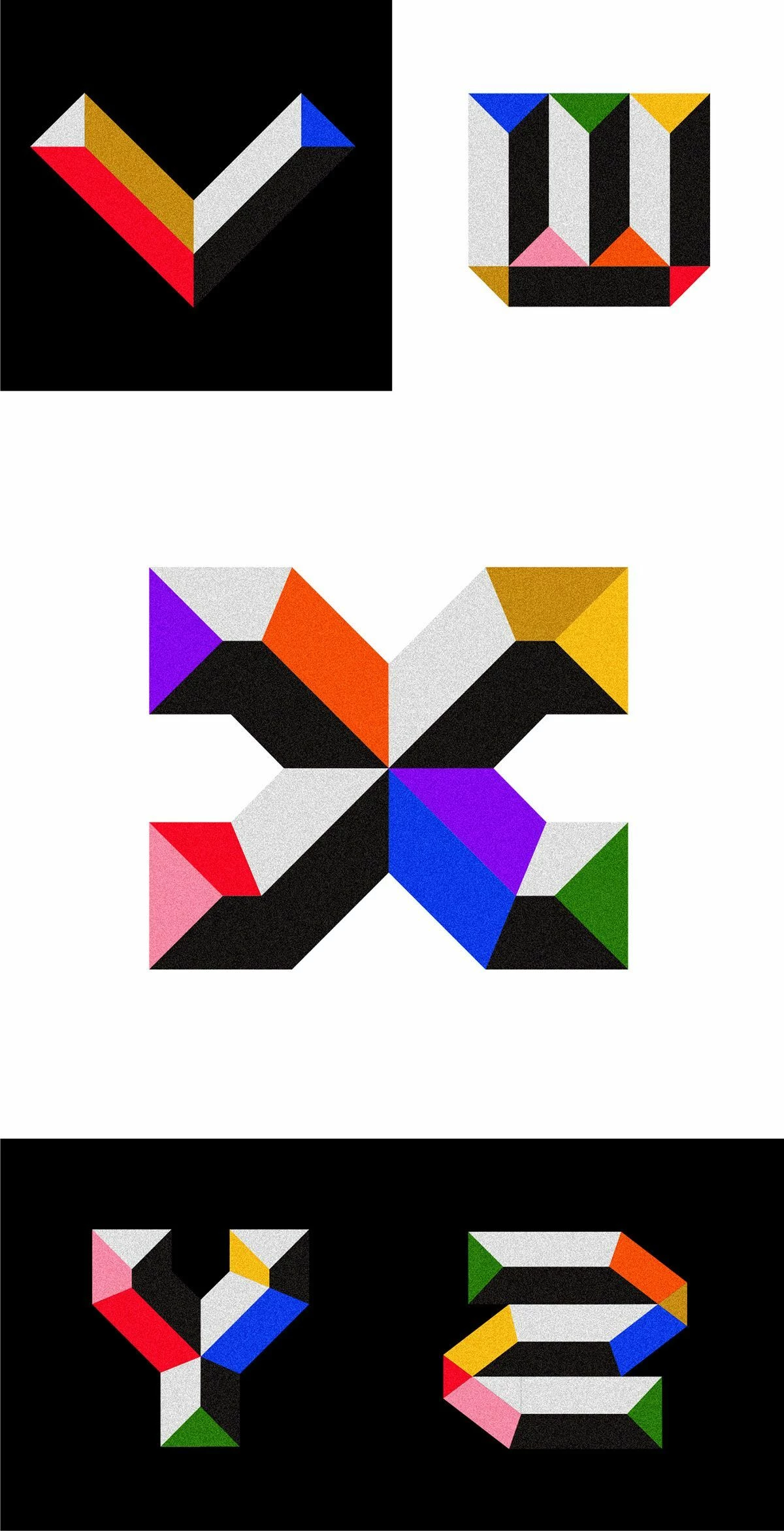
I’m attaching a few references. I know these examples are very geometric and were most likely constructed from scratch, but I’m trying to get a similar result from existing outlined letterforms.

What I need is the actual middle line / skeleton / medial axis of each stroke, including rounded sections, so I can use that as the basis for consistent chiseled/beveled facets.

For straight parts I can approximate it by blending between opposite edges, but curved sections are the problem, especially when the inner and outer curves have different anchor placement.

Is there any reliable Illustrator method, script, or plugin that can extract this centerline from an outlined shape? Thanks!

 

    2 replies

    Monika Gause
    Community Expert
    Community Expert
    September 26, 2026

    You can try the 3D effect with a bevel. Then render as vector and expand. But with these geometric shapes I would not even use a blend. I would probably use align to get it really to the center.

    CORCTON34033231
    Community Expert
    Community Expert
    September 26, 2026

    Hi! Short answer: Illustrator doesn't have a built-in tool to extract a centerline (medial axis) from outlined paths — there's no native equivalent of a "centerline trace" feature. The closest native method is the Blend technique you're already using: select the two opposite edges of a stroke, then Object > Blend > Make with Blend Options set to Specified Steps: 1. The mid-path is the exact centerline for straight, parallel-edged sections and a good approximation for simple curves; then Object > Blend > Expand to turn it into a regular editable path. For complex or variable-width curves it gets fiddly — which is why those geometric monoline letters in your references are normally drawn as strokes from the start rather than derived from outlines.
