


Question
How to get a row of lines just like this image
I'm trying to create a row of lines that exactly match the shapes of the vineyard lines in this image, but I'm stuck.
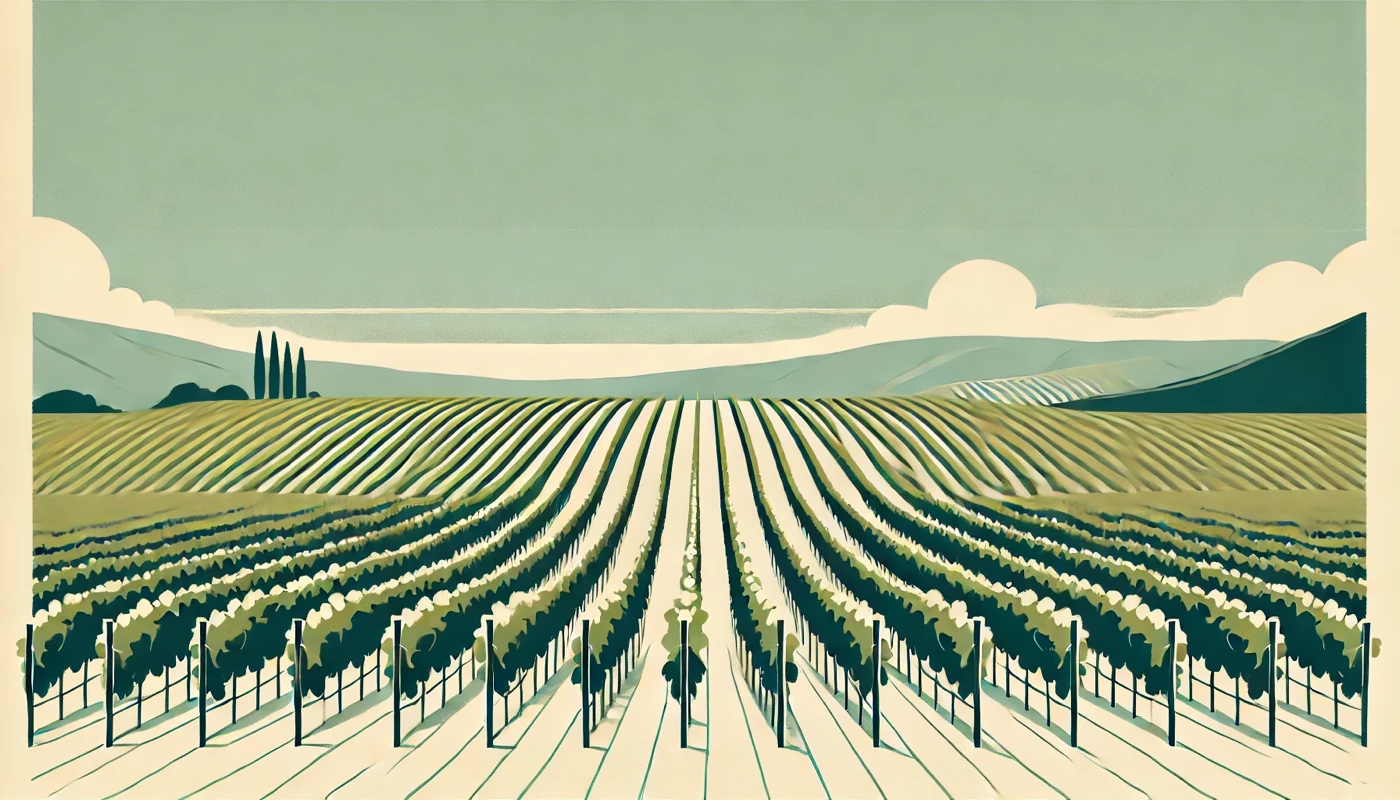
A blend was my first thought, but the lines quickly get distorted and the curves get ugly.
I can get somewhat close with an envelope distort using a custom object (just attempting to do one side), but the lines aren't quite right. They should curve leftward toward the bottom-left, but dont.
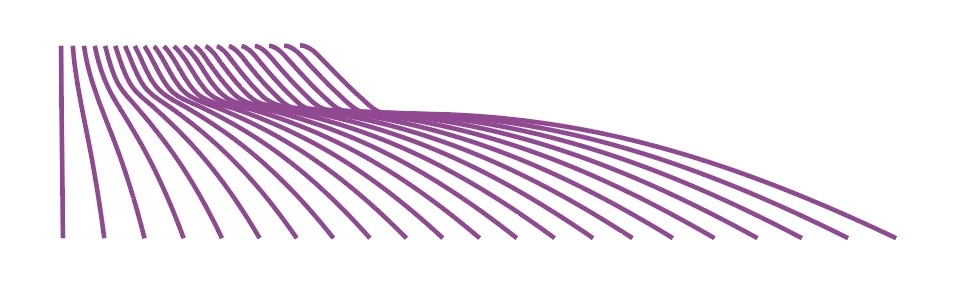
Here's a copy of the AI file you can download and play with. (I tried to upload it here but am getting an error message.)
Thanks in advance for any help!
 AdChoices