
Known Participant
April 19, 2023
Answered

How to get rid of beta popup window?

  • April 19, 2023
  • 3 replies
  • 1732 views

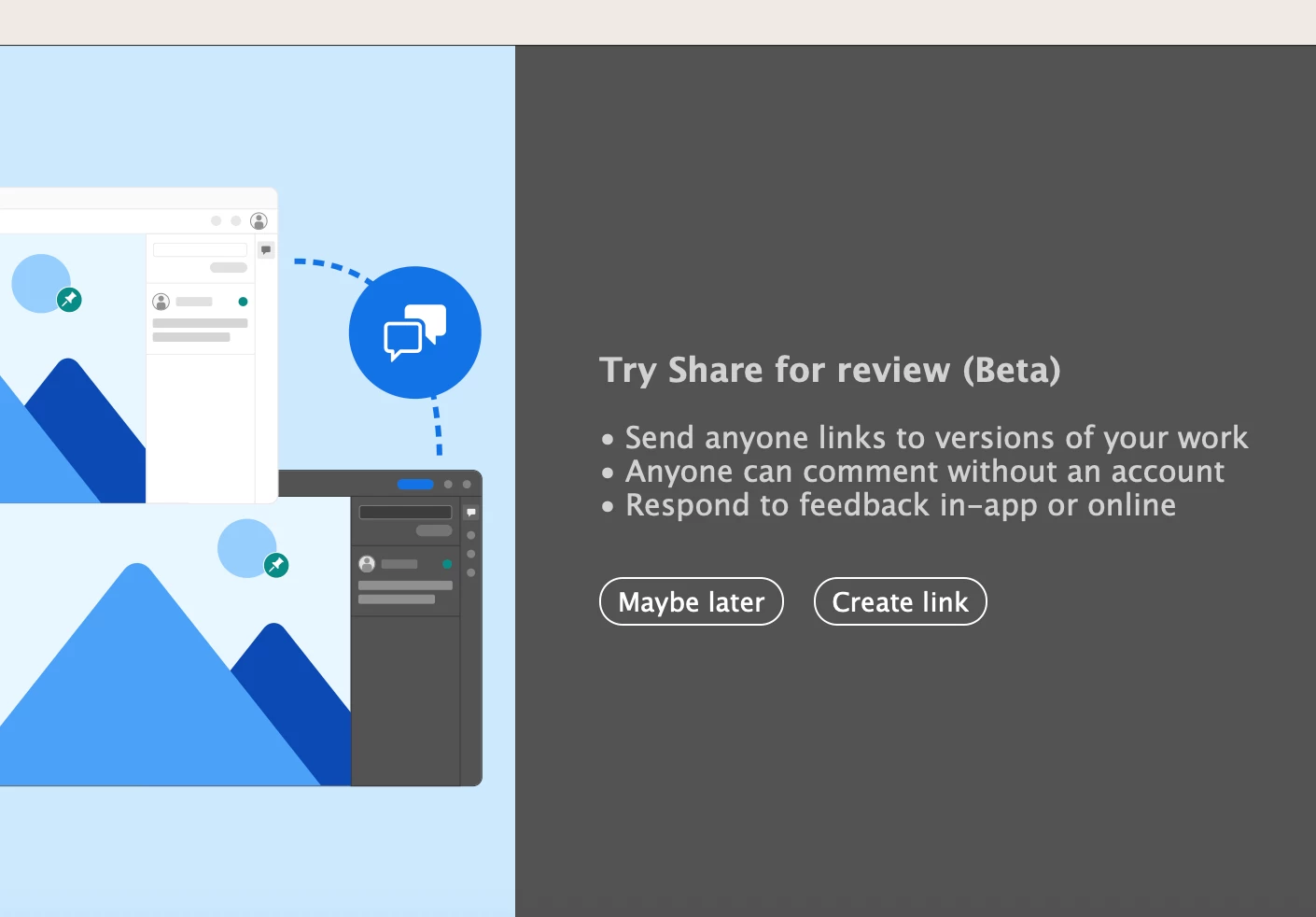
Hi guys! For the first time in a decade of using adobe I've started getting bombarded with these irriatating popup for beta feature. Have any of you figured out how to turn them off? I've had 4 of the same message in the last 45 mins it's driving me nuts! You'd think a simple 'do not show me this again' option wouldn't be too much to ask for if you're going to be constantly interrupting peoples workflow... I don't want to try it 'maybe later' - I have absolutely zero interest in this whatsoever. (I'm on a mac. Latest versions of all the things)
 

This topic has been closed for replies.
Correct answer Anshul_Saini

Hi @tashp27135623,


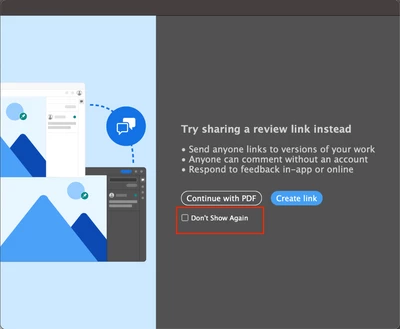
We are pleased to announce that we have resolved the issue related to the Share for Review modal in Illustrator. We have added a "Don't Show Again" checkbox option on the 2nd instance of the modal.


Please ensure that you have updated to Illustrator v27.4.1 to access this feature. However, If you still encounter this, then please try resetting preferences as @Anubhav M suggested, and on the second instance of this pop-up, the checkbox option "does not" will appear; if it doesn't, please let us know.


Best regards,

Anshul Saini

3 replies

Anshul_Saini
Community Manager
Anshul_SainiCommunity ManagerCorrect answer
Community Manager
April 22, 2023

Hi @tashp27135623,


We are pleased to announce that we have resolved the issue related to the Share for Review modal in Illustrator. We have added a "Don't Show Again" checkbox option on the 2nd instance of the modal.


Please ensure that you have updated to Illustrator v27.4.1 to access this feature. However, If you still encounter this, then please try resetting preferences as @Anubhav M suggested, and on the second instance of this pop-up, the checkbox option "does not" will appear; if it doesn't, please let us know.


Best regards,

Anshul Saini

Known Participant
April 24, 2023

Fantastic! Thanks!!

Anubhav M
Community Manager
Community Manager
April 21, 2023

Hello @tashp27135623,


We understand that encountering technical issues can be frustrating. The Share for Review windows should only appear the first few times when trying to save a file in Illustrator. If it continues to show up, kindly try resetting Illustrator's preferences by following the steps shared in this article (https://helpx.adobe.com/illustrator/kb/troubleshoot-preference-issues.html) and sharing your observations.
Disclaimer: Please note that resetting preferences will remove all custom settings, and Illustrator will launch with the defaults. You may save a backup of these settings from the location mentioned in the article.

Looking forward to hearing from you.


Thanks,
Anubhav

Met1
Legend
April 19, 2023

I think in the latest version theres a don't show again check mark...