

Answered
How to get uniform stroke outline from shape
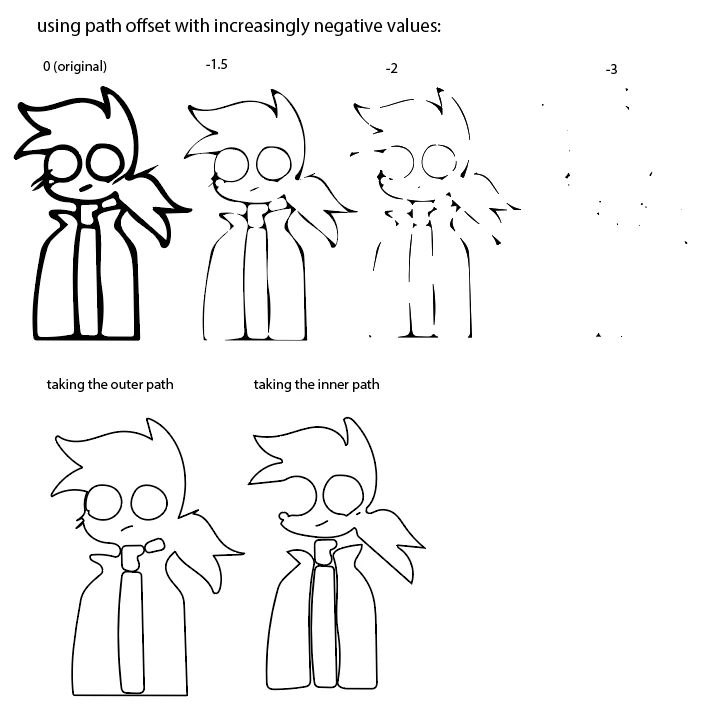
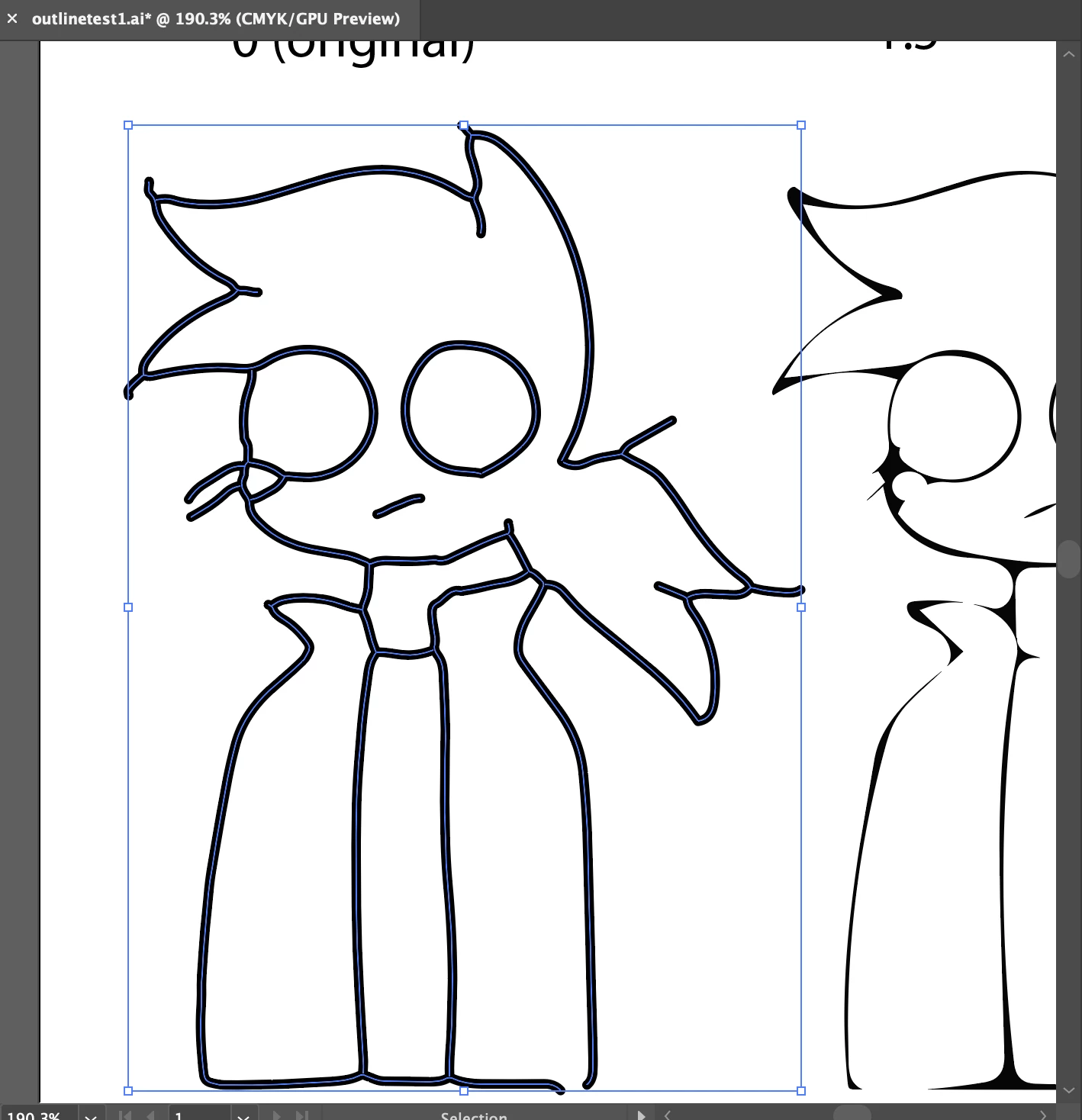
I scan in drawings as shapes with Adobe Capture, and I want to convert them to strokes so I can make the line thickness uniform. I know you can make shapes thinner with Path Offset, but that causes parts of the outline to disappear. Just getting the inner and outer paths makes odd shapes that aren't connected anywhere the lines overlap. Is there a way for Path Offset to keep the lines connected while thinning them? I think this was asked here https://forums.adobe.com/thread/1363651 but unfortunately, that post is deleted now. Thanks for taking the time to read this.
 AdChoices