
Answered
How to hide everything inside the artboard
As the title describe, I want to hide my strokes outside the artboard.
Look at the pictures below:
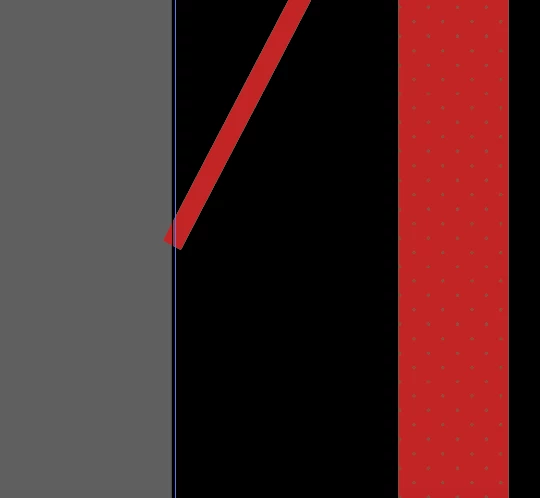


As the title describe, I want to hide my strokes outside the artboard.
Look at the pictures below:
Guessing you meant outside your artboard.
InDesign has a feature of Shift W to preview your art and Illustrator unfortunately does not have this feature.
You can though create a rectangle the size of the artboard on top of everything , select all, and make a mask.
If you do not like having to edit inside of a mask, create a new layer on top with 4 rectangles the color of the artboard to cover that up, and lock the layer.
Already have an account? Login
No account yet? Create an account
Enter your E-mail address. We'll send you an e-mail with instructions to reset your password.


 AdChoices