Known Participant
June 18, 2020
Answered

How to make 3D effect at Adobe Illustrator

  • June 18, 2020
  • 2 replies
  • 839 views

Hi

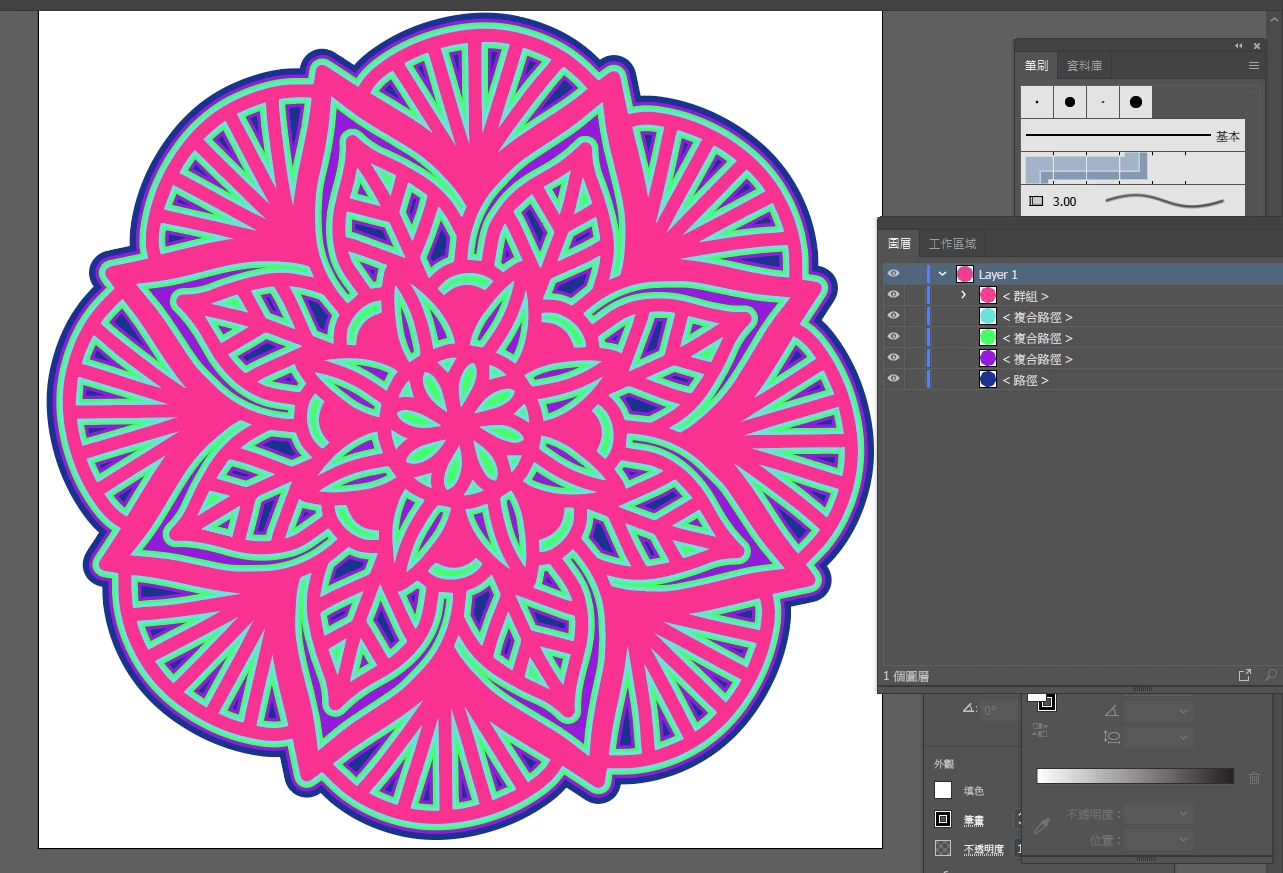
I have a graphic sent from somenody, the orginal is a plain AI with 5 layer, but he can export to PNG as 3D graphic (refer to pictures)


I tried use shadow filter at AI, BUT FAILED.


Can give me some hints/or tell me how to became the 3D effect .


Thanks


{Renamed by MOD}

This topic has been closed for replies.
Correct answer Doug A Roberts

Please try using Multiply mode instead of Soft Light for the shadow.

2 replies

Ashutosh_Mishra
Inspiring
June 26, 2020

Hi there,


Thanks for reaching out. I hope your issue is resolved by now. We'd appreciate if you can mark the most appropriate response correct. If you used any other method, we'd request sharing the solution with us. It'll help other users with similar concern.

If you still have issue, let us know so that we can help you out.

Looking forward to your response.


Regards,

Ashutosh

Doug A Roberts
Community Expert
Community Expert
June 18, 2020

When you say you failed to use shadow, what went wrong? What happened instead?


Can you share the AI file?

wkcalvinAuthor
Known Participant
June 18, 2020

Thank you, please help, picture 1 is AI, picture 2 is exported to PNG

You can see - NO 3D Effect AT ALL

Any idea ?

Doug A Roberts
Community Expert
Doug A RobertsCommunity ExpertCorrect answer
Community Expert
June 19, 2020

Please try using Multiply mode instead of Soft Light for the shadow.