

Answered
How to make a section of a line work image transparent?
Recently upgraded to the latest illustrator, I'm sure I used to be able to fill areas with transparent like it was a colour.
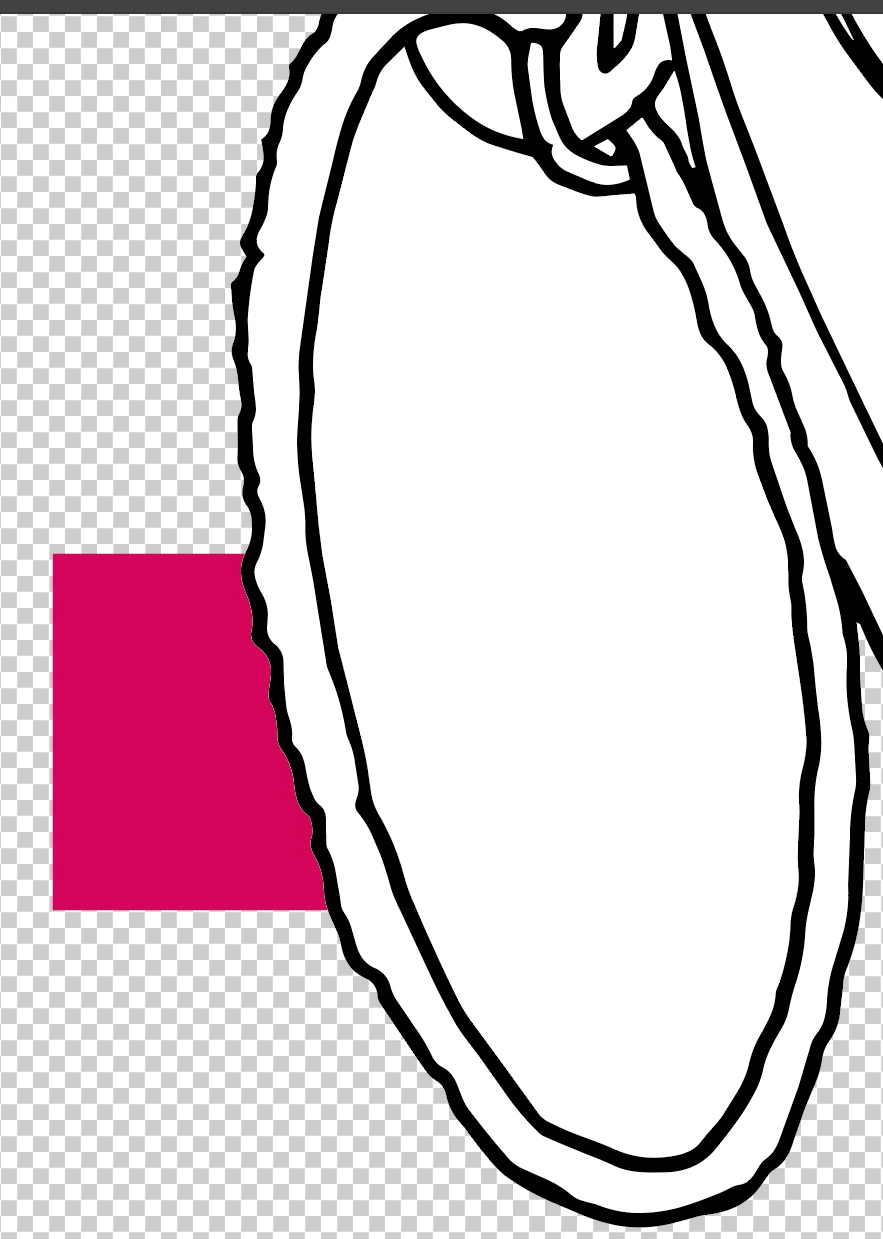
I can't seem to to do it in Illustrator CC. See image below. I'm trying to delete the white oval section in the centre of the line
work so you can see the transparent background & the pink square behind! Just the middle bit everything else is filled white.
I've tried the transparency box & altering the opacity but nothing seems to happen!
I presume theres a simple way, any pointers greatly appreciated!
Cheers
Ben
 AdChoices