
Participant
May 27, 2023
Answered

How to make a template for mirroring content at several artboards at once?

  • May 27, 2023
  • 1 reply
  • 617 views

Hi everybody, thank you in advance for your help!
I found some templates that allow you to create a pattern of symmetric shapes quickly. You draw one figure inside a square or triangle-shaped cell, filling the entire artboard with multiple reflections. Its site is called Madpattern dot com. 
I also found a guy, Mai tools, who collect patterns from such cells on ten artboards simultaneously, and it turns out that by drawing one piece of pattern in one cell, you can get ten different designs.
Question to Illustrator experts - do you know how this is implemented? I assume that clipper masks and reflection effects are used, but I need help understanding how exactly.
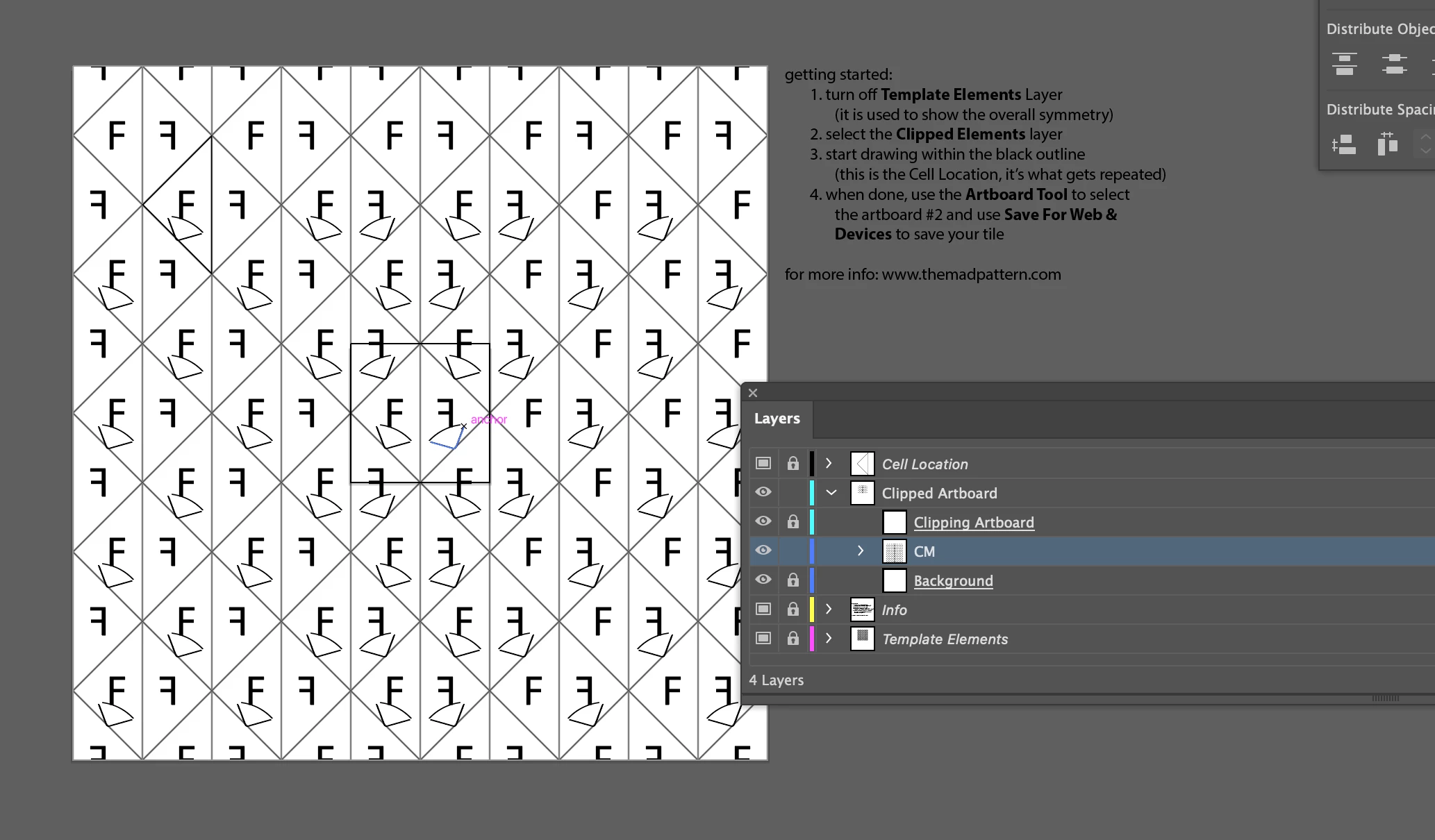
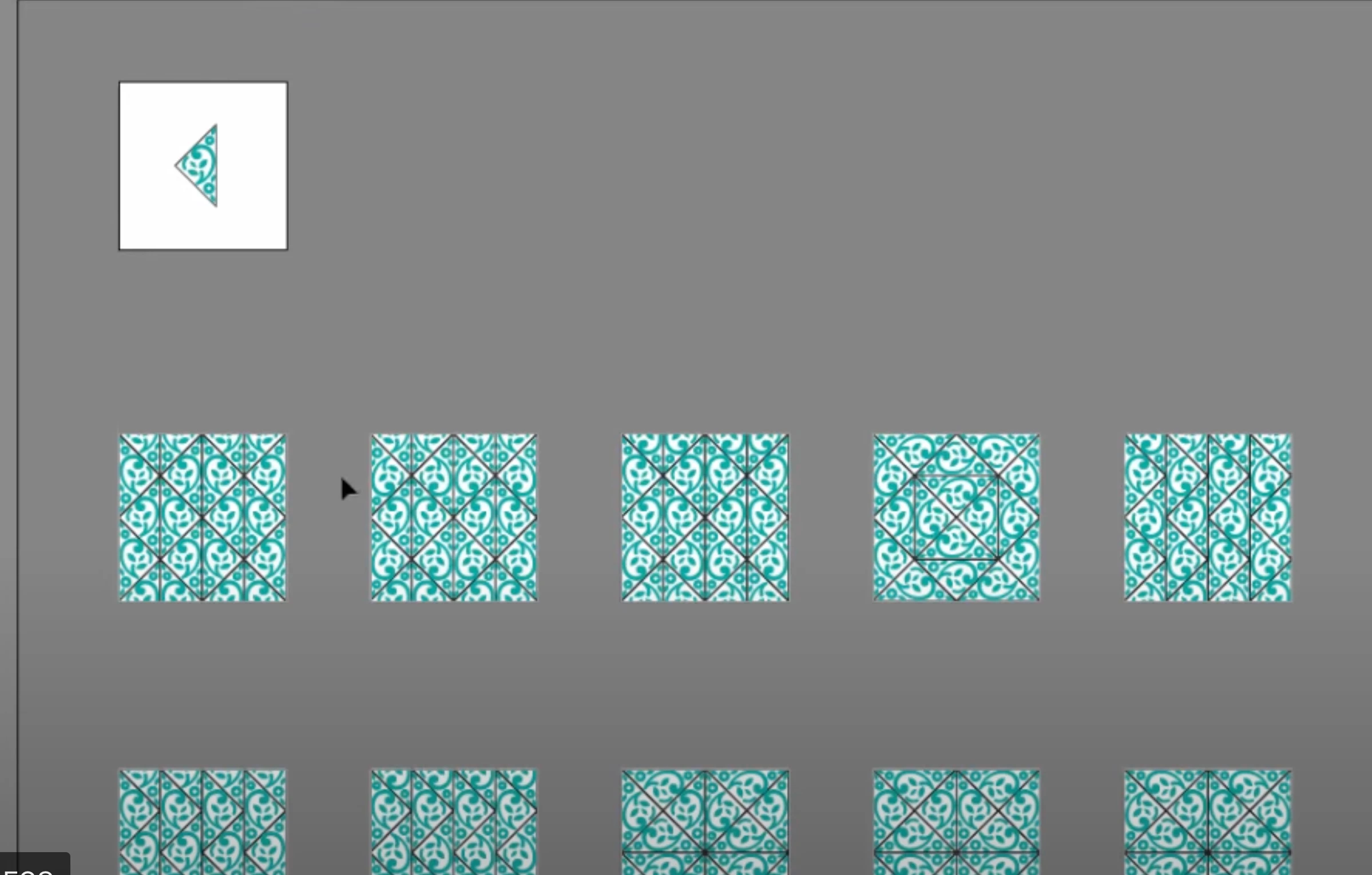


How can I make it so that I draw in one cell and its content is reflected all over the artboard depending on the scheme I created?

This topic has been closed for replies.
Correct answer Monika Gause

Madpattern uses the transform effect applied to layers. You see the circle (the target symbol) in the Layers panel. Click on it when it's showing grey. And then open the Appearance üpanel and check it out.

How to use the Appearance panel: https://www.youtube.com/watch?v=zXvRbN03MzQ&list=PLVqhHu3CSohWmNl9uzpSXXp58JTPohpOW&index=1 

1 reply

Monika Gause
Community Expert
Monika GauseCommunity ExpertCorrect answer
Community Expert
May 27, 2023

Madpattern uses the transform effect applied to layers. You see the circle (the target symbol) in the Layers panel. Click on it when it's showing grey. And then open the Appearance üpanel and check it out.

How to use the Appearance panel: https://www.youtube.com/watch?v=zXvRbN03MzQ&list=PLVqhHu3CSohWmNl9uzpSXXp58JTPohpOW&index=1 

Participant
May 27, 2023

Thank you, Monica - your answer is very constructive) I watched your video. It is also helpful) Now I'm looking for a method to apply transform effects on multiple artboards simultaneously.

Monika Gause
Community Expert
Community Expert
May 27, 2023

You can apply effects to the strokes or fills, the objects, and/or the layer. If you apply an effect to a layer, it will affect all the objects on that layer as if they were one object. The transform effect won't behave like "Transform each"