


How to Make an Inverted Clipping Mask from Another Shape?
Hi,
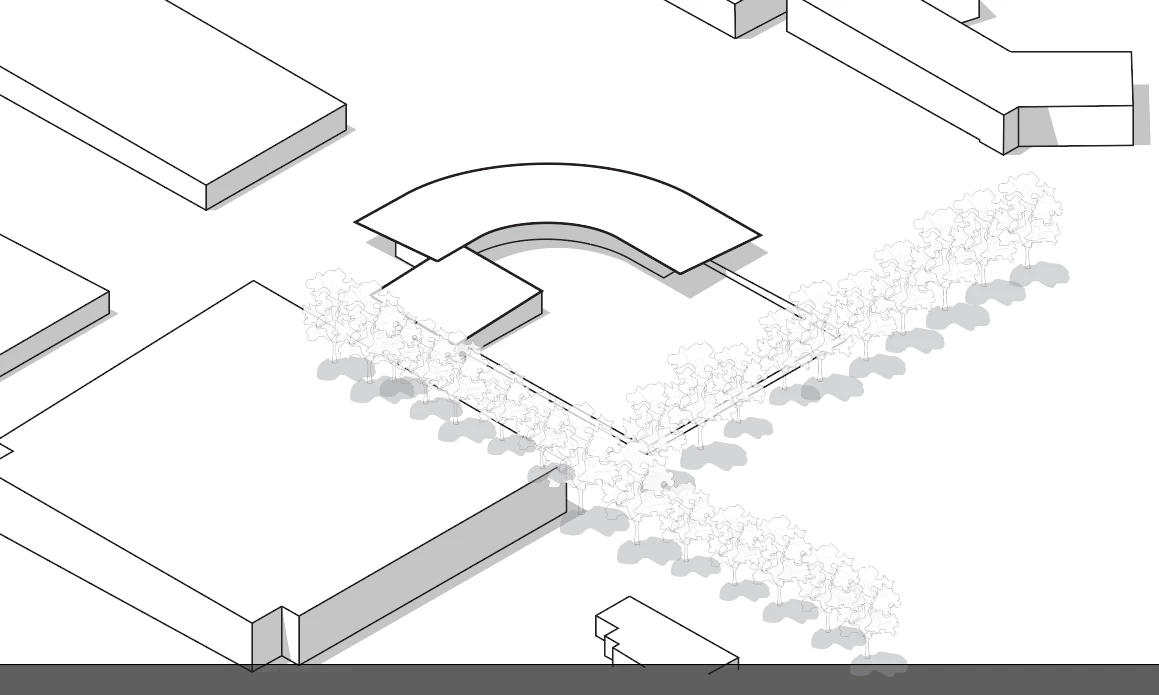
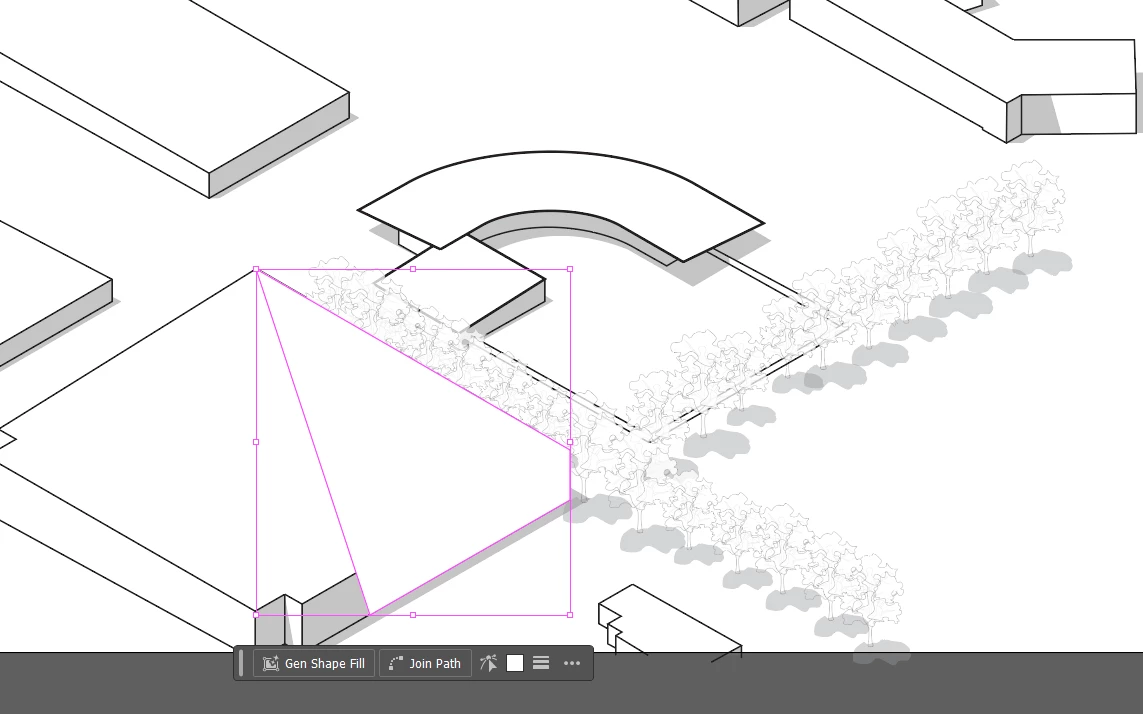
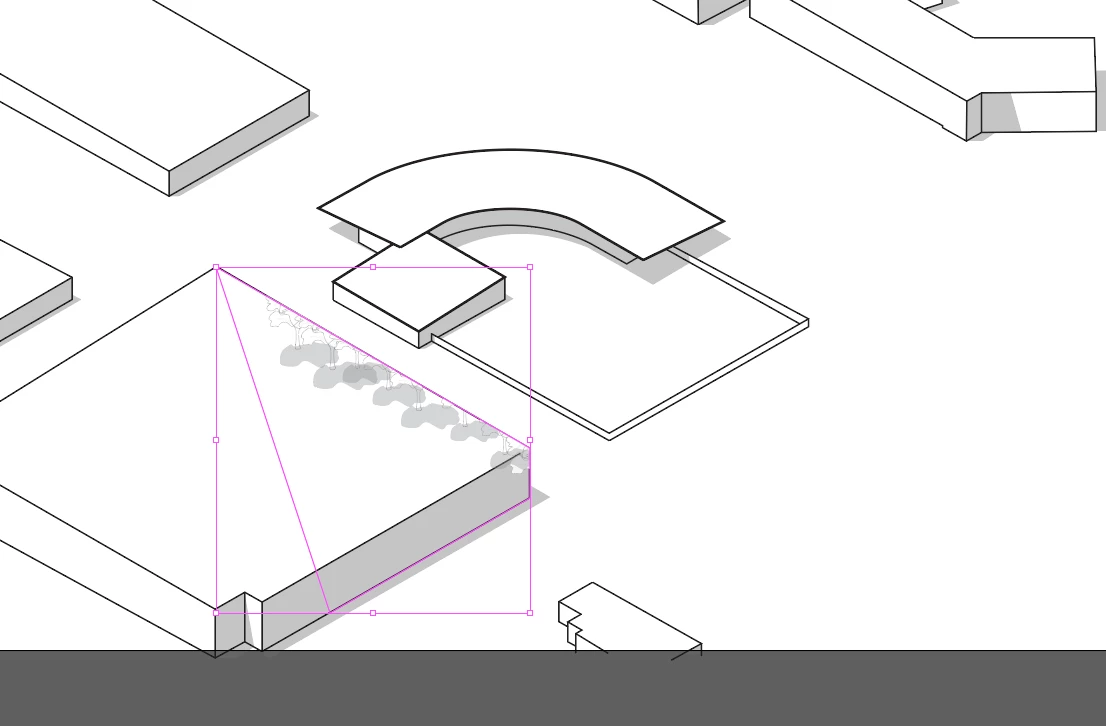
I'm working on a project where I have trees and buildings. There are trees throughout the image but I need them to fall behind the buildings and not sit above them. I would think that this would be a simple inverted clipping mask like I'd make in photoshop. How would I go about doing this by using another path shape as the mask. I'd like it to be made from a shape that I can easily edit so that I can adjust it later if I need to.
The Make Clipping Mask function only shows what is within the shape mask, and for my use case, this is rather inconvenient. I need it to be inverted/work the opposite way where it hides what is within the shape and shows the rest. I also need this to only happen within a layer such as I put it at the top of my "Trees" layer and it only clips the trees, not the buildnigs. I've attached some screenshots that hopeful.
Any help is great.

 AdChoices