
Answered
How to make blending objects into real shapes?
Hi, I just get to know about the blending tools in AI. I usually blending objects with specific steps, but now I'm wondering whether I can make the steps in blending into editable shapes, here is what I mean:
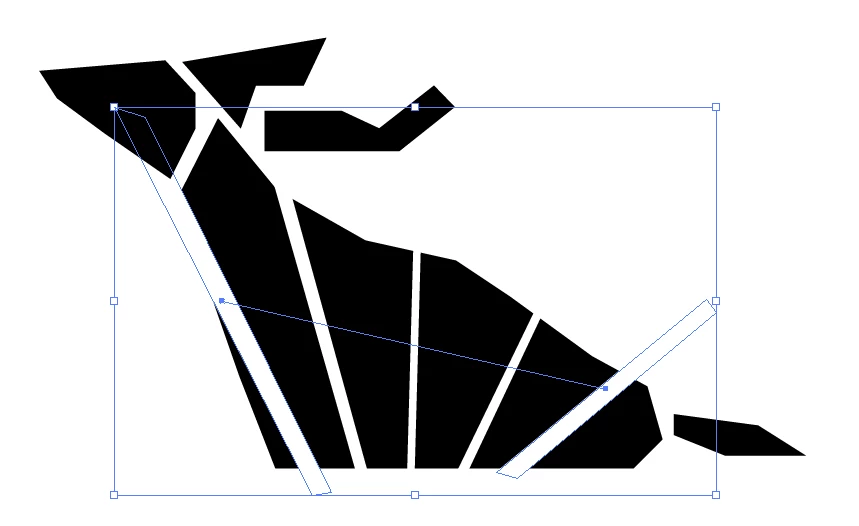
As you can see that the gaps between the black shape of a deer are actually the blending objects of two white shapes. If I move it into backgrounds in other colors, it will give away. I want to make the blending in to editable shapes so I can use shape builder to cut the black shape into individual small parts. How can I do it, or how can I do other things to get the same result?


 AdChoices