


How to make evenly spaced, rounded corner rectangular border?
This is a multi-part question.
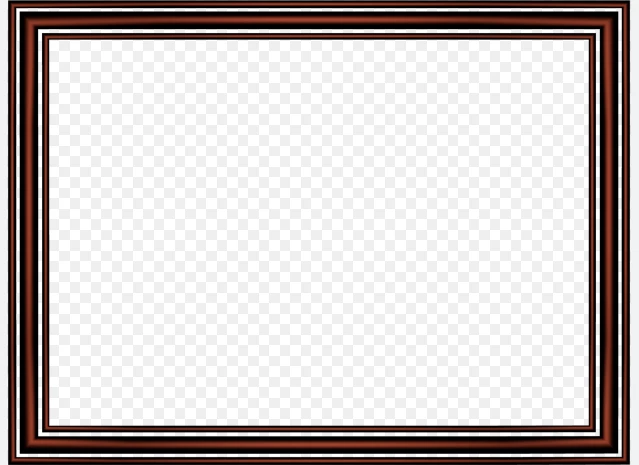
1) I am trying to make a border with multiple rectangles with in. Like the image below, except I want all the rectangles evenly spaced and the same width.
I cannot find a way to get it precisely even. When I used the distribute spacing tool, it does this, which is clearly not even spacing.
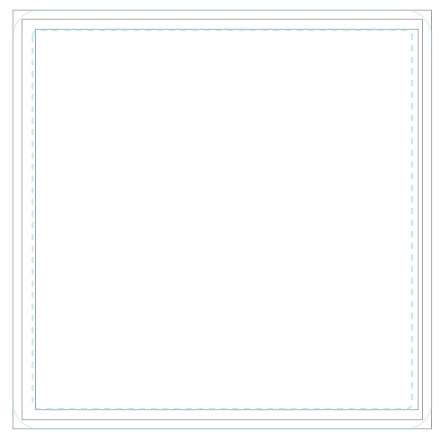
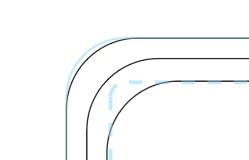
2) I want the corners to be rounded as these will be going on coasters and those are the dimension I need to follow. If I pull all the corners in at the same time, will that still retain the equal spacing? I ask because, when I do this, it almost seems like the closer the rectangle is to the center, the more I need to pull the corners in because the angle is not the same as the outward rectangle. But maybe I'm just imagining things.
 AdChoices