Known Participant
July 2, 2025
Answered

How to make isometric following line brush?

  • July 2, 2025
  • 1 reply
  • 207 views

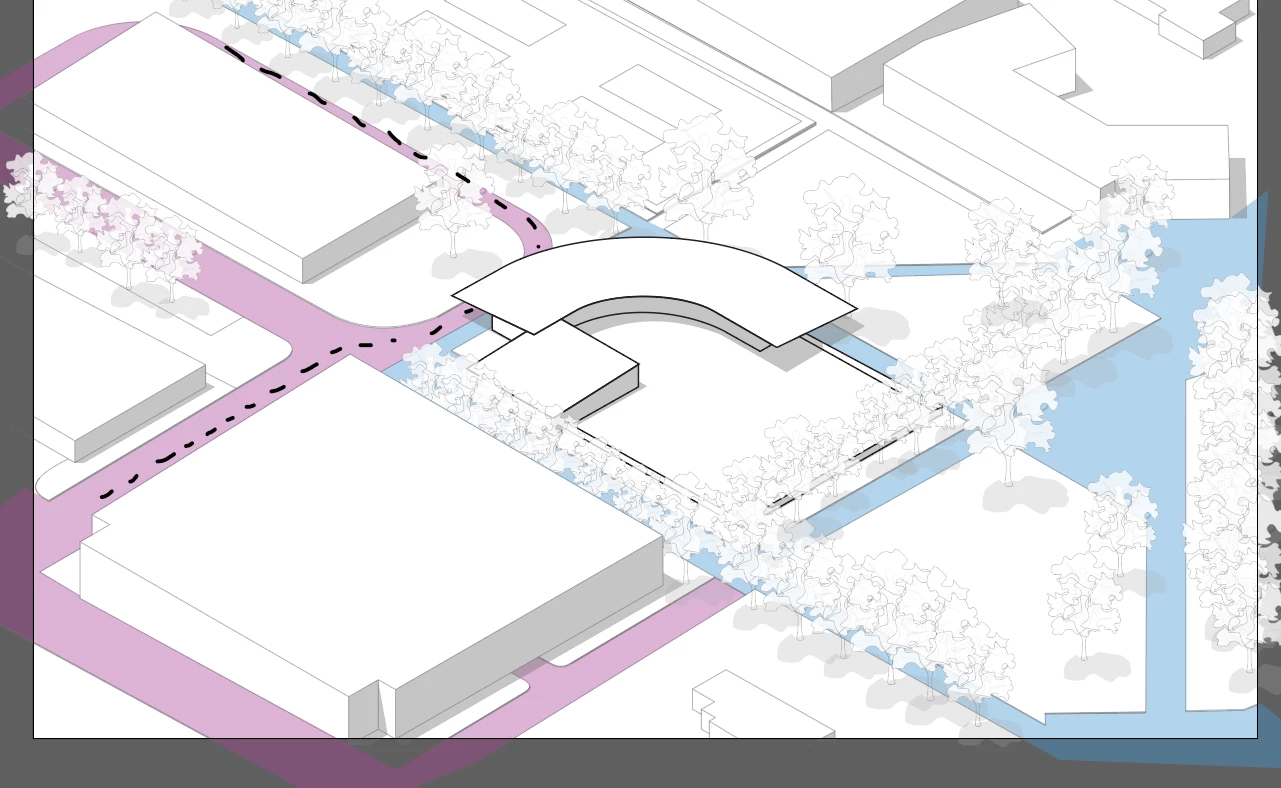
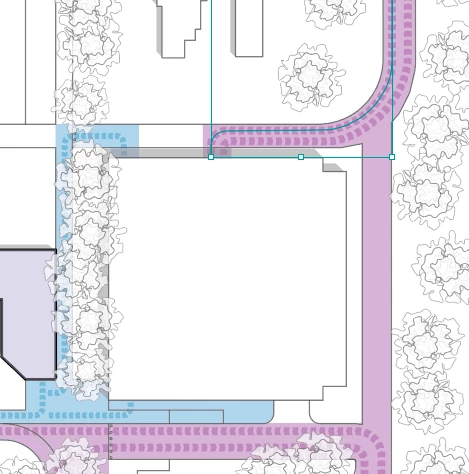
I'm trying to match a feature between a plan drawing and an isometric drawing that shows the direction of travel. I've uploaded some screenshots to try and show and illustrate what I'm trying to do.


What would be the best way of doing this?


I don't want to manually draw the arrows if I can avoid it, and it would be great if there was some way to create a scatter brush like thing. I made a brush for the plan drawing where I could just draw the line I want and the arrow shapes populate from that. As an additional challenge, there will be arrows going in every direction and so I'm not sure how to go about this since I'm essentially trying to emulate the isometric perspective on a 3d object.


Any help is great!


Correct answer Doug A Roberts

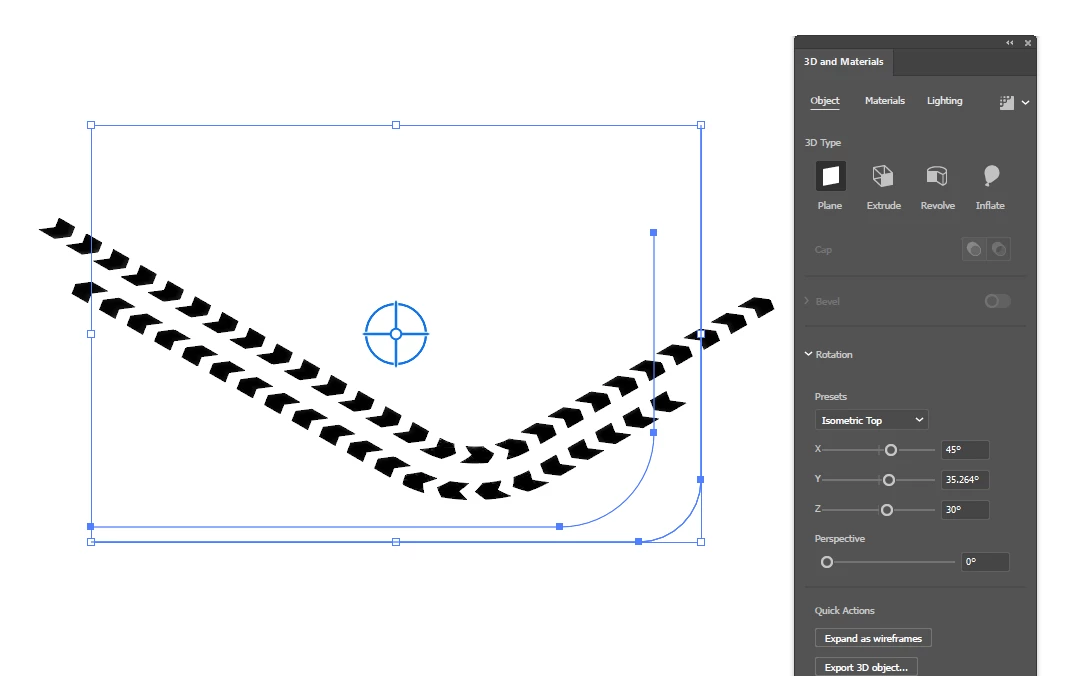
You could use the 3D rotate effect with isometric transformations:

It's a bit trial-and-error though since you'd still be drawing things on the flat plane.

1 reply

Doug A Roberts
Community Expert
Doug A RobertsCommunity ExpertCorrect answer
Community Expert
July 2, 2025

You could use the 3D rotate effect with isometric transformations:

It's a bit trial-and-error though since you'd still be drawing things on the flat plane.

dane_7051Author
Known Participant
July 2, 2025

Great, thank you! That works nearly perfectly, and you're right, a lot of trial and error. Do you know of a workflow that will allow for object transparency? My path arrows ideally are about 80% tansparent and it appears that the 3D axo modification rasterizes them and gets rid of any transparency. This isn't a deal breaker as it does give the axonometric affect I'm looking for.