Answered
How to make the tools large?
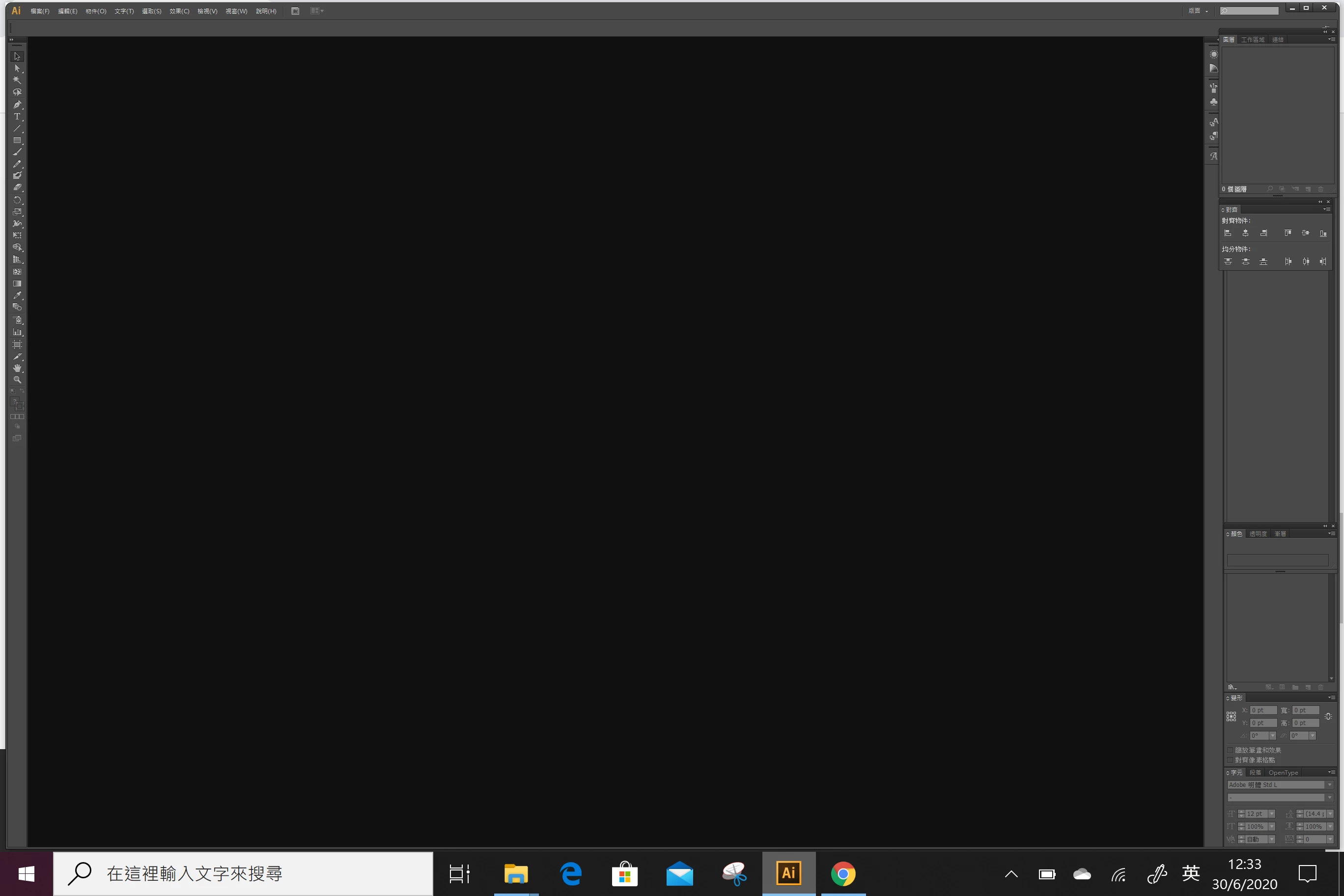
Hello, I am a beginner. I just install CS6 and open the AI. I saw the screen like this. I can not see clear all the tools. How I can make the tools large?
Hello, I am a beginner. I just install CS6 and open the AI. I saw the screen like this. I can not see clear all the tools. How I can make the tools large?
It's not possible. CS6 does not support High-DPI screens on Windows, it only ever had limited Retina support on the Mac side. You need to use a newer version of AI or change your actual system screen resolution to compensate.
Mylenium
Already have an account? Login
Enter your E-mail address. We'll send you an e-mail with instructions to reset your password.
 AdChoices