Answered
How to make this wheel into separate shapes?
Hello,
Does anyone know how to make each of these into separate shapes that I can move around and change colours? It's supposed to be like a colour wheel.
Thank you! 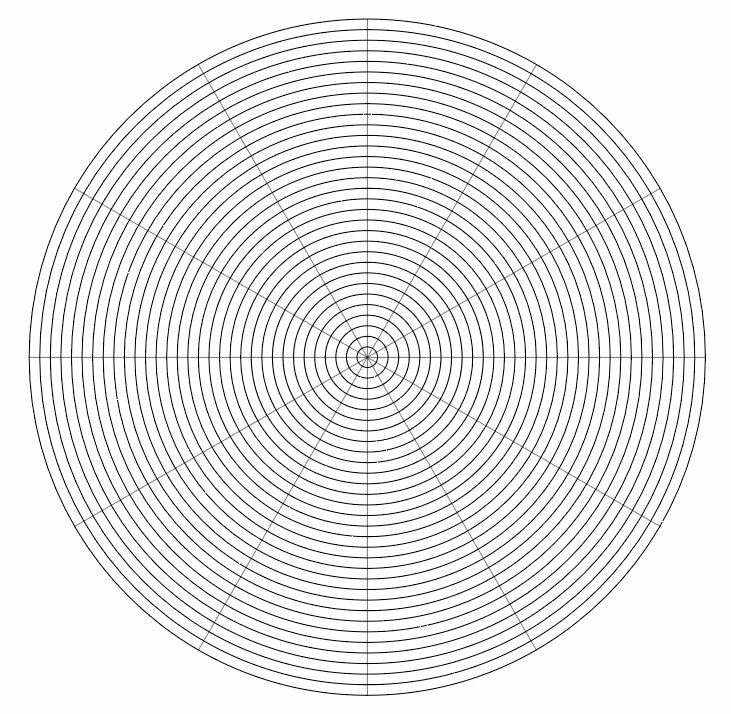

Hello,
Does anyone know how to make each of these into separate shapes that I can move around and change colours? It's supposed to be like a colour wheel.
Thank you!
How did you create this shape ? Using the polar grid tool? If so, then select the object with the selection tool then use the paint bucket tool ( K ) , make sure you select one of the colors from the swatch panel ,
start clickong over each segment , the tool tip will show up three color swatches where you can use to swap the colors using the keyboard arrows to go to next/ previous colors .
once you finished, click on. The expand button in the control bar. Then ungroup them
Already have an account? Login
Enter your E-mail address. We'll send you an e-mail with instructions to reset your password.
 AdChoices