

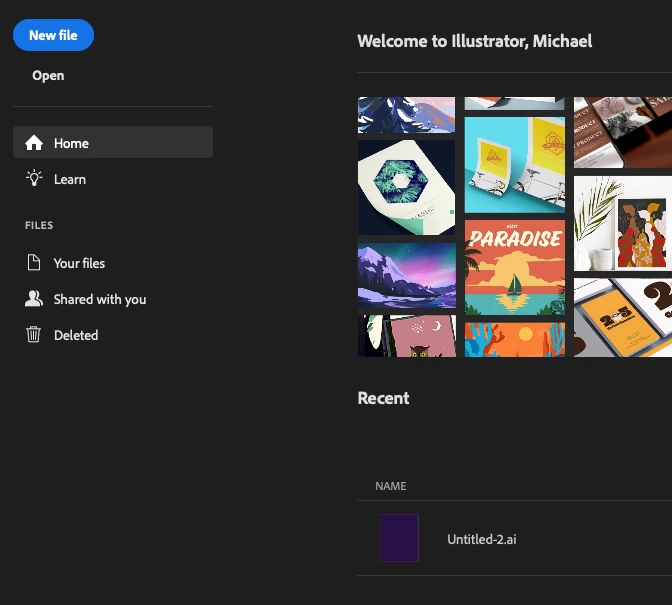
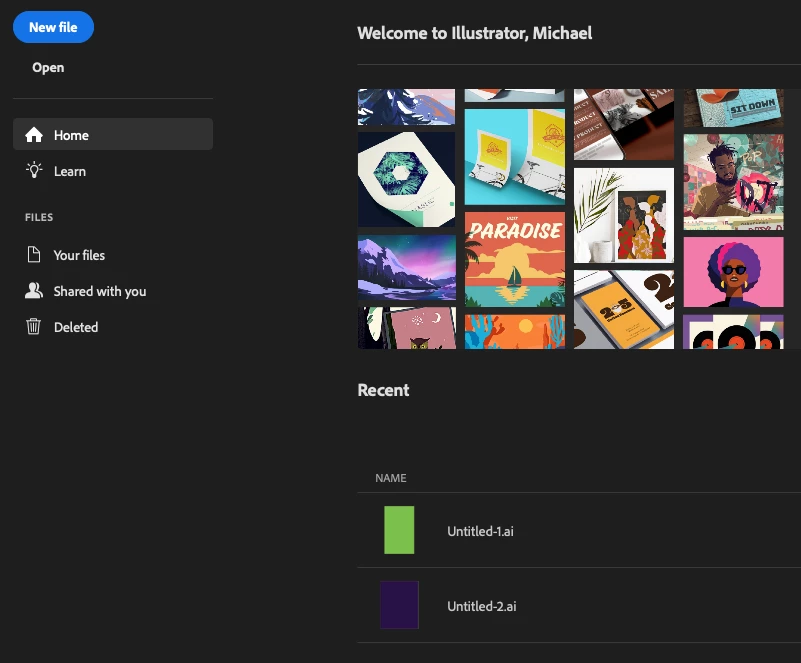
How to manage items shown in the .ai > Home > Recent screen?
How to manage items shown in the .ai > Home > Recent screen?
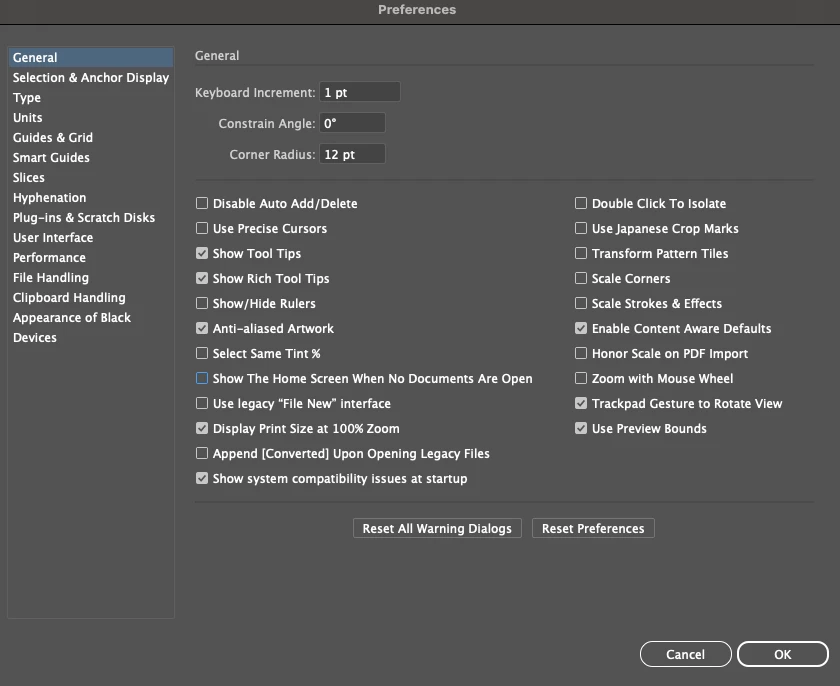
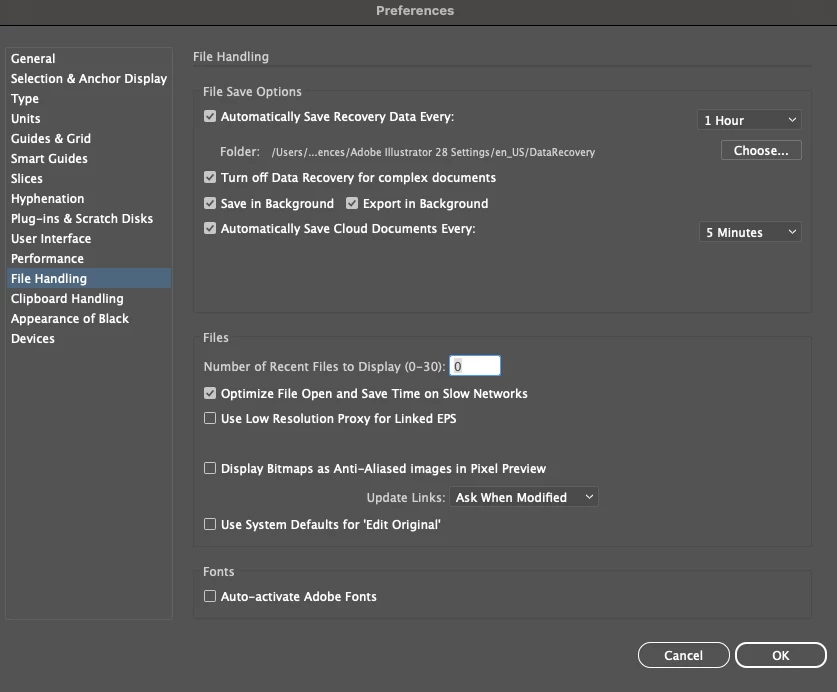
This is driving me nuts. I want to control what files are shown on the Home > Recent screen.
I created this note to myself about managing this situation:
How to find Adobe Illustrator documents to Open or to Delete from ai Home page
Answer:
When you open Documents > Pictures > Ai document icons
Note: under the Ai icon you will read the name of the document you saved. Then open what you need by clicking upon the Ai icon of your choosing.
Or delete that file
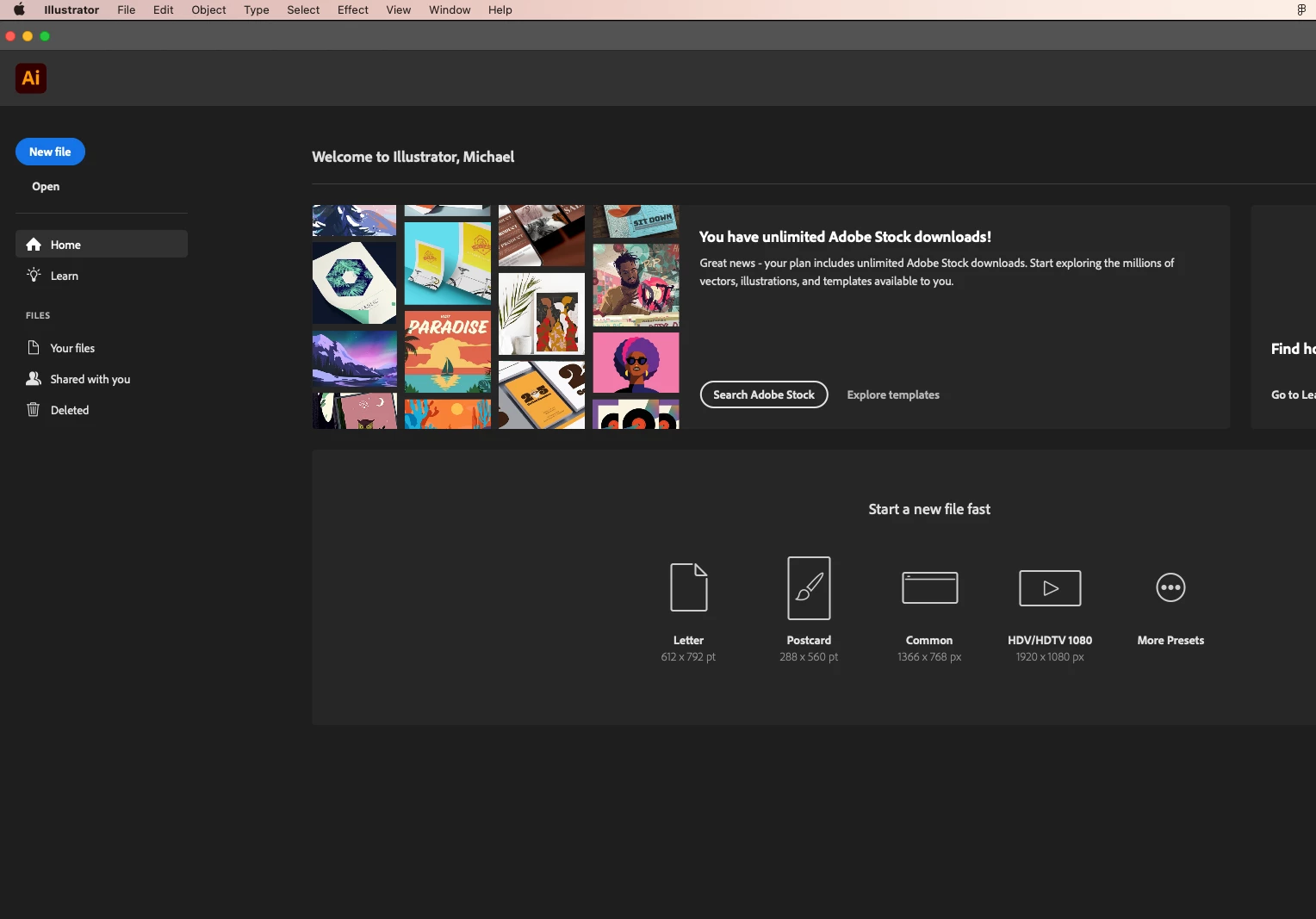
Now, if I open my .ai then when I see the Recent files, I don't want to see any files I deleted.
I am not sure if I am doing this correctly.
Here's the reason:
If a file is no longer needed -- for whatever the reason -- then I don't want to see it anymore in my Recent files.
I recently tried using images from a company called Vecteezy.com and, when I found out how their licensing terms were, I decided this company and their images was not for me. Why? Because currently I am new to even considering the use of online images in a website that I've been building, which I will soon be launching, and I have no way of knowing how many views a particular image is going to get, which Vecteezy said is my responsibility to know. When my website launches and goes worldwide, I have no way to know or control how many views this company's images is going to tally. I didn't like that risk. I didn't even like their buy their file rates, which still had more limitations. Who needs to worry about that? I am too new to even considering the use of online images to worry about Views. // I also spoke to Adobe Stock and found a much better deal for my objectives, especially with my upcoming website. It seems Adobe Stock gives a much better and safer deal.
But I want to get Vecteezy' images on any file I used with their images off my Recent screen. This way I don't make an unintentional error uses any of their images.


 AdChoices