

How to merge images in Illustrator
I am very familiar with Photoshop and Muse, however, I am new to Illustrator. I have an svg graphic that was created in SolidWorks that I need to use in Illustrator to create a new logo for a client. The final output still needs to be a svg because the graphic I am creating will be a large banner and very large floor logo. For some reason, they created the SolidWorks graphic in 4 parts. These 4 parts are vector [images] in Illustrator. I need these 4 vector [images] to become one, because every time I create an svg file, these 4 separate vector [images] are divided and appear to have transparent space between each of them (even though they don't on my screen in Illustrator. I just need them to combine into one so the resulting vector will be ONE unit that I can use in other graphics I am creating for my client in Illustrator.
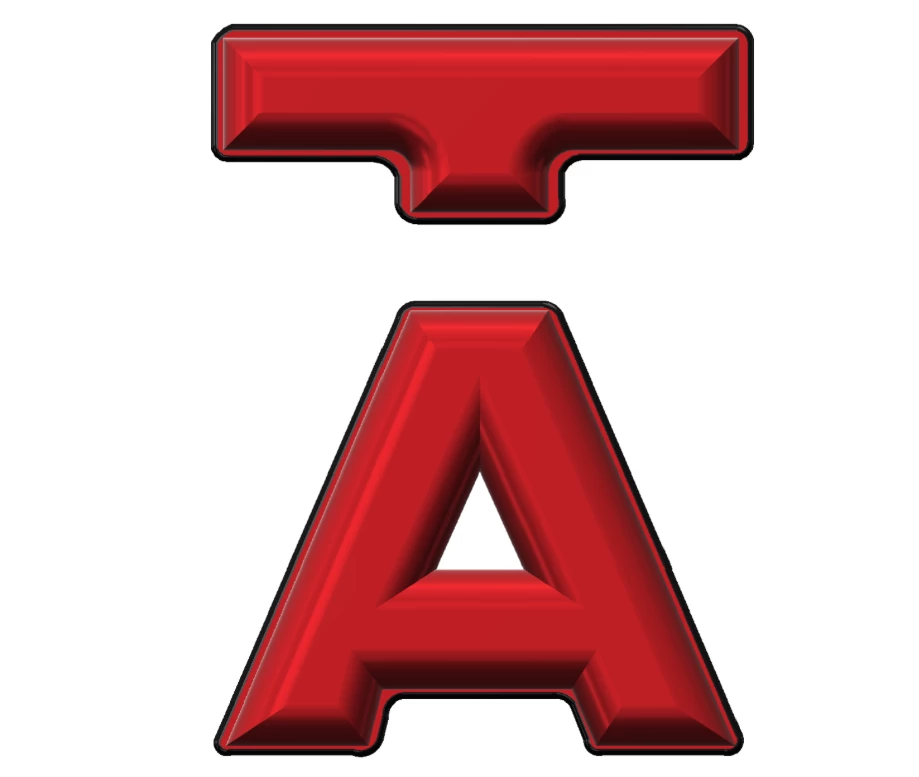
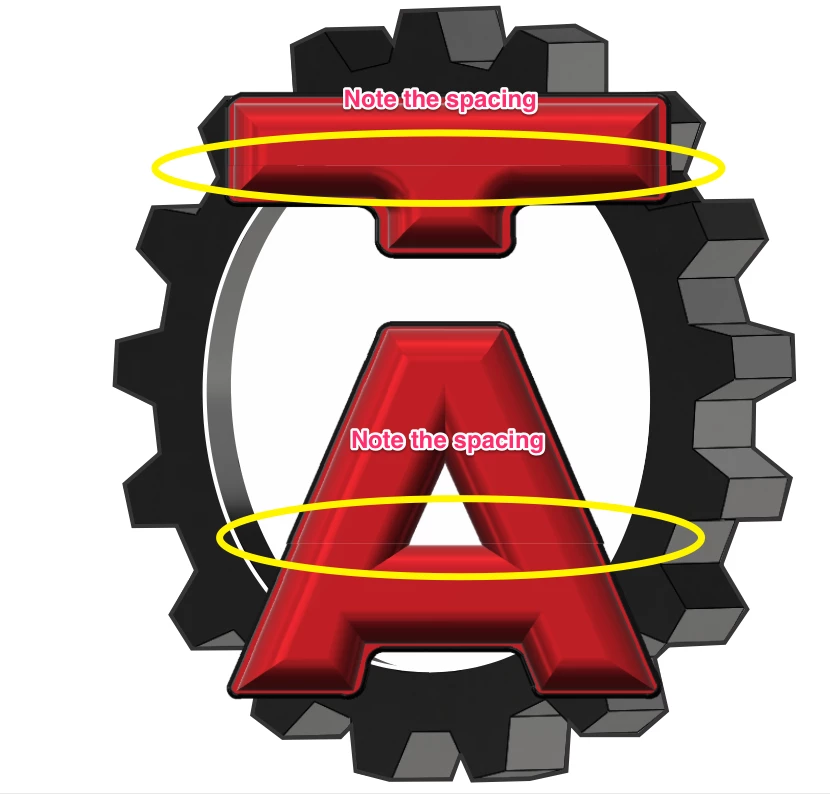
I have attached two pics. One screenshot of how the svg should look. One with the svg added into another graphic I'm working on (with annotations). Note the spacing when the svg is added to the other graphic. A lot of times, the spacing is even more pronounced.
 AdChoices