


How to model a smooth curved 3D form and export a clean wireframe?
- 3 replies
- 425 views
- Translate
Hi, I’m trying to create a particular curved 3D form and then generate a clean wireframe from it, but I’m having trouble getting the exact shape.
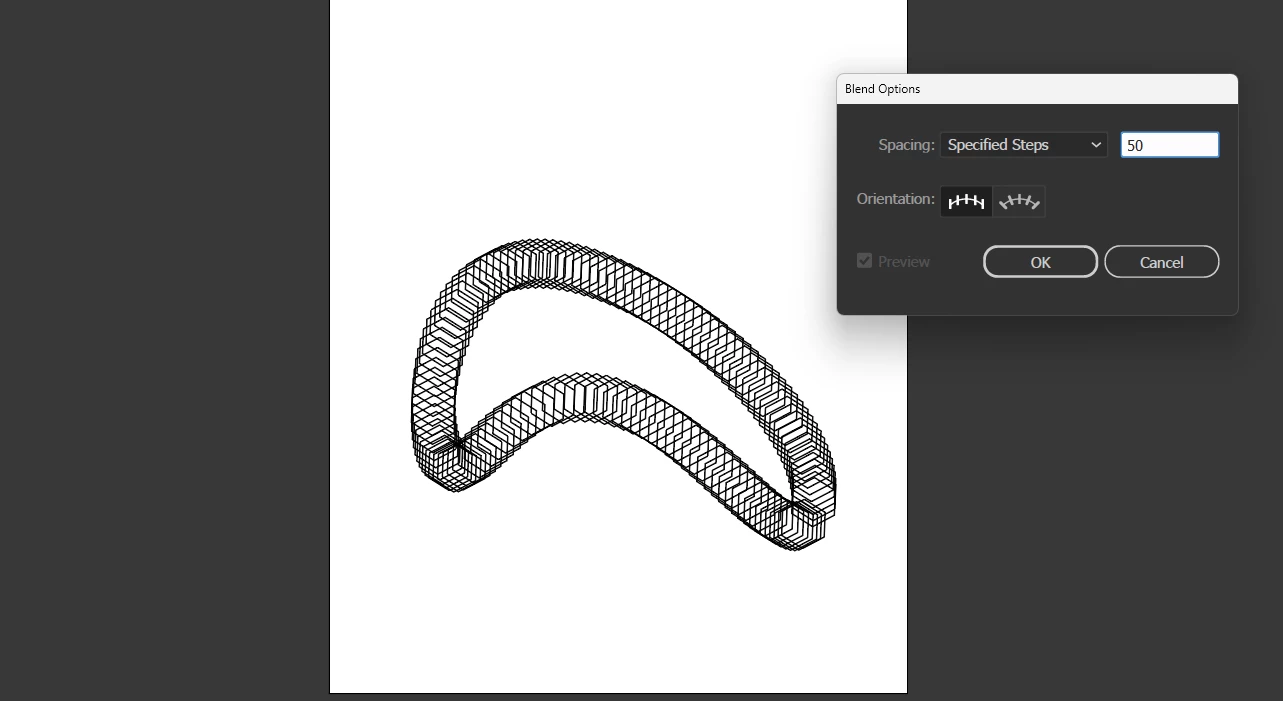
The first image (attached) is my ideal result—a smooth, volumetric arc-like structure with continuous curvature and evenly spaced wireframe subdivisions.
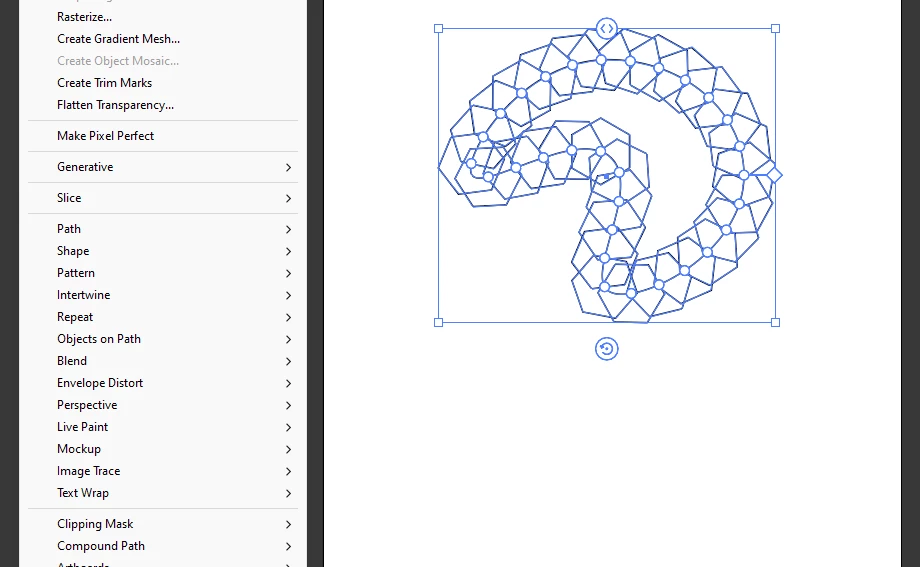
I tried recreating it in Illustrator by drawing the 2D curved path first (second image), then attempting a 3D extrusion and mesh/wireframe conversion (third image), but it never becomes as smooth or evenly subdivided as the example. The edges become irregular, the mesh density varies, and the topology doesn’t flow correctly around the curve.
What I need help with:
- How can I correctly model this kind of continuous, ribbon-like curved volume?
- Should I be creating this shape in Illustrator, or do I need to start in another tool (Blender, Cinema 4D, Rhino, etc.)?
- After creating the form, how do I export it in a clean wireframe style (vector-friendly if possible)?
- Is there a workflow to generate evenly spaced subdivisions along bending paths, instead of jagged or stretched segments?
My goal is a smooth 3D wireframe object that maintains even geometry along the full curve so I can later stylize it and scale it without resolution issues.
Any suggestions, detailed workflows, or recommended software would be extremely helpful. Thank you!

 AdChoices