leighs10273013
Participant
November 2, 2017
Answered

How to move clip groupped objects to another layer?

  • November 2, 2017
  • 2 replies
  • 2520 views

Hi all,

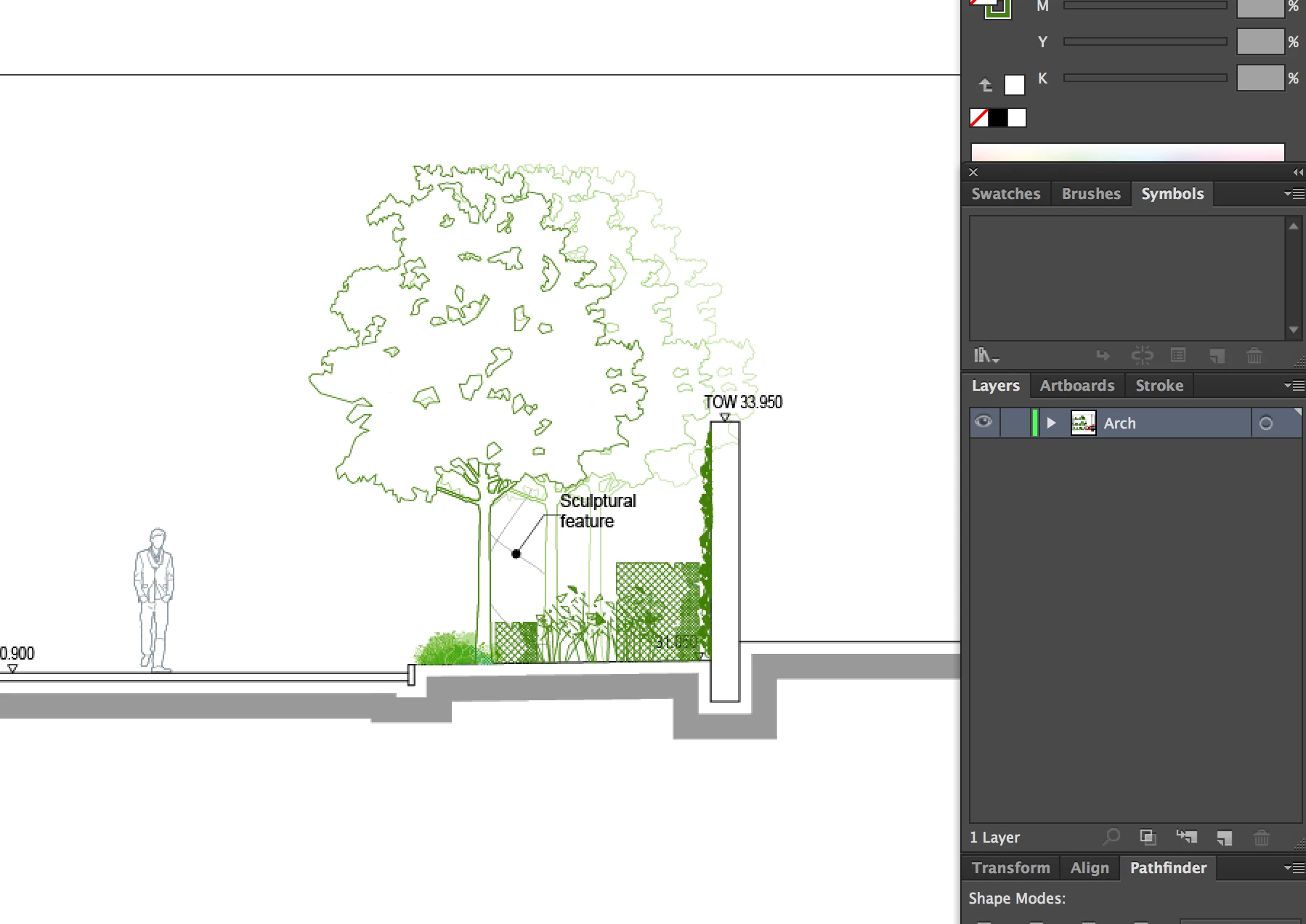
I have a PDF file which has lots of different architectural elements, and the elements need to be placed in different layers. (All items are in one layer at the stage) For example, I want to put trees and bushes in one layer, numbers, and text in another layer...

The problem is that the elements are in different clip groups. I did Select>Same to select similar objects, but when I do Object>arrange to move objects to another the layer, I end up moving the entire elements in one layer to another. I am attaching some pictures to help you understand.

Can anyone tell me what I need to do? I am quite new to illustrator, so it will be much appreciated if somebody can explain it step by step.

Thank you very much in advance!

This topic has been closed for replies.
Correct answer Monika Gause

You can release the clipping mask.

Or select objects using the direct selection tool or group selection tool.

Then cut and paste to a new layer.

Or you could use the layer panel to move objects to a different layer.

Please read about the layer panel in the documentation.

How to use and edit clipping masks in Illustrator

How to use layers in Illustrator

2 replies

leighs10273013
Participant
February 9, 2018

Thank you Monika,

I left a thank you reply when I saw your answer, but it seems like it wasn't posted. It's bit late to say it but it helped a lot!

Monika Gause
Community Expert
Monika GauseCommunity ExpertCorrect answer
Community Expert
November 2, 2017

You can release the clipping mask.

Or select objects using the direct selection tool or group selection tool.

Then cut and paste to a new layer.

Or you could use the layer panel to move objects to a different layer.

Please read about the layer panel in the documentation.

How to use and edit clipping masks in Illustrator

How to use layers in Illustrator

leighs10273013
Participant
February 9, 2018

Thank you Monika,

I left a thank you reply when I saw your answer, but it seems like it wasn't posted. It's bit late to say it but it helped a lot!