
How to open small artwork, rotate, scale up to edit, then scale back and rotate to original size?
I have a really hard time trying to rotate and scale back edited shapes to their original size. Is there any way to do this so they are precisely as they were, rather than eyeball it?
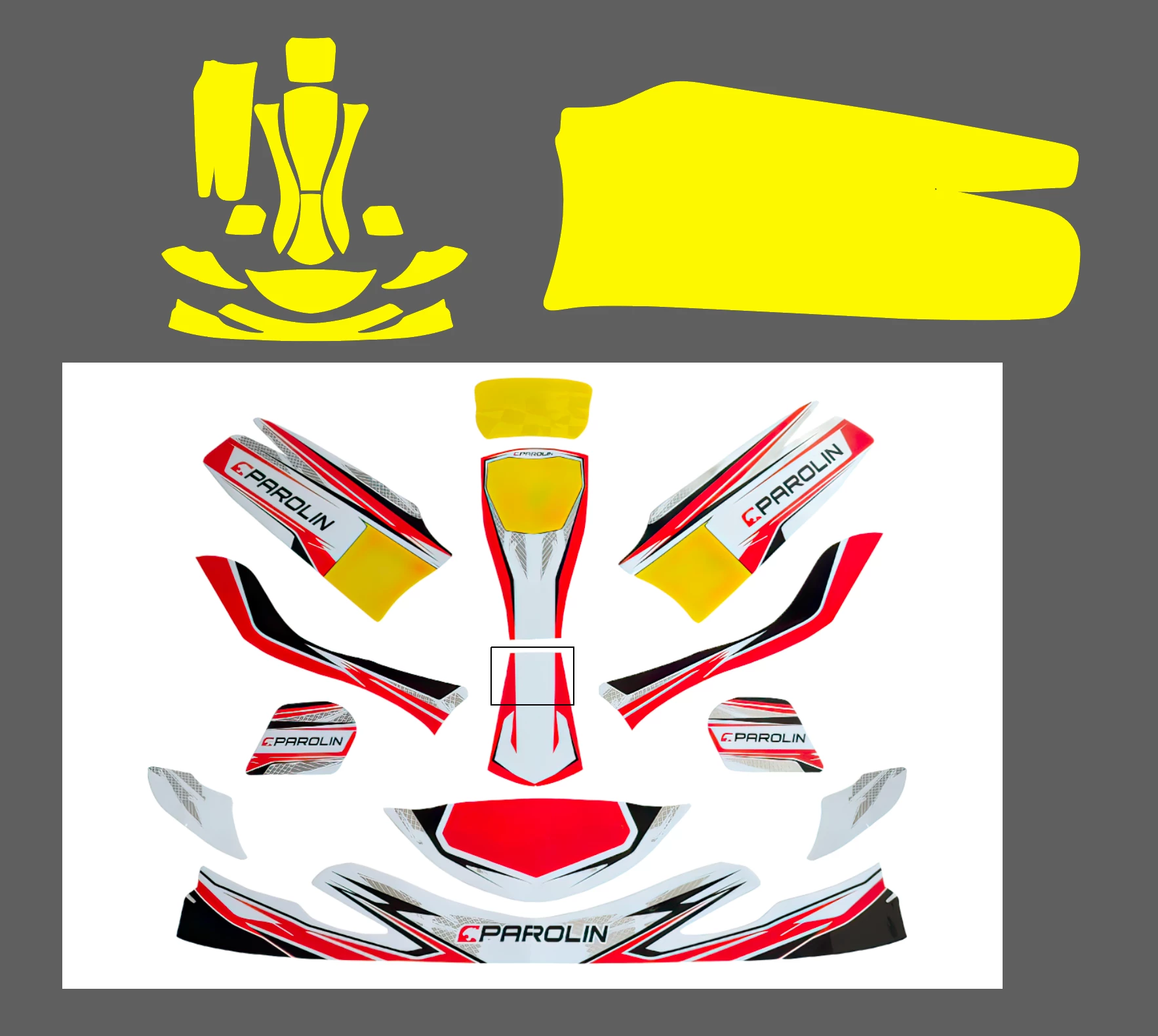
I have a template for Go Kart panels decal. It's not very convenient to work with some of the panels when they are upside down and small in size. So I want to rotate them, scale them up, do all the changes, then scale them back down to their original size.
Given their shapes are very uneven and rotation is not exactly 45 or 90 degrees, i just rotate them free hand till they become easy to work with, it's hard to get back to their original size, because if they are not exactly 100% rotated back how they were, scaling them down produce differences in size.
Is there some way to snap it back (I don't have a better word) so no matter what the orientation or size it gets back and fits nicely to its original size?
Thank you for taking the time to read, appreciate any tips on how to go about it.
Best regards
 AdChoices