
How to optimize heavy symbol usage
I use Symbols heavily to draw heavily-repeated objects on boardgame maps. It's a common piece of advice to do that, since Symbols can reduce file size. However, I'm not so sure about that.
Below is a screen shot of a section of Rubble. It's basically a Scatter Brush that throws the same Rubble symbol around, scaling and coloring and rotating it. (Actually, no - it's two separate Rubble brushes, each of which uses a different colored symbol, because the Scatter Brush doesn't know how to change symbol tints. But as much as I wish Adobe would fix that, there's ways around that, no worries).
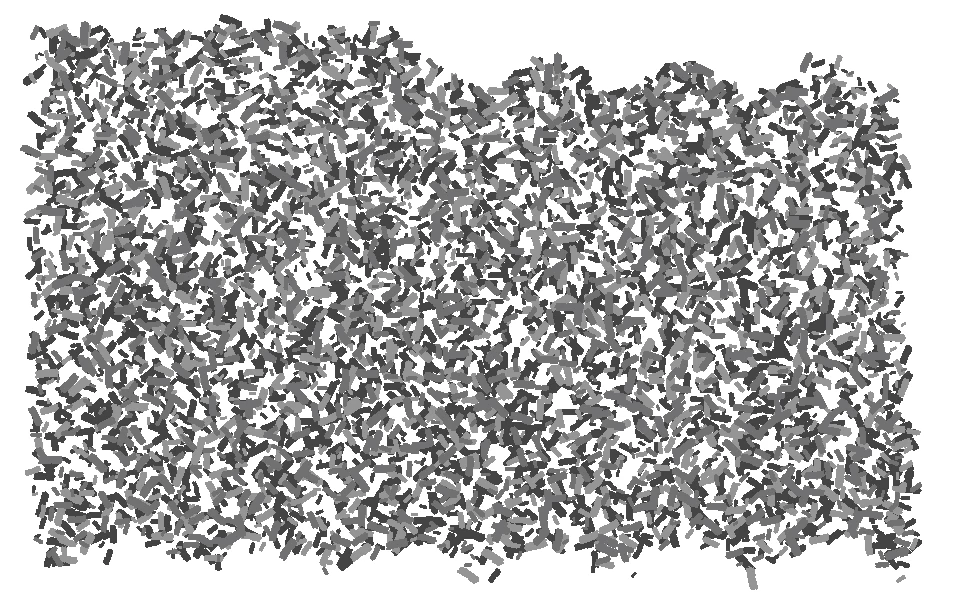
So, the version of this done with a Scatter Brush is 2211 Kb. If I expand the brush to create a ton of small bits of individually-filled Rubble paths (deleting the bounding box that got put around each Symbol as it was expanded), the file size goes to 1805 Kb. Huh? I thought Symbols were supposed to be more efficient than Paths?
Then, if I make a Symbol out of an individual bit of rubble (just one of those blobs you see above) and use the wonderful Copy To Multiple Objects script, I can replace all of those individual rubble bits with a rubble symbol. THAT file size is 2527 Kb.
So... what's up here? I thought Symbols were supposed to be more efficient for this kind of thing.
TIA
Tom
 AdChoices