How to Packaging and Install zxp For Illustrator cc 2015.3 and CC 2017
Dear Friends,
I am trying to package and install zxp in Illustrator cc 2015.3 .
I just try a simple extension which is come with create new extension project in Eclipse.
It works fine on Illustrator CC Version.Please see the Image Given below.
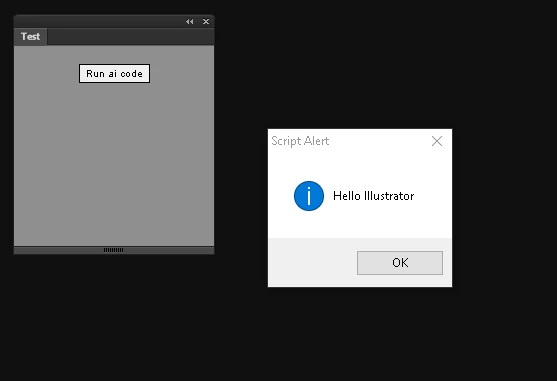
But Changed the Target Illustrator Application to CC 2015.3 to Run in CC 2015.3 in Preference menu.
Then i try to Debug As>Adobe illustrator Extension in eclipse.
The Illustrator CC 2015.3 is opened.
But my extension in not shown in Window>Extentension Menu.
I have try with copying My Sample extension folder to the location C:\Program Files (x86)\Common Files\Adobe\CEP\extensions.
But the Extension is not shown.please see the Image given below
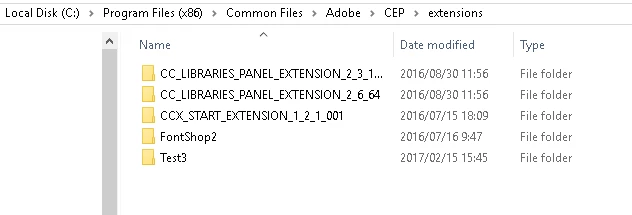
But FontShop2 Extension is shown in Window>Extentension Menu of Illustrator CC 2015.3.
I read the below thread and found CC Extension Manager Will not support install extension for CC 2017
Adobe Extension manager not working on CC2017
So I am trying to install My Extension Using Anastasly's Extension Manager.
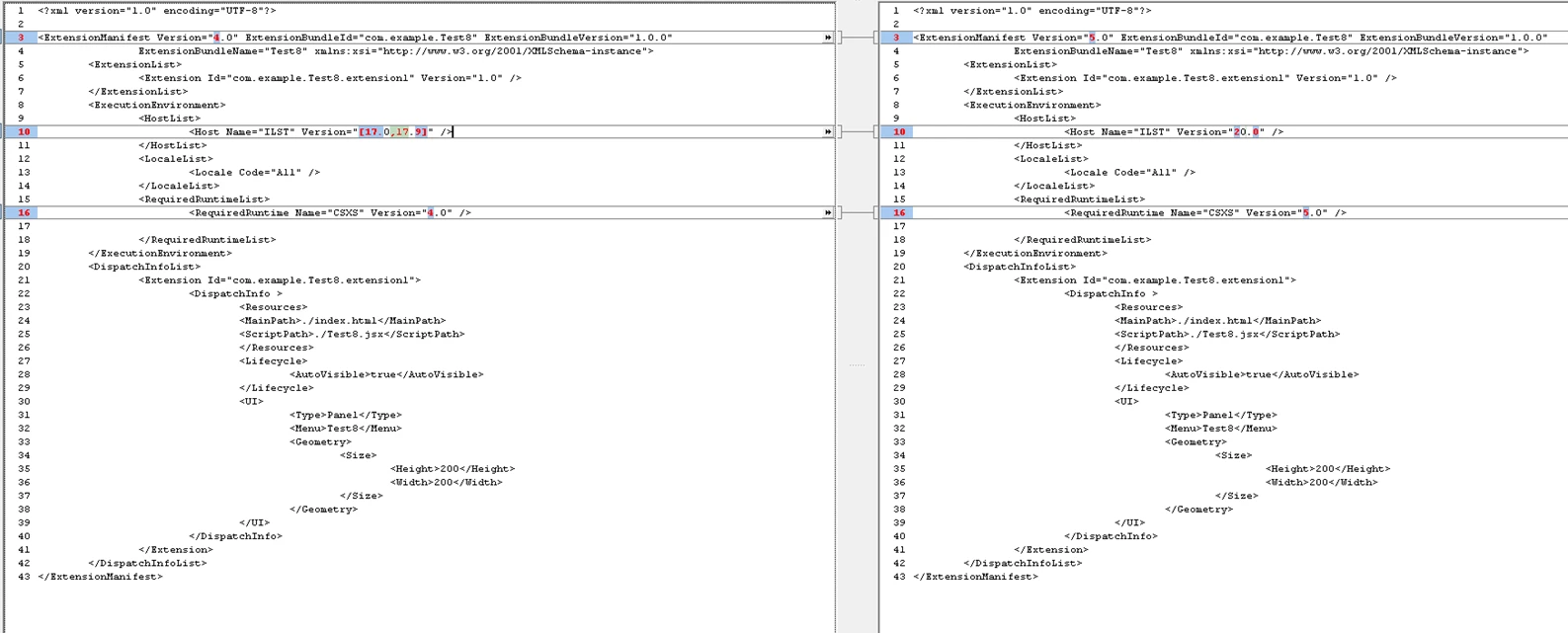
My extension is Not Installed in CC 2015.3 .The Target illustrator for my extension is is 2015.3.But The extension is installed only in CC .This is the Problem. I think I have a mistake in Packaging extension.But I cant Find and solve the problem.
please note that the settings I have Used in eclipse for the CC 2015.3 extension,
Target Illustrator Application is CC 2015.3 .
Service Manager Root directory is shown as;C:\Program Files (x86)\Common Files\Adobe\CEPServiceManager4
I installed eclipse and Extension builder 3 by the steps given the Following link: Extension Builder 3 | create HTML extensions for CC applications - Adobe Labs .
Please give your suggestion to solve this problem.
Thank You Friend,
Nathan
 AdChoices