Participating Frequently
August 13, 2026
Question

How to place a grid and cut a png/jpg evenly in Ai

  • August 13, 2026
  • 1 reply
  • 7 views

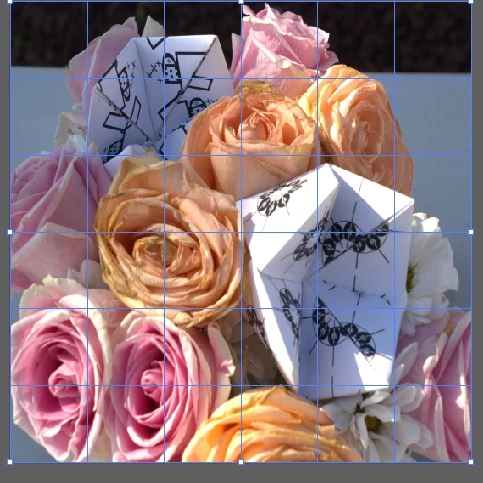
I am trying to cut this image with the grid tool and divide it evenly. It is a png but I do not know how to vectorize something like this. Is there a tool in Ai or the suite that can cut this up? Thank you.

 

    1 reply

    Ton Frederiks
    Community Expert
    Community Expert
    August 13, 2026

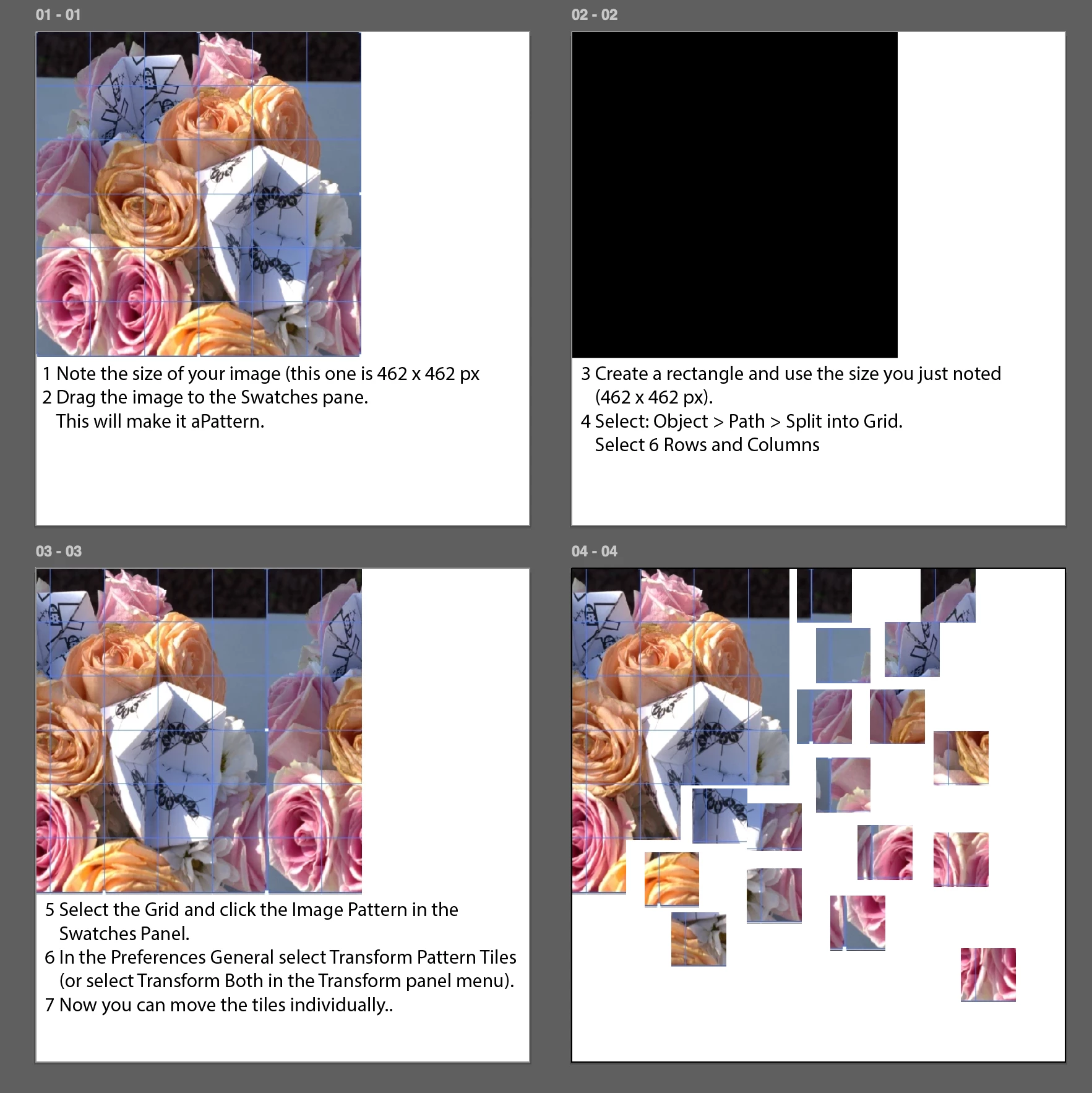
    @New to This You can do it witjhout vectorizing it by making it a Pattern. The advantage; the image is stored only once in the file.

    1    Note the size of your image (this one is 462 x 462 px

    2    Drag the image to the Swatches pane. This will make it aPattern.
    3    Create a rectangle and use the size you just noted (462 x 462 px).

    4    Select: Object > Path > Split into Grid. Select 6 Rows and Columns
    5    Select the Grid and click the Image Pattern in the Swatches Panel.

    6    In the Preferences General select Transform Pattern Tiles (or select Transform Both in the Transform panel menu).

    7    Now you can move the tiles individually.