


Participant
Jun 22, 2021 8:26 PM UTC
Answered

How to place vector artwork within a line of text?

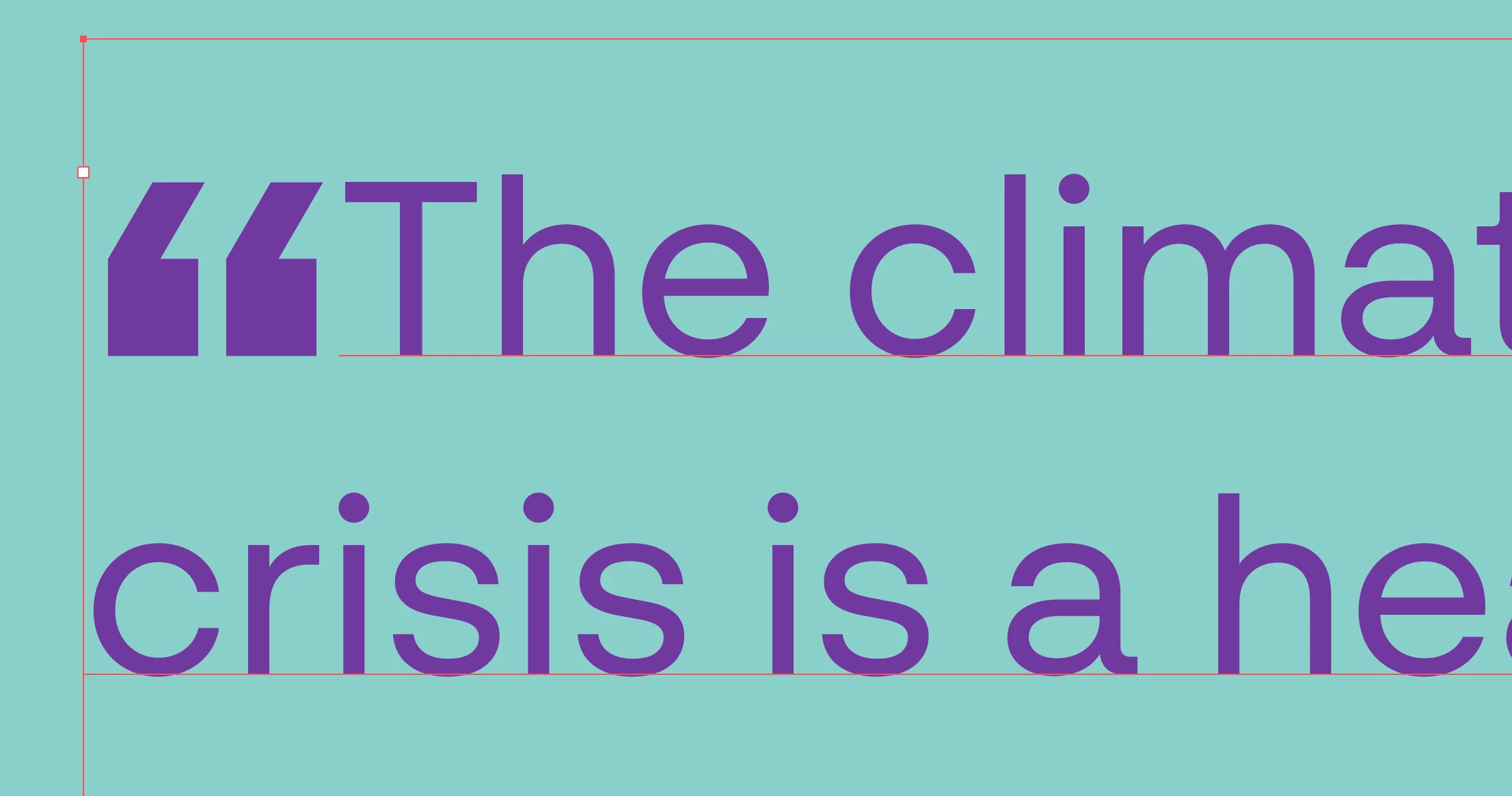
I believe there used to be a way to insert custom graphics within a line of type by simply copying them from the artboard, and then pasting with the type cursor selected, but I'm not finding that functionality any more. In this case, I'm pasting large custom quote marks (that differ from the font's quotes) within the text. I'm doing this multiple times and need the custom marks to behave as part of the text itself.  
barbara_a7746676
barbara_a7746676Correct answer
Community Expert
Jun 23, 2021 6:48 PM UTC

As Ton said, that is not possible in Illustrator. As a poor workaround you could select the graphic and apply a text wrap under the Object menu. Position the graphic and group it with the text. Unfortunately, if the text needs to be edited, the graphic will not flow or move move with the edited text. You would need to move the graphic manually.

10 replies

Inspiring
Oct 8, 2024 3:24 AM UTC

Disappointing that this functionality isn't available in illustrator (considering it is the app for vectors) perhaps it can be added in the next update. I use this feature all the time in indesign.


Translate
Participant
Jun 23, 2021 8:28 PM UTC

Thanks for all the replies & suggestions; I must have been recalling that functionality in inDesign (or Freehand, going way back). I haven't tried Fontself, but that's good to know about, too.

Translate
barbara_a7746676
Community Expert
barbara_a7746676Community ExpertCorrect answer
Community Expert
Jun 23, 2021 6:48 PM UTC

As Ton said, that is not possible in Illustrator. As a poor workaround you could select the graphic and apply a text wrap under the Object menu. Position the graphic and group it with the text. Unfortunately, if the text needs to be edited, the graphic will not flow or move move with the edited text. You would need to move the graphic manually.

Translate
Ton Frederiks
Community Expert
Community Expert
Jun 22, 2021 8:45 PM UTC

InDesign can do that, paste a graphic into a textflow, but Illustrator cannot use inline graphics.

You may want to create your own font for that purpose; https://www.fontself.com

Translate
Participant
Jun 22, 2021 8:29 PM UTC

I believe there used to be a way to insert custom graphics within a line of type by simply copying them from the artboard, and then pasting with the type cursor selected, but I'm not finding that functionality any more. In this case, I'm pasting large custom quote marks (that differ from the font's quotes) within the text. I'm doing this multiple times and need the custom marks to behave as part of the text itself.  

Translate
Myra Ferguson
Community Expert
Community Expert
Jun 23, 2021 2:32 PM UTC

You may be thinking of Freehand or of InDesign's anchored objects. (See also this thread.)

Translate