Jean-Louis Blackburn
Known Participant
February 22, 2017
Question

How to prevent: "Place" Illustrator file immediately becomes group

  • February 22, 2017
  • 7 replies
  • 3343 views

When I place an Illustrator file, it immediately becomes a group. This happened without warning, and I have no idea what I did to cause it.

If I copy a link that is placed in another file and paste into the new one, it copies as a link, but when I go to it in the links dialog box, it becomes a group.

I need them all to remain links.
[Moved from the non-support, general, all-of-Adobe forums Lounge to a product-specific support forum - moderator]

This topic has been closed for replies.

7 replies

Jean-Louis Blackburn
Known Participant
February 23, 2017

Here's the result of a copy and paste of a link that worked correctly in another file and relink to desired file.

First, this is the original file that I want to link. You can see the it is an AI, not PDF.

Here, I open a file with a working link, and choose one to copy.

I paste it into the target document, and you can see the link is working correctly. So then I try to relink it to the desired file.

Again, you can see the desired file is an AI, not PDF.

Now you can see the program wants to place a pdf, and I have no option to change it.

So I complete the relink. The link disappears in the Links panel, and I have a layered object instead.

Monika Gause
Community Expert
Community Expert
February 23, 2017

https://forums.adobe.com/people/Jean-Louis+Blackburn  schrieb

Now you can see the program wants to place a pdf, and I have no option to change it.

This is just the way things work.

Whenever you place an AI file inside and outside the Adobe universe, you will place the PDF part of that file. You can't change that. Even when you Place and embed, you will not place AI content, but PDF content.

Please watch this:

Mysterious things Illustrator does - Saving files on Vimeo

Jean-Louis Blackburn
Known Participant
February 24, 2017

Thank you, but this is terrible. It means I can no longer edit originals AI files and have them update in the various documents I wanted to place them in. Time to start shopping around.

Jean-Louis Blackburn
Known Participant
February 23, 2017

First, I'll show what's happening, then take the suggestions.

The thumbnail didn't show up, but there are no dialog boxes to select how to place it.

You can see that even though the file was placed as normal, the links box is empty.

You can see the file is placed as a vector image, not link.

Jean-Louis Blackburn
Known Participant
February 23, 2017

I have to keep it as a link so I can edit the original and have it update in the documents that use it.

chanaart
Community Expert
Community Expert
February 22, 2017

Keep in mind another behavior: you can relink the file. this will keep it as a link. If you want to adjust the shapes you linked you will need to embed it.  Illustrator sees a linked file as an image...you can only modify it if you embed it.  You can make it bigger or smaller but if you need to modify the vector or anchor points you need to embed it.

Chana

Mike_Gondek10189183
Community Expert
Community Expert
February 22, 2017

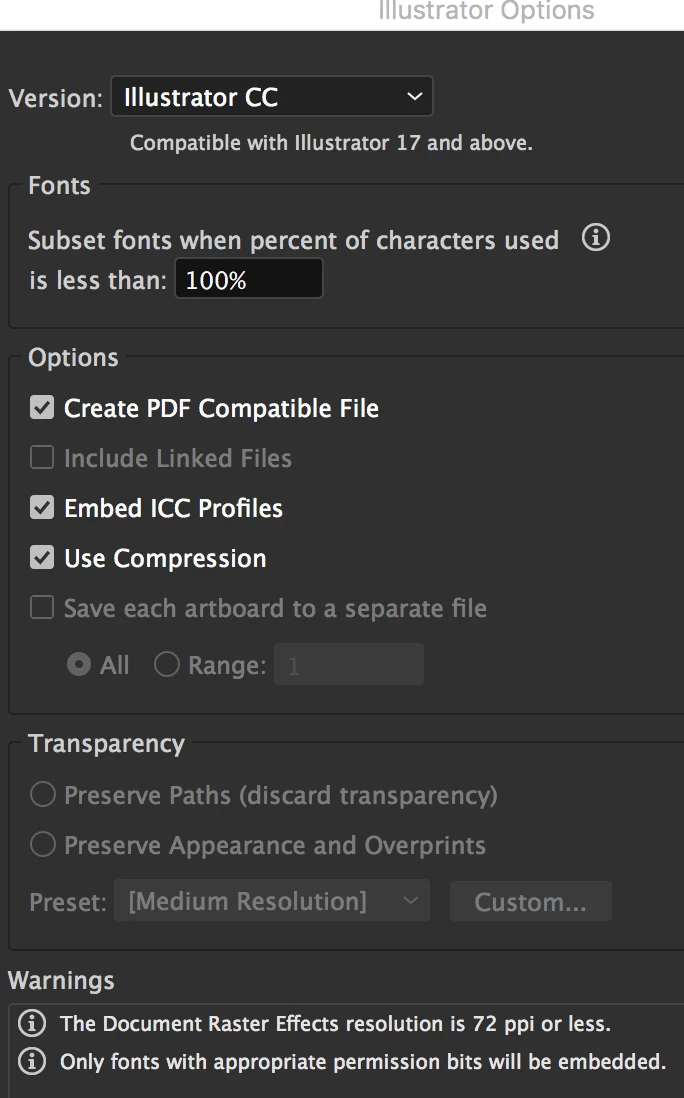
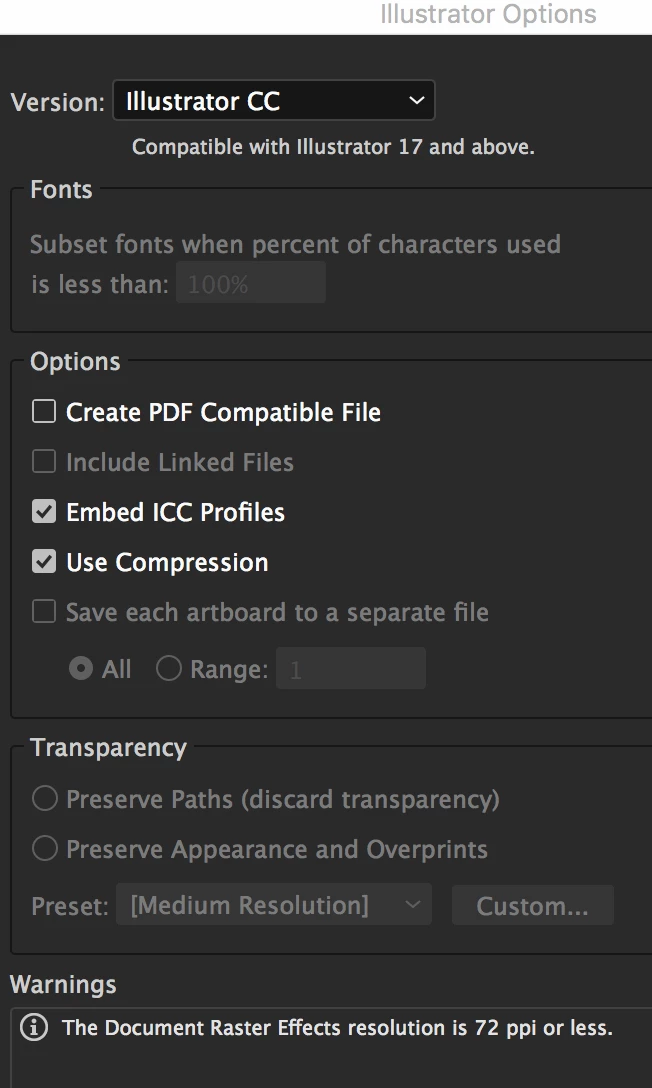
Why don't you copy from your target illustrator file and paste into another. Placing also requires you to turn on pdf compatible which is a much slower way to work with larger feel sizes.

chanaart
Community Expert
Community Expert
February 22, 2017

You can also copy from the original document and paste it in the target document but make sure you turn on "PLACE REMEMBERS LAYES" in the Layers Panel.

Ares Hovhannesyan
Community Expert
Community Expert
February 22, 2017

Does placed Illustrator file include layers or not?

Monika Gause
Community Expert
Community Expert
February 22, 2017

https://forums.adobe.com/people/Ares+Hovhannesyan  schrieb

Does placed Illustrator file include layers or not?

No it won't.

When you place an AI file you actually place the PDF part of the file. This doesn't have the original layers.

Monika Gause
Community Expert
Community Expert
February 22, 2017

When placing the file in the Place dialog box, check "Link"

Sheena Kaul
Legend
February 22, 2017

Moving to Illustrator