morgancreativeco
Participant
August 9, 2024
Answered

How to recreate this look in Adobe Illustrator

  • August 9, 2024
  • 2 replies
  • 486 views

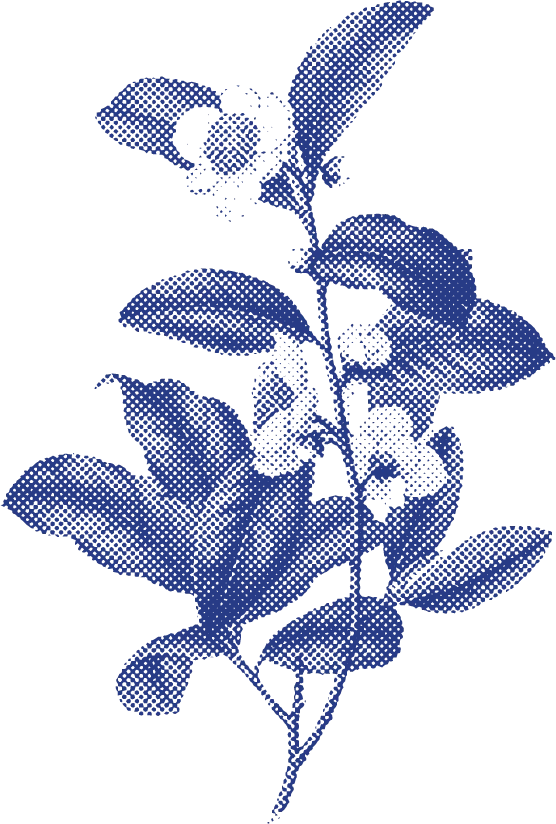
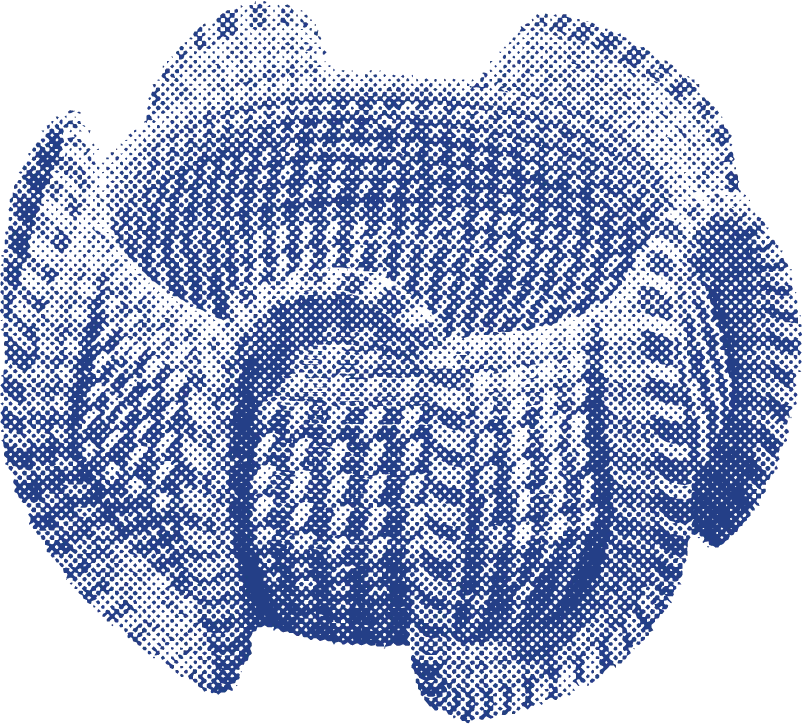
Hi all! I'm working with a brand that already has assets in their brand guidelines with the style below. I'm not sure how to make more icons for them, because I'm not sure how the original artist made these files. Can someone walk me through how to create these types of images:
(One tone, halftone pixelation?) I'm not entirely sure.
This topic has been closed for replies.
Correct answer Ton Frederiks

Yes, you need to experiment.

Remember that white becomes transparent when an image is saved as bitmap.

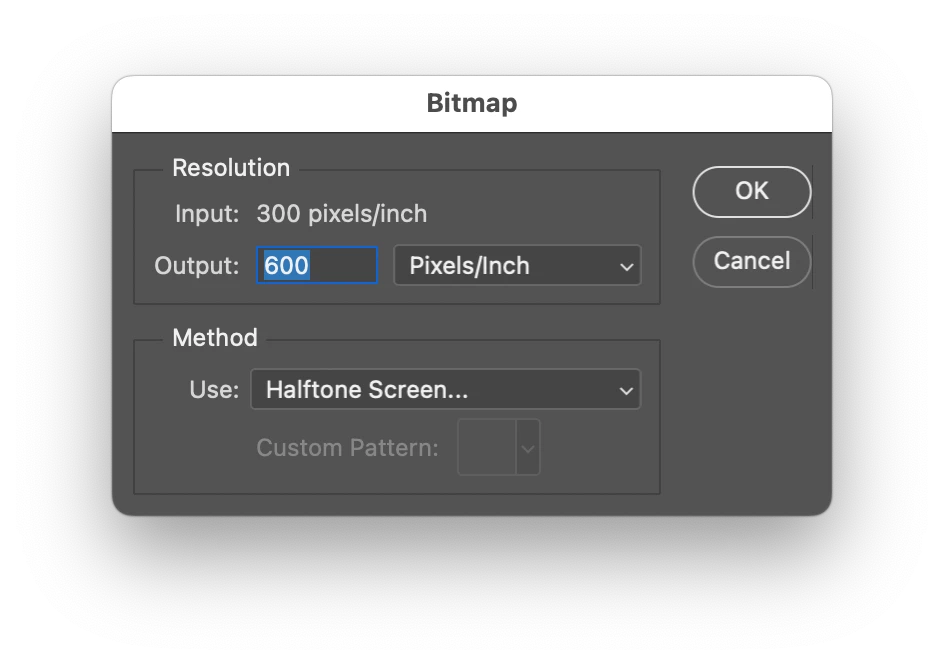
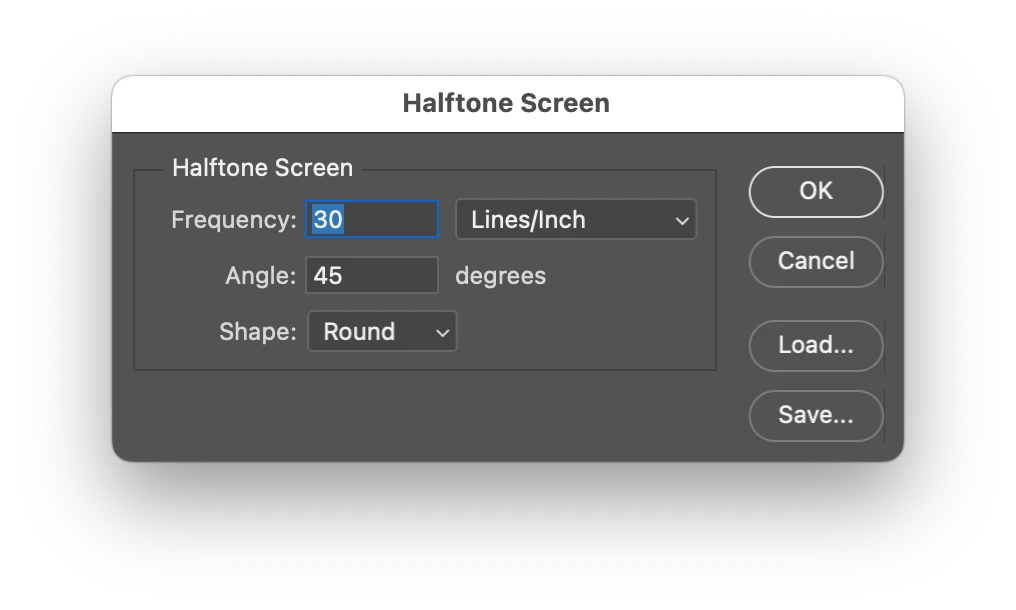
You can increase the output resolution when converting to bitmap.

and select a low frequency for the halftone screen.

2 replies

Ton Frederiks
Community Expert
Community Expert
August 9, 2024

These look like made in Photoshop; greyscale converted to bitmap with a round halftone screen.

Then colored in Illustrator.

morgancreativeco
Participant
August 9, 2024

thanks! Any idea on the bitmap settings?

Monika Gause
Community Expert
Community Expert
August 9, 2024

You have to experiment in order to figure out the resolution.


Monika Gause
Community Expert
Community Expert
August 9, 2024

This is not just the halftone filter.

You can create it when first creating the icon as. grayscale image and then in Photoshop convert that to 1-bit (Bitmap) using halftone.