Known Participant
July 10, 2020
Answered

How to recreate this "simple" notebook grid in Illustrator?

  • July 10, 2020
  • 3 replies
  • 2836 views

What I am trying to do is very straight forward, but seems to be way more advanced and complicated that it should be. I have this text that I drew by hand, now I want to make it vector perfect (since it was drawn by hand not all lines are parallel and straight, not all triangles are perfect, that's what I have Illustrator for) - basically it's an accurate sketch, I just have to perfect it in Illustrator.


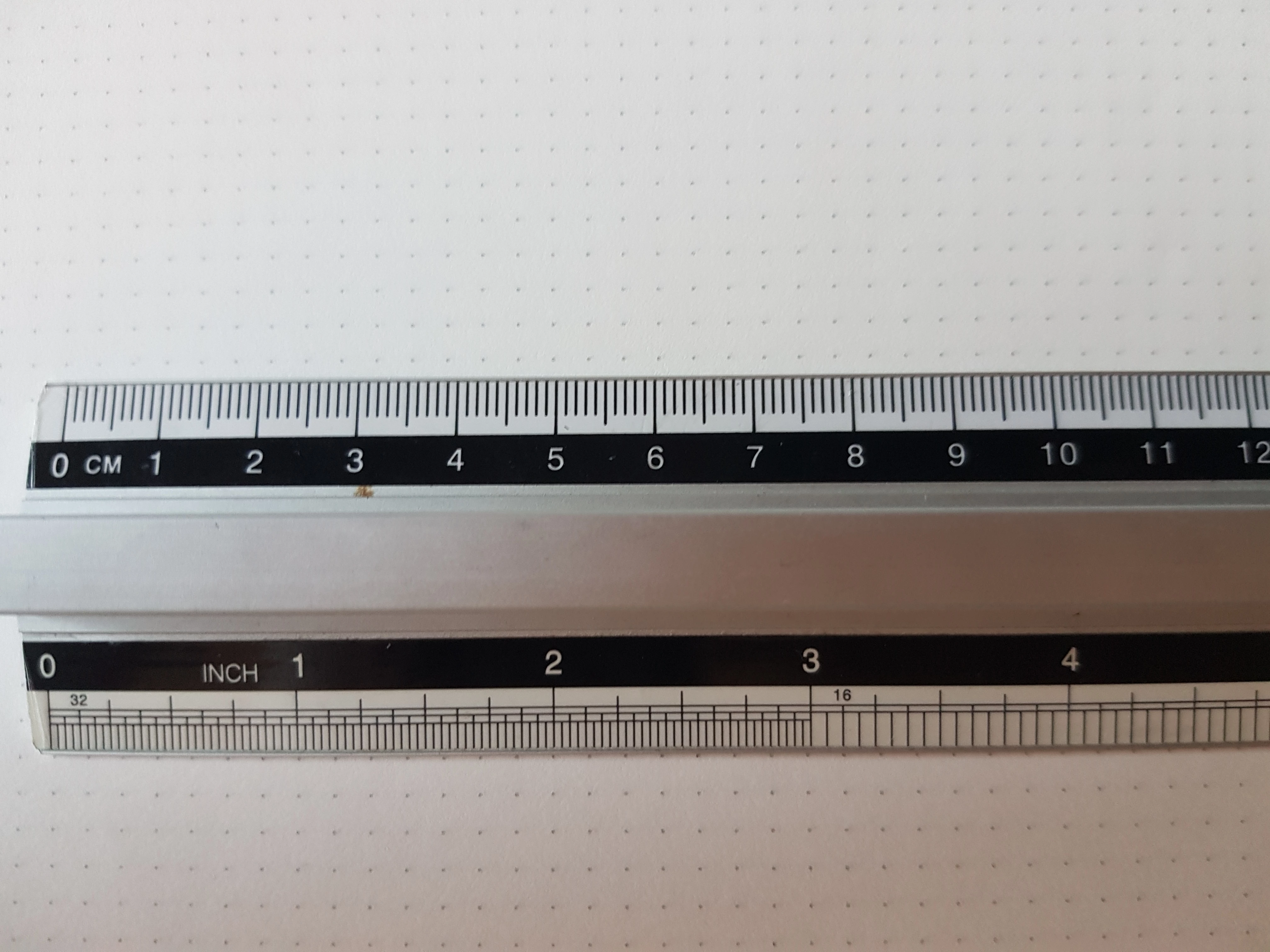
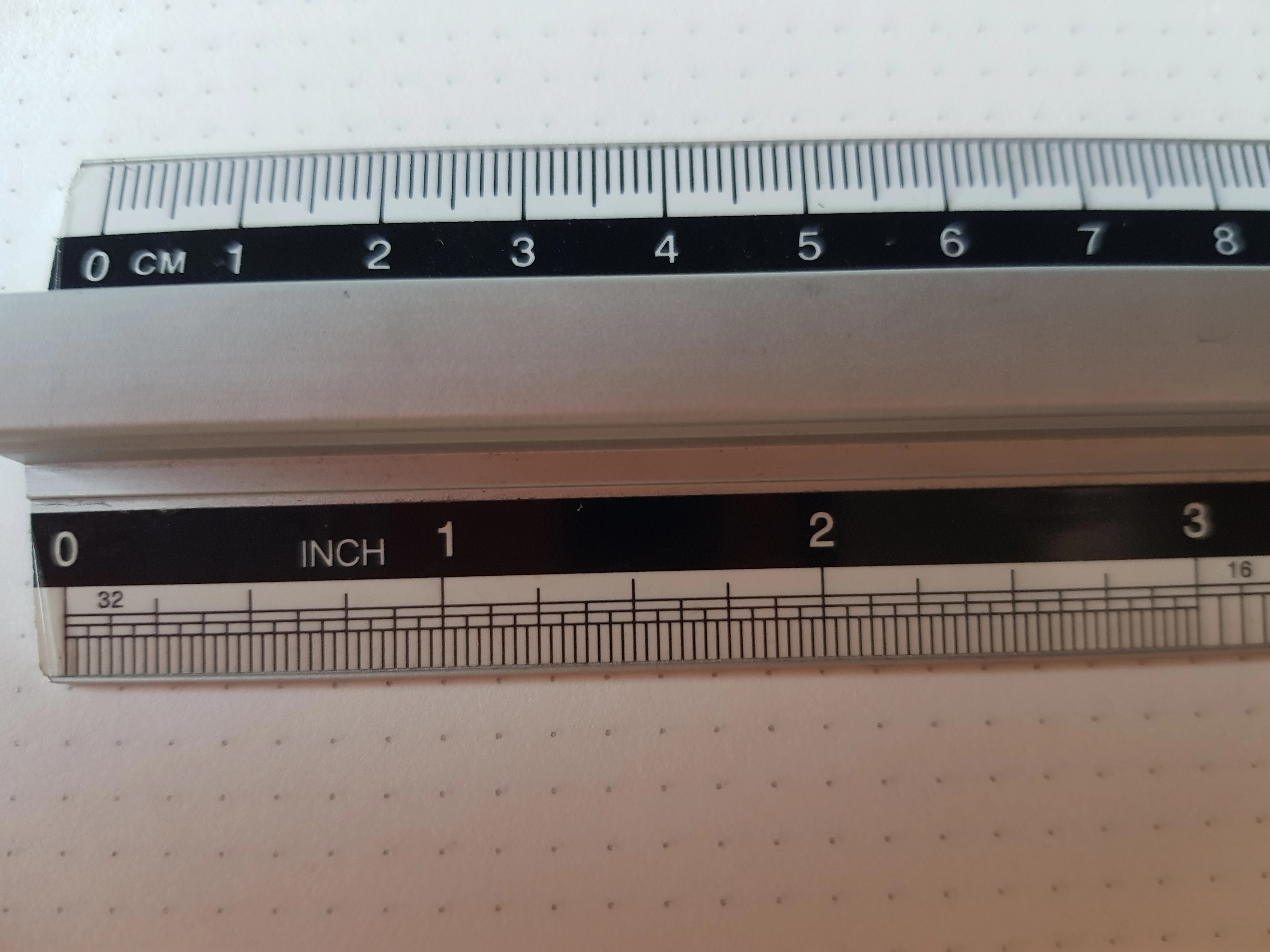
I used a fairly standard dot grid notebook (to be exact - Fabriano Ecoqua [glued version] A4 notebook), I believe it uses the standard square grid size, except it is dots. I do not have a very accurate or micro ruler, but my guess is that it is between 3.5mm and 4.5mm. Talking in centimeters, I noticed that the dots that lined up (from the 0 mark on the ruler) are the one at 2.5 cm, then again at 9 cm, then again at 11.5 cm, then again at 15.5 cm, then again at 18 cm, then again at 22 cm, then again at 24.5 cm, etc.


It almost perfectly lined up at 5cm, 6,5 cm but it's slightly off so I decided to say the numbers where it seemed to be very precisely lined up.


Do I achieve this precise grid with the grid tool, or could I set up the whole document to be using this grid? How to do it, and what are the accurate measurements to make this grid like the one in the notebook?


What I want to be able to do is, two things:


1. Recreate the exact grid and to have it match the one in the picture (that way when I decrease the opacity of the image, the grids will line up - by this I mean the Illustrator grid and the notebook grid in the picture)


2. Have the Illustrator grid be smaller so it's easier to get the details fine tuned


Here is the image:



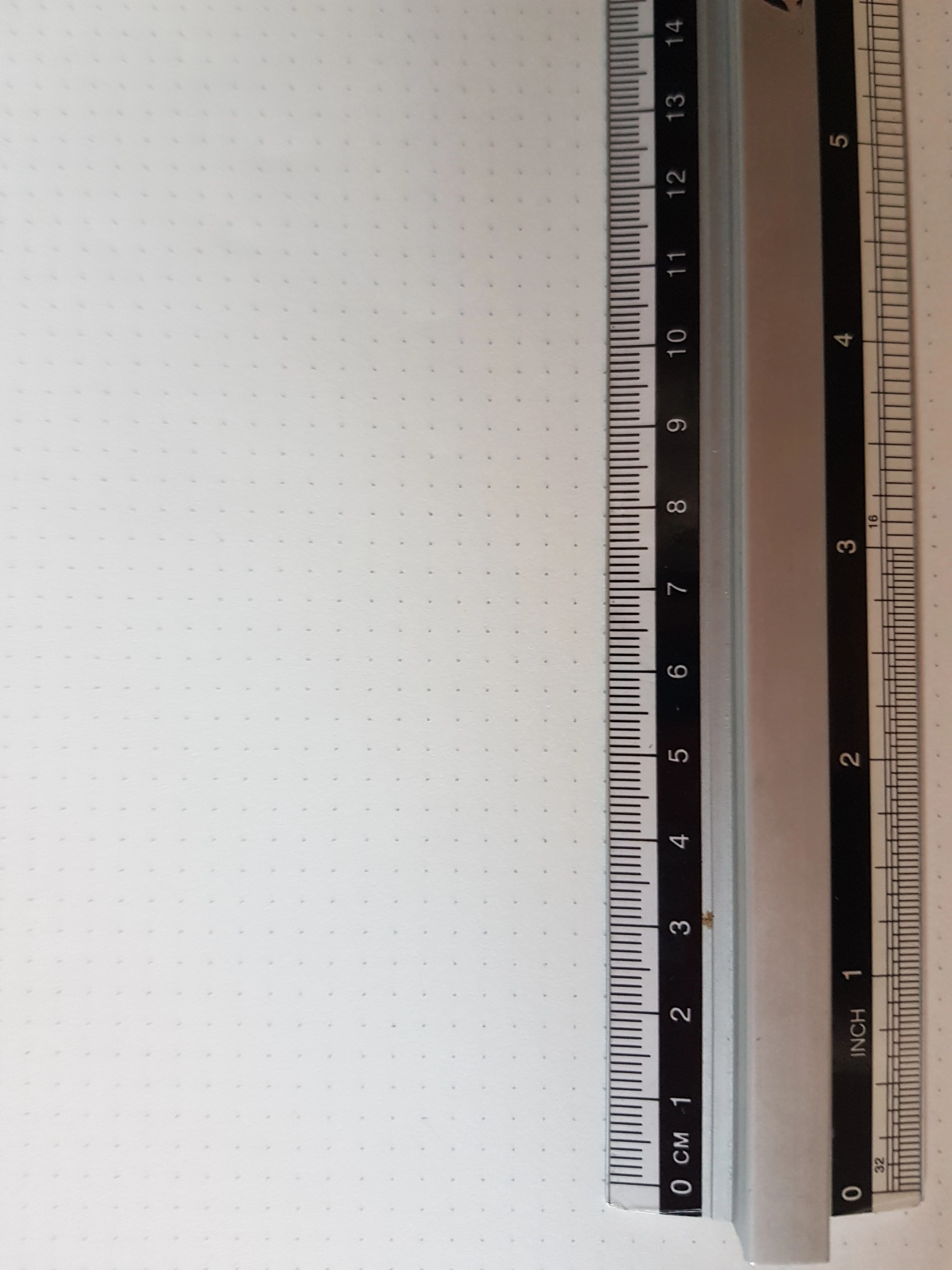
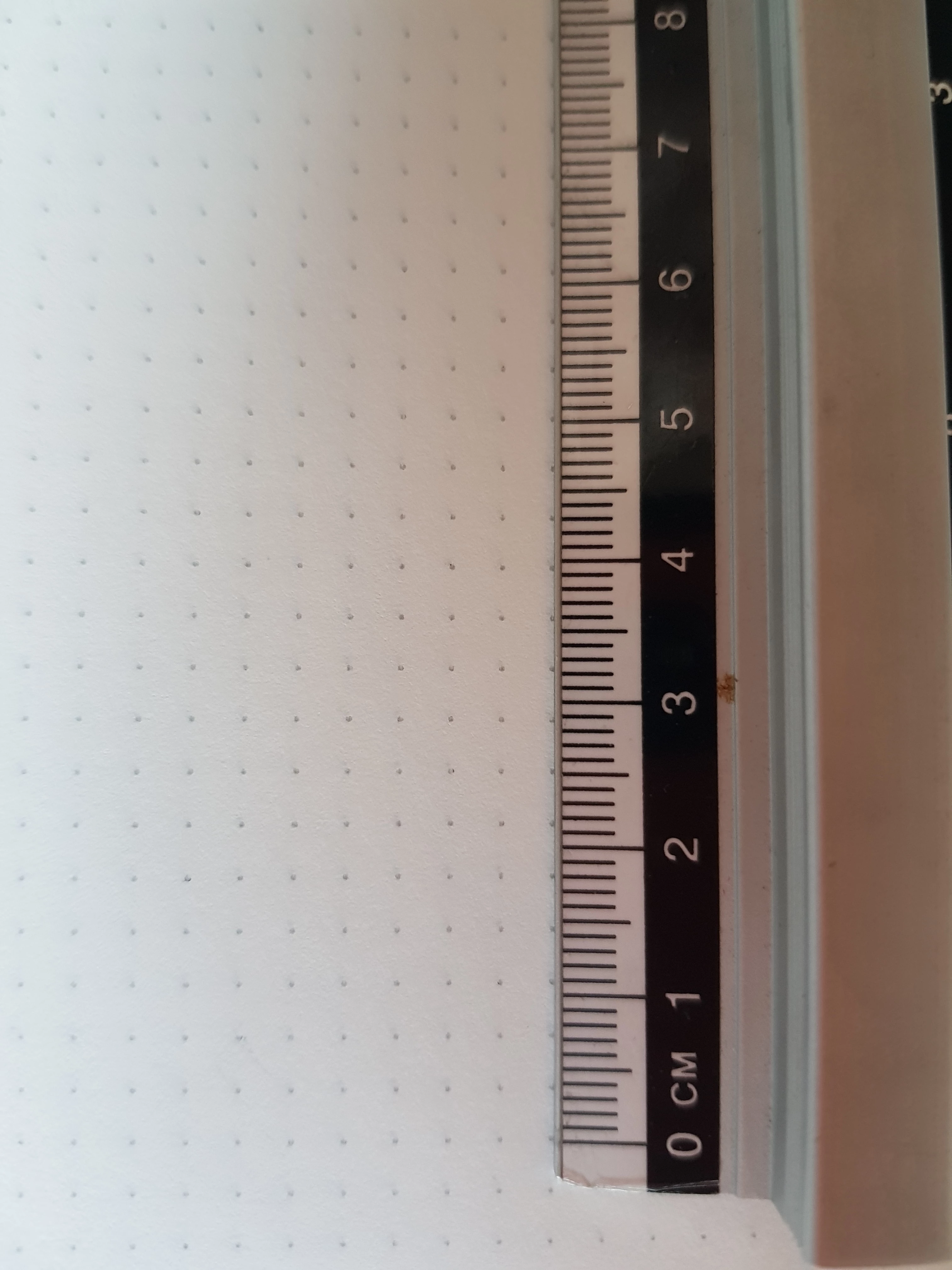
Here are images of the grid - the ruler is nicely lined up, but it may seem off in the pictures, I don't know if these pics help, but I included both the centimeter and inch side of the ruler (unfortunately the images seem to be upside down):
   

This topic has been closed for replies.
Correct answer didiermazier

Not sure to get your point… so please forgive if i'm out of concern.

  • It seems that the grid pattern is 2/16 of an inch. An ich is 2,54 cm so the pace is around 0,32 cm

Then what is your final goal : vectorize the typographic or create the patern?

  • If the grid is just to help positioning elements, Illustrator comes with grids you can set up via the preferences to match your needs.
  • If you need to really draw that type of grid use both deplace and repeat function and alignments. So you can set up your own grid on a separate layer.

3 replies

Ashutosh_Mishra
Inspiring
July 17, 2020

Hi there,


Thanks for reaching out. I hope you found your answer. We'd appreciate if you can mark the appropriate response correct. If you used any other method, you can share it with us. It'll help other users with similar concern.

Let us know if you still have issues, we'll be happy to help.


Regards,

Ashutosh


Jacob Bugge
Community Expert
Community Expert
July 11, 2020

cirjakvoja,


You might like to use a Rectangular Grid (set); with a set you can create different divisions in one go (maybe especially height). Remember to set each number of Dividers to 1 less the desired number of divisions.


https://helpx.adobe.com/illustrator/using/drawing-simple-lines-shapes.html#draw_rectangular_grids


didiermazier
Community Expert
didiermazierCommunity ExpertCorrect answer
Community Expert
July 11, 2020

Not sure to get your point… so please forgive if i'm out of concern.

  • It seems that the grid pattern is 2/16 of an inch. An ich is 2,54 cm so the pace is around 0,32 cm

Then what is your final goal : vectorize the typographic or create the patern?

  • If the grid is just to help positioning elements, Illustrator comes with grids you can set up via the preferences to match your needs.
  • If you need to really draw that type of grid use both deplace and repeat function and alignments. So you can set up your own grid on a separate layer.
Known Participant
July 11, 2020

Thanks for the answer,

I only need the grid so I can recreate the typographic accurately. I do not want to create a dot grid in Illustrator, but rather set up a grid that is very accurate and precisely follows the same pattern as the dot grid.

The grid will not be needed for the final result. I will only be using the typographic, I want to vectorize it and make sure everything is geomatrically perfect.

didiermazier
Community Expert
Community Expert
July 11, 2020

OK so use the grid settings in the preferences. You can est up the thread and subdivisions…

Also you could use guides.

That being said you can activate the grid magetism (snap to)