jessicavisco
Participant
February 25, 2026
Answered

How to recreate watercolor/brush effect?
  • February 25, 2026
  • 2 replies
  • 74 views
AI-generated logo
Created shape

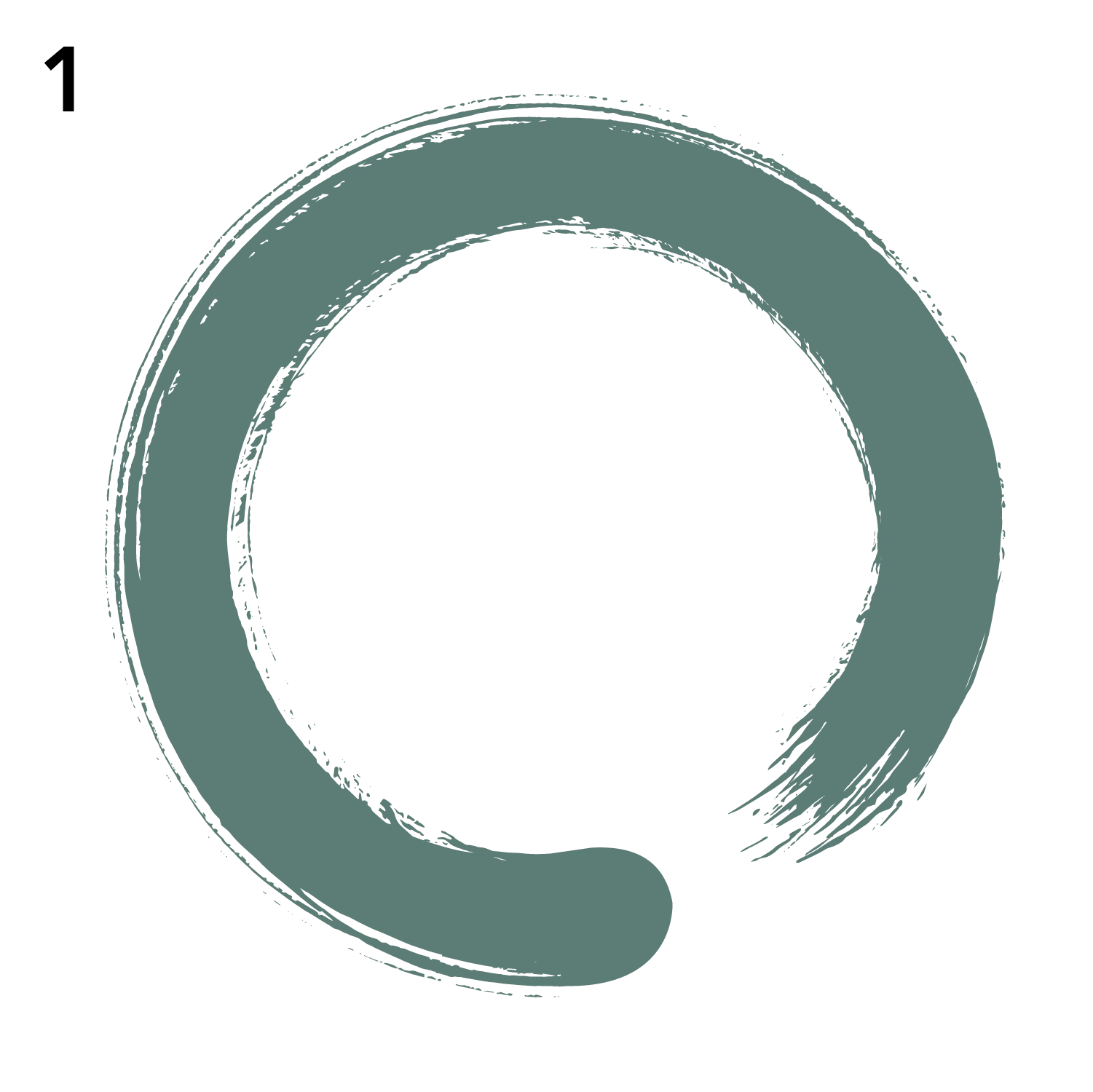
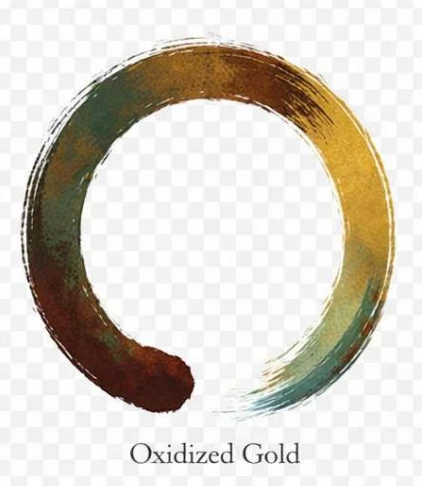
I’ve had a request to recreate the look and feel of an AI-generated logo. I am really struggling to find a way to get the color treatment from the attached image. Also, the logo I’ve created is not expanding or letting me “Draw Inside.” Any suggestions? 

    Correct answer Monika Gause

    The shape probably has a gazillion anchor points. Usually Illustrator will not make clipping masks with complex paths. And it won’t work in a logo either, you will never see those tiny dots.

    So probably first simplify this. A lot. Delete all that fluff, smoothen the shape. Afterwards probably put a gradient into it. Draw a circle, apply a gradient to its stroke and then apply that ring to it as a mask.


    2 replies

    Community Expert
    February 26, 2026

    Monica’s suggestions to simplify the circular dry brush shape are good, not only from the standpoint of making a clipping mask more functional, but also to allow the shape to be more legible at smaller point sizes. The whole thing could be re-created as entirely vector-based piece by stacking objects inside the dry brush shape and building up various kinds of transparent fills on those interior objects. 

    Monika Gause
    Community Expert
    Monika GauseCommunity ExpertCorrect answer
    Community Expert
    February 25, 2026

    The shape probably has a gazillion anchor points. Usually Illustrator will not make clipping masks with complex paths. And it won’t work in a logo either, you will never see those tiny dots.

    So probably first simplify this. A lot. Delete all that fluff, smoothen the shape. Afterwards probably put a gradient into it. Draw a circle, apply a gradient to its stroke and then apply that ring to it as a mask.