May 22, 2019
Answered

How to remove extended lines from shapes?

  • May 22, 2019
  • 2 replies
  • 3713 views

I was trying to make a vector portrait, but sometimes i found that when I draw shapes with pen tool, sometimes it extends the line beyond the anchor point that I close the shape with. No matter what I do, the pen tool just keeps giving me those protruding lines. In Illustrator I don't see them, but when I export it, all the lines are visible. How do I get rid of these lines?

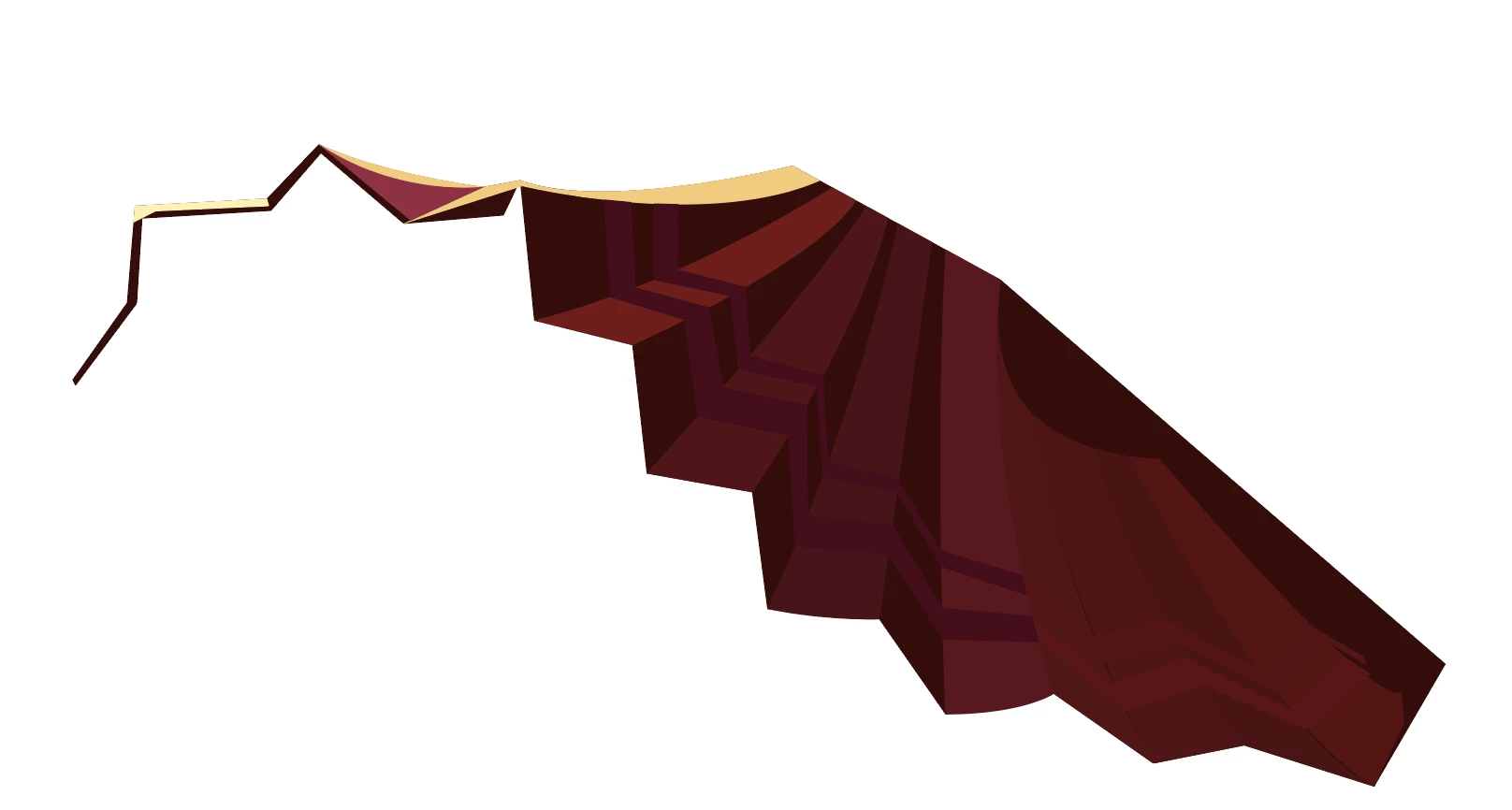
In Illustrator:
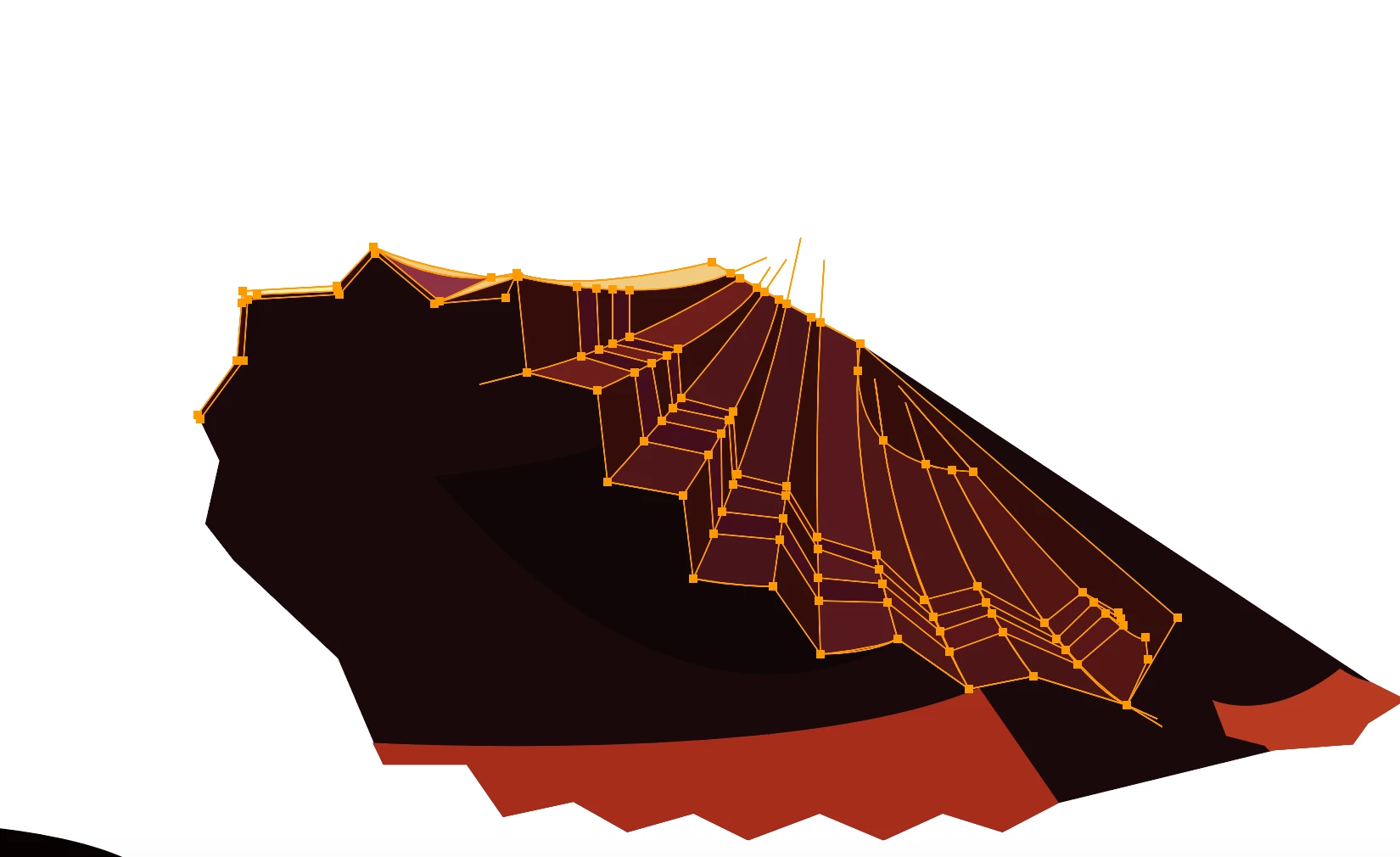
In exported PNG:

This topic has been closed for replies.
Correct answer Kurt Gold

Dropbox link to the Illustrator file I was working on:

Dropbox - Annie.ai


John is right.

But instead of using the Convert Anchor Point tool (that will alter the actual shape), I'd recommend to click inside the paths with the Shape Builder tool. This way they won't be altered.

2 replies

John Mensinger
Community Expert
Community Expert
May 22, 2019

klee0609  wrote

when I draw shapes with pen tool, sometimes it extends the line beyond the anchor point that I close the shape with. No matter what I do, the pen tool just keeps giving me those protruding lines. In Illustrator I don't see them, but when I export it, all the lines are visible.

Your screenshot would have to be zoomed in much closer on one (selected) offending path to see whether you're getting some sort of bezier-reversal. What you're showing us there is not a common result of logical Pen-tool work.

May 22, 2019

Not sure if this helps but here are a few screenshots of one of the shapes. It is not an open path as far as I'm aware. I can delete the anchor point and the line disappears, but then I don't get the shape I want.

Kurt Gold
Community Expert
Community Expert
May 22, 2019

Can you share a sample .ai file?

Monika Gause
Community Expert
Community Expert
May 22, 2019

How do you apply color to this?

Live paint?

May 22, 2019

I used eydropper tool and then fill to colour the shapes

Monika Gause
Community Expert
Community Expert
May 22, 2019

Those don't look like shapes, but open paths.