
How to remove paths extending outside a shape
Hi all,
new user to illustrator. I've been importing map file layers into illustrator for laser cutting.
I need help with a function to remove all paths extending outside of the hexagon shape. I've been doing this manually in outline view but it's very time consuming on larger maps. Every time I try to use pathfinder functions, or crop, they simply do nto work and give me very weird results. Often I can remove all items inside the shape, but the reverse how i need it. I've tried a clipping mask but that does not want to work either. I've also tried crop with no effect.
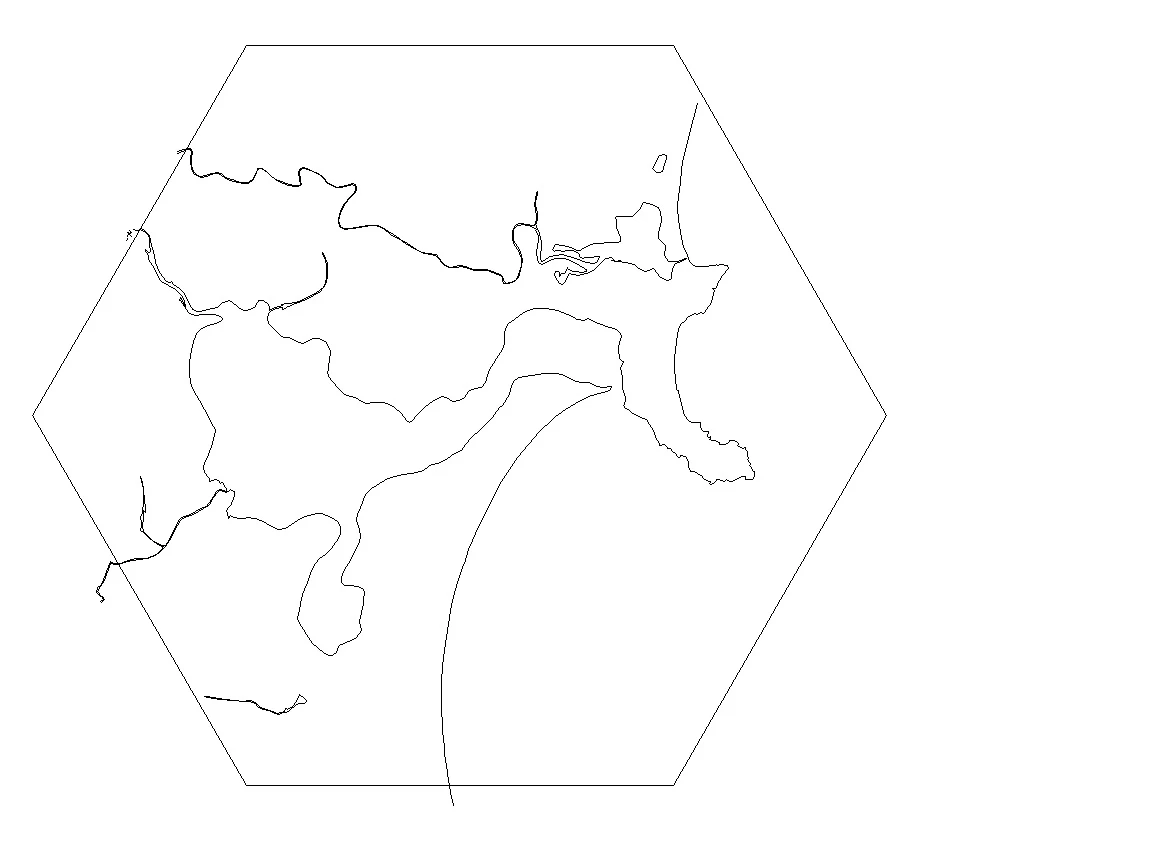
Can someone please help? How do I easily remove the lines extending outside the hexagon? I've attached a copy of the Illustrator project file, as well as jpeg of normal and outline view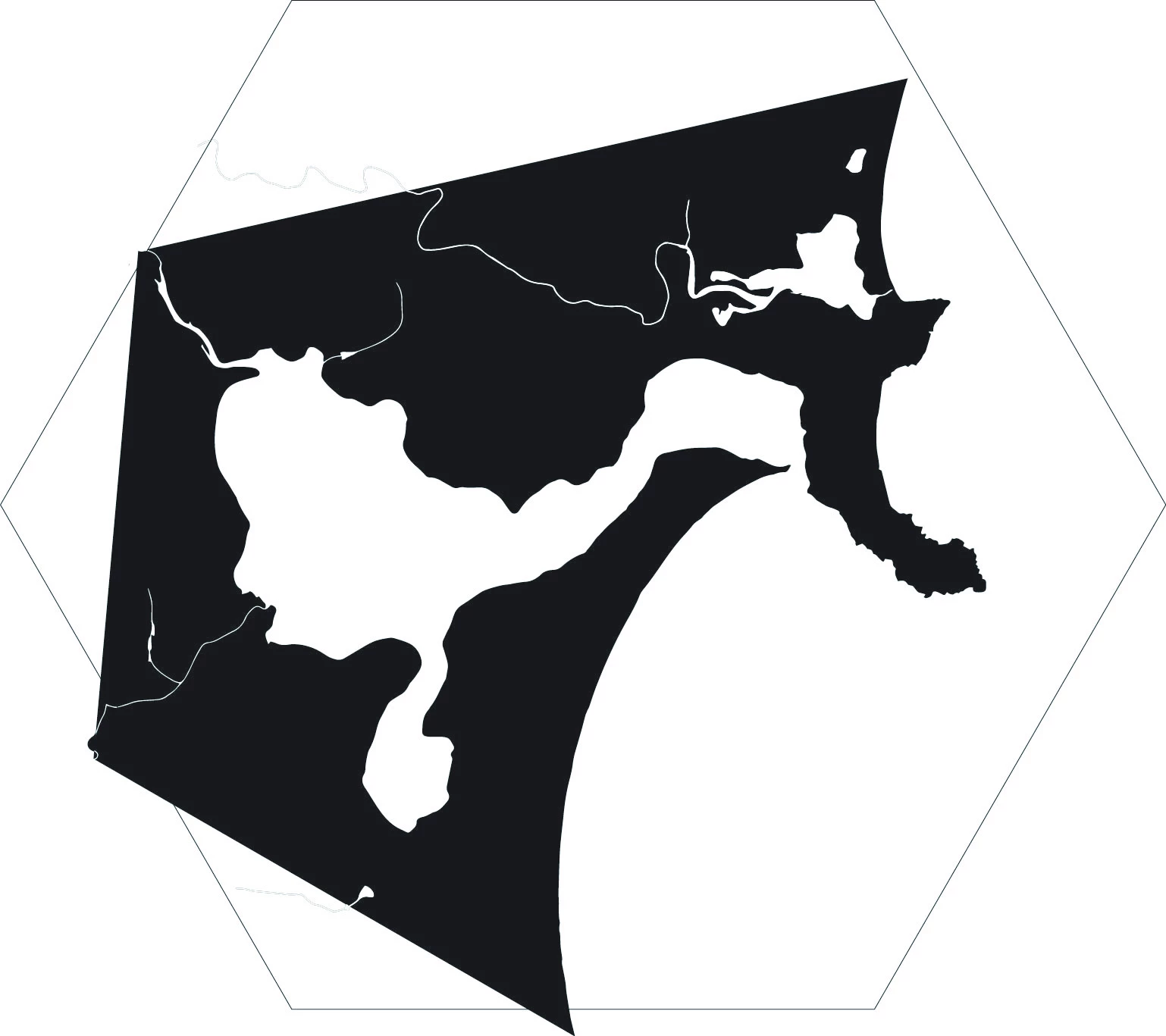


 AdChoices