Participant
June 9, 2023
Question

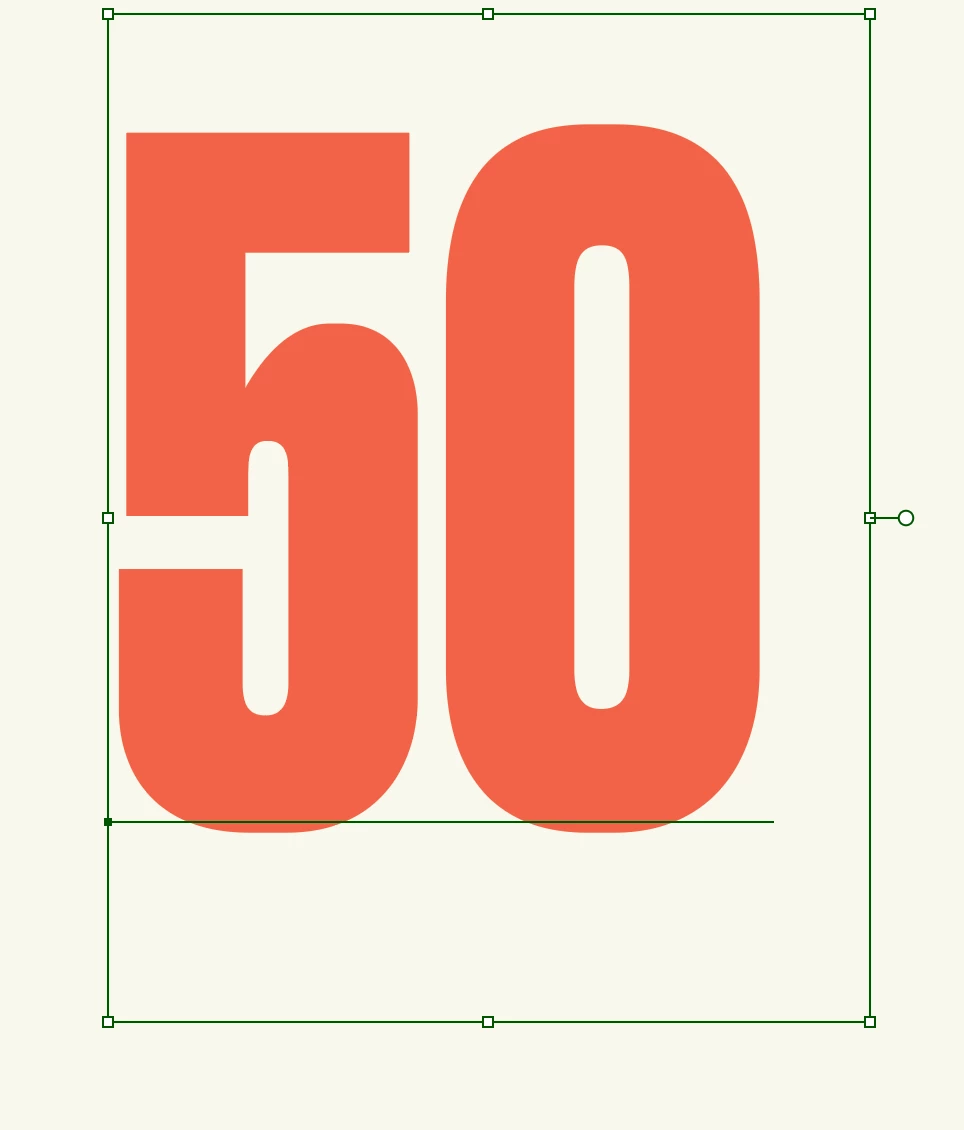
How to remove the extra space in bottom text box

  • June 9, 2023
  • 2 replies
  • 1540 views

is there any way to reduce the area or remove the bottom text area in type text as sometime it will difficult to select the second line which i just wrote below the big font. 
This topic has been closed for replies.

2 replies

Jacob Bugge
Community Expert
Community Expert
June 9, 2023

MD,


Will it work if you:


1) Deselect, then with the Direct Selection Tool Click the bottom segment of the Area rectangle, then Object>Transform>Move by a suitable number to extend the Area downwards so you can add the line, then

2) With the Area Type Tool Click somewhere the first text line (50) and use the Arrow ke to get to the end, then change the font size, then press Enter and add the second line, then

3) With the Direct Selection Tool Click the bottom segment of the Area rectangle again, then Object>Transform>Move by the reverse number (add a minus in front) to contract the Area again?


Edit: Hi Sim, crossposting.


Simmer1
Community Expert
Community Expert
June 9, 2023

Hi,


If you send text to the back you will be able to select the second line.


Thanks,

Sim
