

Question
How to remove transparent area behind text and PNG
Whenever I create text or place a PNG file, this transparent box appears between the text/PNG and the layers behind them. How do I make this go away?
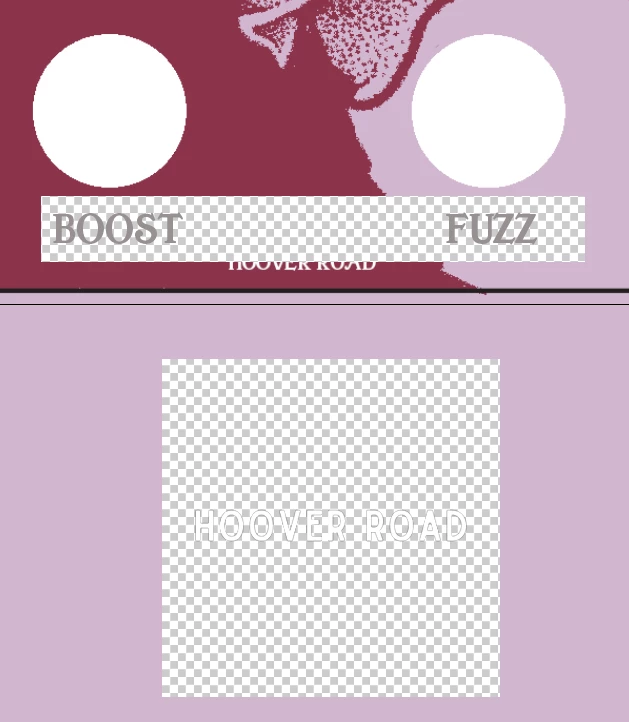

Whenever I create text or place a PNG file, this transparent box appears between the text/PNG and the layers behind them. How do I make this go away?
Already have an account? Login
Enter your E-mail address. We'll send you an e-mail with instructions to reset your password.
 AdChoices