Participant
March 25, 2025
Answered

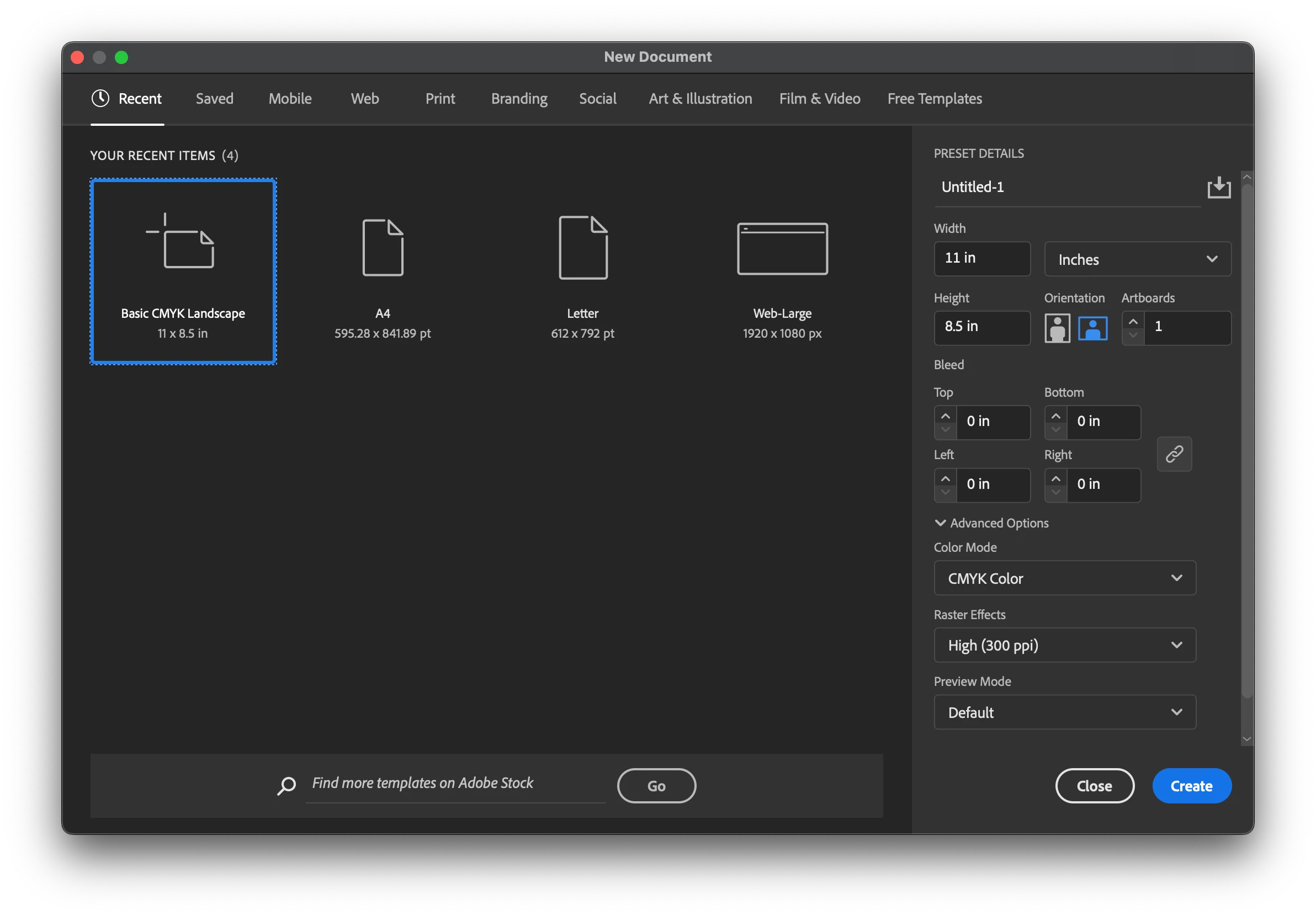
How to reset recent items in new document window
  • March 25, 2025
  • 1 reply
  • 337 views

I would like to Reset the recent items in the "new document window". I have tried resetting my preferences, but that does not work. I am using the 2025 version. Thanks!

Correct answer Mike_Gondek10189183

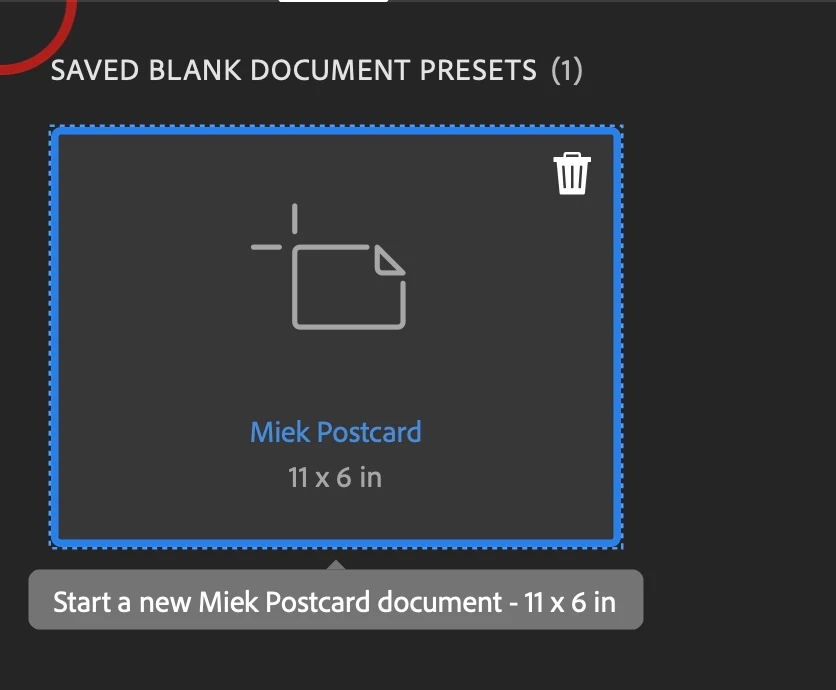
You can only remove custom page sizes you added to new pages. See the garbage can on top right.


You could make your favorite sizes under saved tab and use that. I agree si annoying seeing those sizes you do not use every day. Would be nice if you could get teh garbage can on all of them.

1 reply

Anubhav M
Community Manager
Community Manager
March 25, 2025

Hello @Mr. Giraffe,

Would you mind changing the Number of Recent Files to Display to 0 under Illustrator's preferences and then clicking on OK to see if it helps?
Once the list is cleared, you can change the preference again to set the number of recent files you would like Illustrator to remember.

Feel free to reach out if you have more questions or need assistance. We'd be happy to help.


Anubhav

Participant
March 25, 2025

@Anubhav M, I tried that, but that only changes my documents that I have made. I'm trying to get rid of the "A4" and "web large" presets in the new document window, that you can see in my screenshot.

Mike_Gondek10189183
Community Expert
Mike_Gondek10189183Community ExpertCorrect answer
Community Expert
March 26, 2025

You can only remove custom page sizes you added to new pages. See the garbage can on top right.


You could make your favorite sizes under saved tab and use that. I agree si annoying seeing those sizes you do not use every day. Would be nice if you could get teh garbage can on all of them.