


Participant
August 2, 2021
Question

how to resize the large canvas when open customers file ?

  • August 2, 2021
  • 3 replies
  • 228 views

i got two question  :

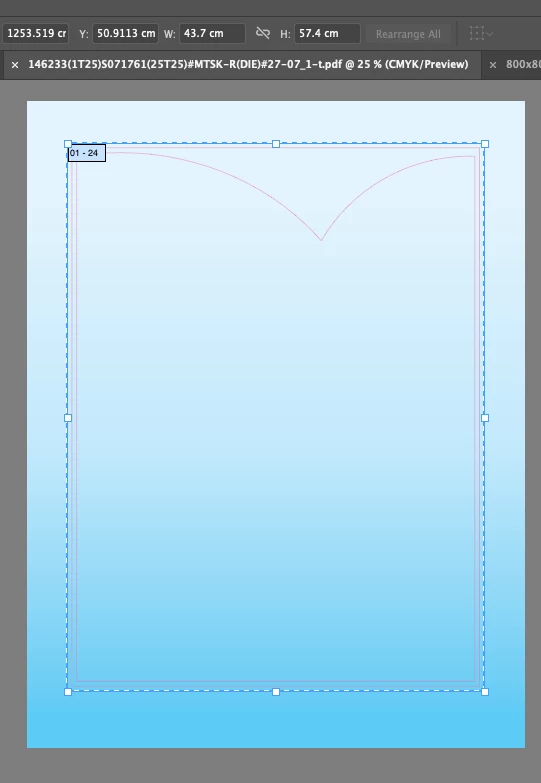
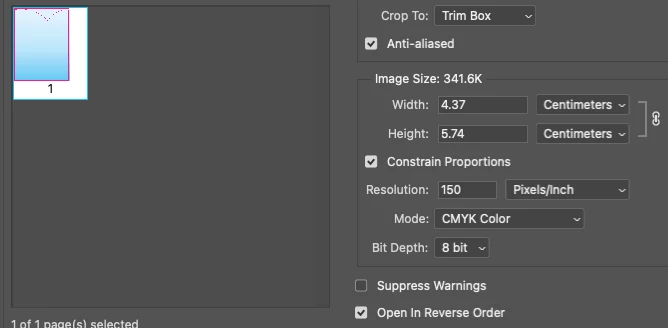
1. how can save the file ( pdf ) is actual size ? cause when the file make in a large canvas over 500cm , but the client made the artwork in normal size (43.7x57.4cm) ,  when i open the artwork in PS , it will follow the larger canvas , the artwork will smaller 10x times , it will show( 4.37x5.74cm)cm ! 

how to fix it ? 


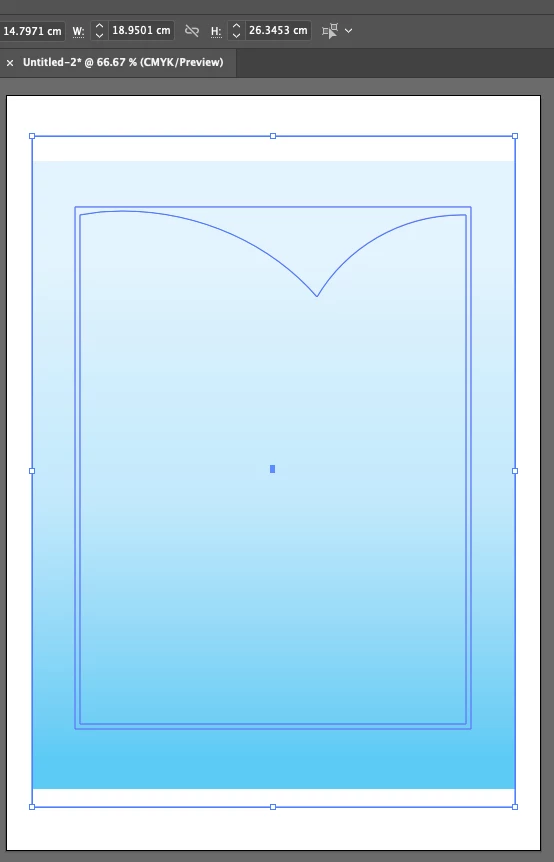
2.when i copy the artwork from a large canvas file , i place in a new doc which is normal artboard size

but the artwork size was changed ! 


please check the image , when i open the file  in AI / PS 

first photo : open in AI (OG)
 

second photo : open the file in PS ( size was smaller than 10 times)
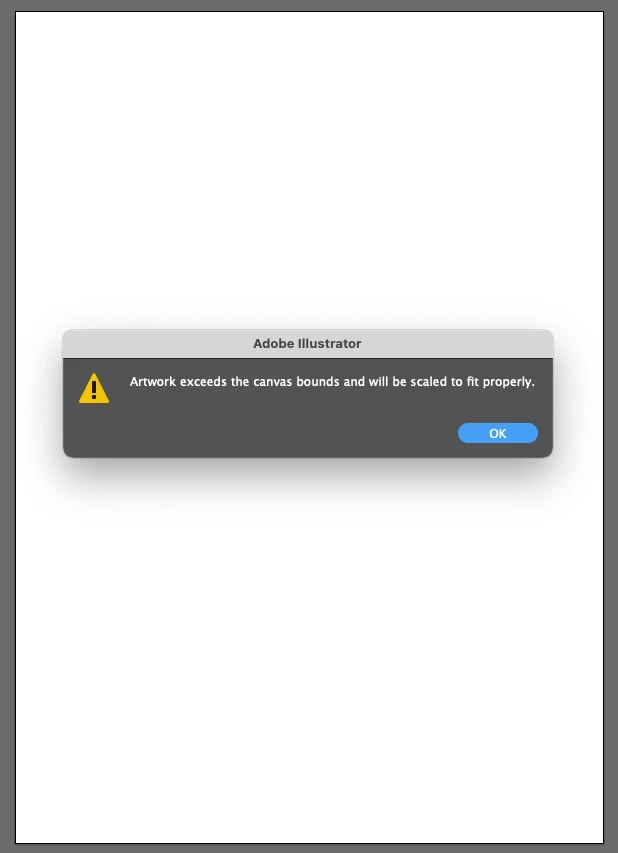
third photo : copy the OG file in a new open doc . 
fourth photo : the artwork size was different
did anyone face this problem ? and how to fix it ? 


thanks all 

This topic has been closed for replies.

3 replies

Anna Lander
Inspiring
August 27, 2021

When you open the vector file in PS, you can choose the needed size and units. But what graphic type do you want to have finally, vector or raster?

Mike_Gondek10189183
Community Expert
Community Expert
August 25, 2021

What file format is the client sending the file to you? If they are sending you an autocad file eg: .dxf  this would happen if you choose the wrong units?


If they are sending you a .ai or .pdf the file should be in correct size.

Omar.Fathy
Community Expert
Community Expert
August 25, 2021

A.01
We mad a ratio between the sxist and the desired size.  
I mean to make the size 50, 25, 10 % of your desired size. When you open it in Ps, you can Write this in the width field (exist width*2) if you made it 50% of the desired size, *4 if it was 25% .....

A.02
You can scale the artwork down before copying it.