

marcoe1065748
Inspiring
March 12, 2018
Answered

How to scale down rounded rectangles without turning into a circle

  • March 12, 2018
  • 1 reply
  • 647 views

I have a logo that needs to be scaled down into a smaller size.
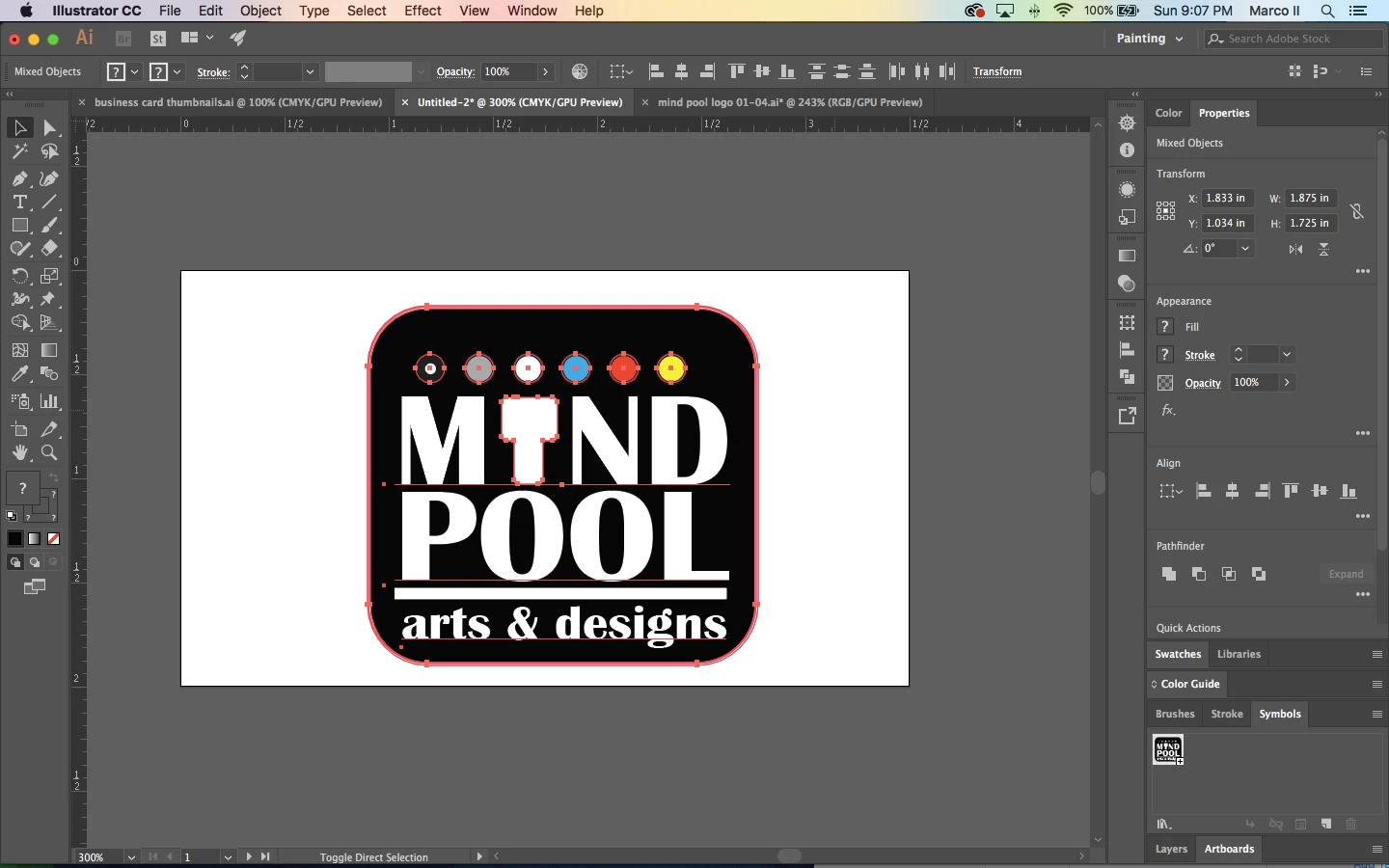
But everytime I scale it down, the black rounded rectangle background of the logo turns into a circle.
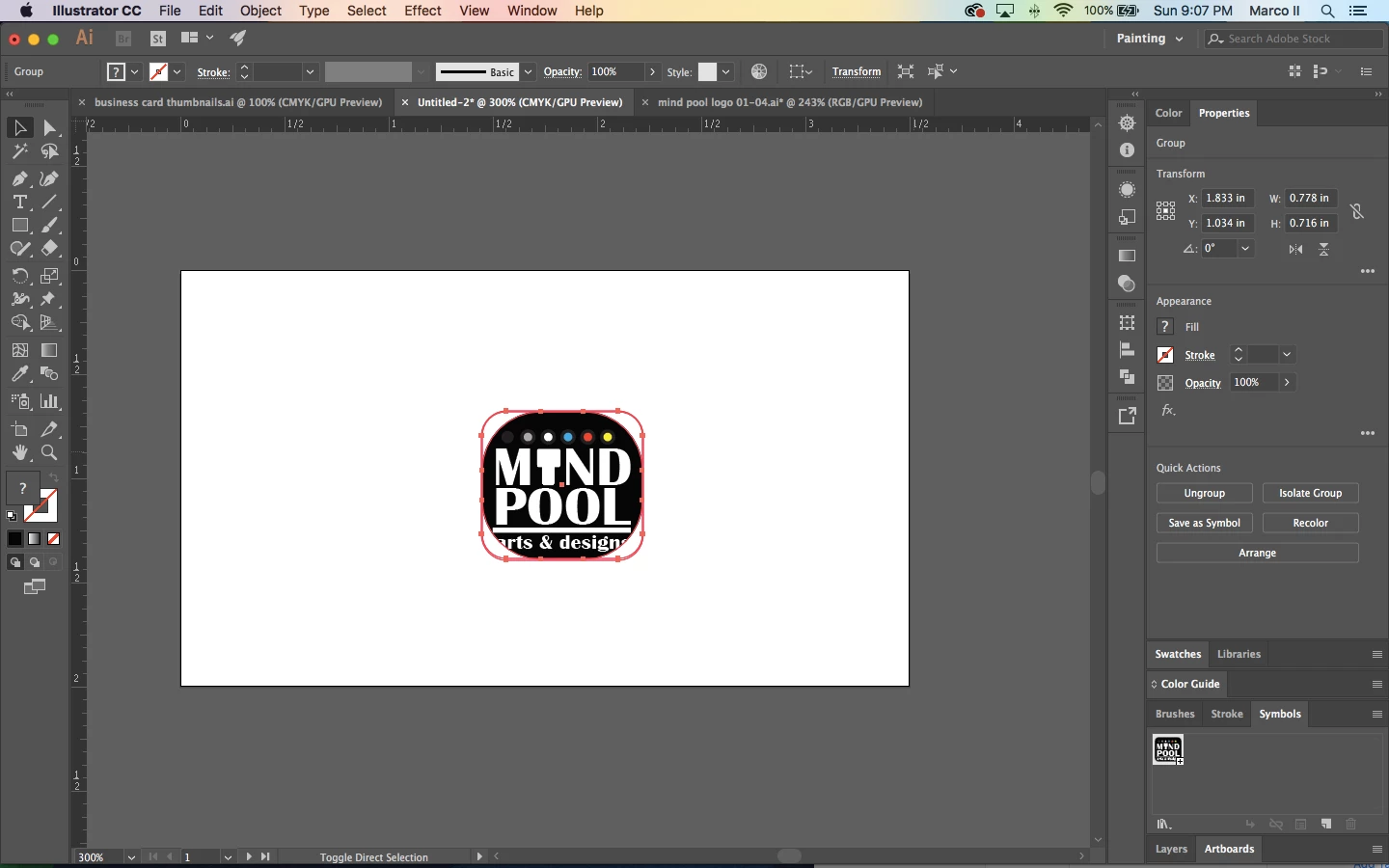
How do I prevent the rounded rectangle from turning into a circle?

Note: I already turned the logo into a symbol.

    This topic has been closed for replies.
    Correct answer marcoe1065748

    Thanks for the reply, but, I already figured it out.

    You just need to set the symbol type into a "static symbol" instead of "dynamic symbol" when converting the logo into symbols.

    1 reply

    marliton
    Community Expert
    Community Expert
    March 12, 2018

    Hi. You need to disable the "scale corner" option in Preferences > General or double-click the Scale tool.

    Marlon Ceballos
    marcoe1065748
    marcoe1065748AuthorCorrect answer
    Inspiring
    March 12, 2018

    Thanks for the reply, but, I already figured it out.

    You just need to set the symbol type into a "static symbol" instead of "dynamic symbol" when converting the logo into symbols.