

How to select same rectangle in 300 grouped objects?
Hi there,
I am having crazy process for printing and cutting.
Designer creates in INDD 300 unique sticky lables with ordered numbers with extra cutting edge for cutting machine and exported to pdf.
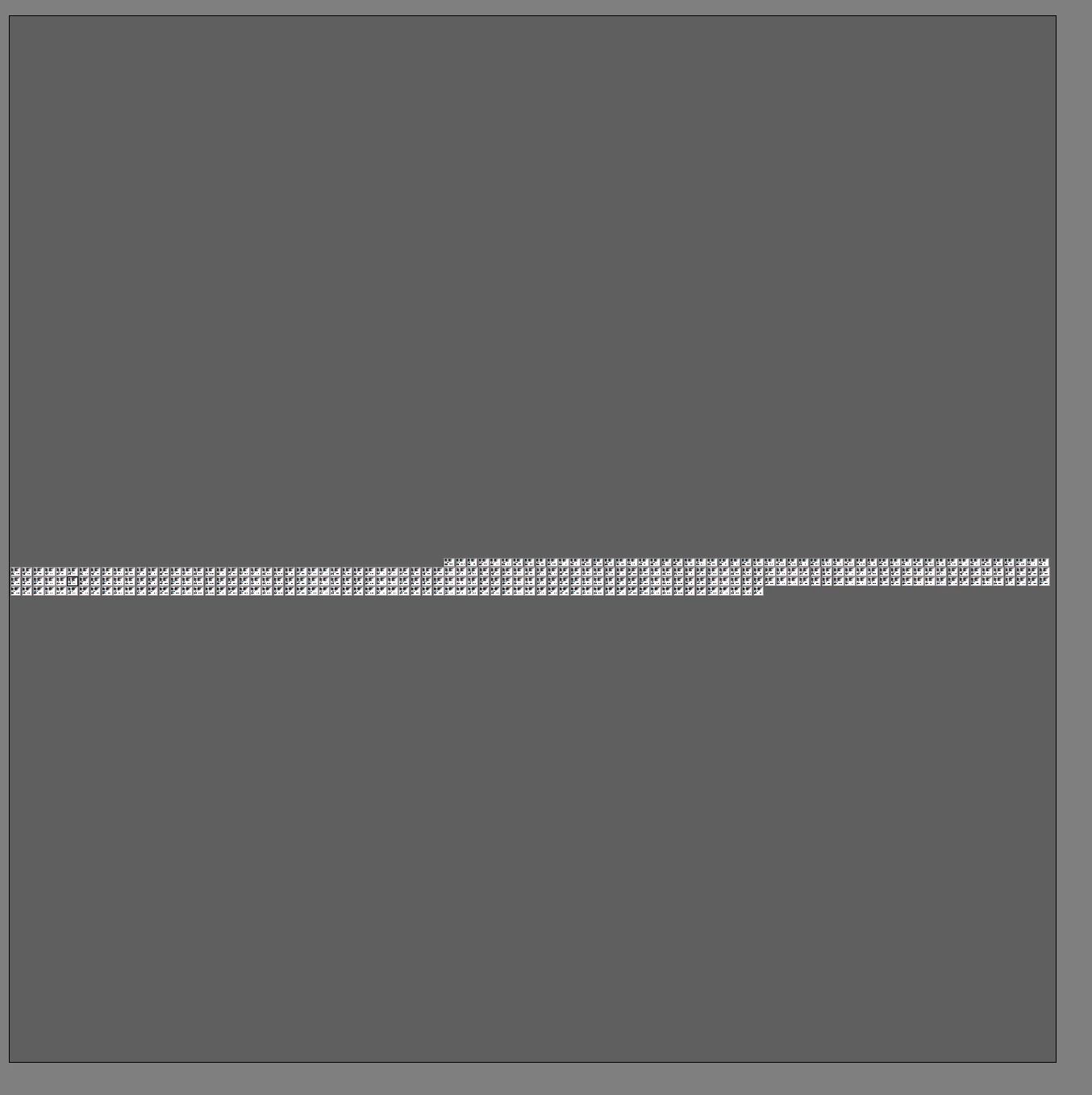
I import the pdf into Ai all 300 artboards (so this is testing cpu performance that even my 16 core ryzen 5950x has issue with), to rearange all of those 300 labels for printing as we have paper sheet 980 mm long and after that it goes to cutting machine using those extra edges. So after importing my Ai looks like this:
For printintg I have to prepare it like this. Basically, design is in one layer and cutting is second layer. Print guy switch of the cutting edge, send to printer and with cutting app for Ai that design is off and cutter uses only pink edges.
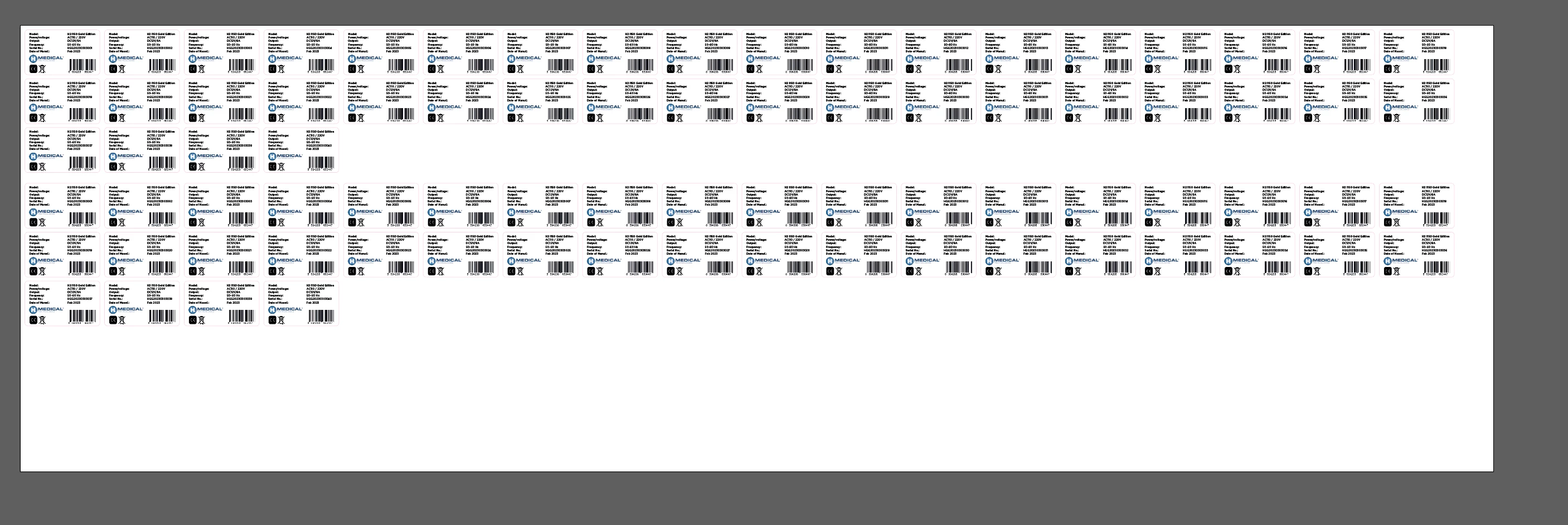
I don't know any better way. I talked with many printing studios, they said they they have to do this slavery task every time as described.
1. I am wondering if there is effective way to do that because this is almost daily coffee?
2. Once INDD pdf file is exported it creates a lot of mess like clipping masks and groups that I have to clean them first to get the pink cutting edge, put them into separated layer to turn it off before printing.
I know I can select object specific on color stroke but can't select it if it's in clipping mask or groups. Is there also some tool that can select all object inside of million undergroups, clipping masks,whatever else to get the ping edge in a few clicks?
Many thanks.


 AdChoices