
How to send tiled pages to virtual printer in DIN A0 Format with default margins?
Hi,
My problem is closely connected to my old problem here, however it is a new question so I open a new thread. The problem is that I am able to split my large pdf file into smaller DIN A0 and send it to a virtual printer to print these pages in a copyshop. However the problem is that this way the generated pdf's have NO margin. When I add cut marks and labels it does get a default margin, however this margin is not large enough and cut marks are not allowed in the copyshop. In general all online services ask for a small margin (5mm) if one wants to plot a DIN A0 format.
What I do is the following: I open my pdf file in acrobat reader or in illustrator. The original file can be found here.
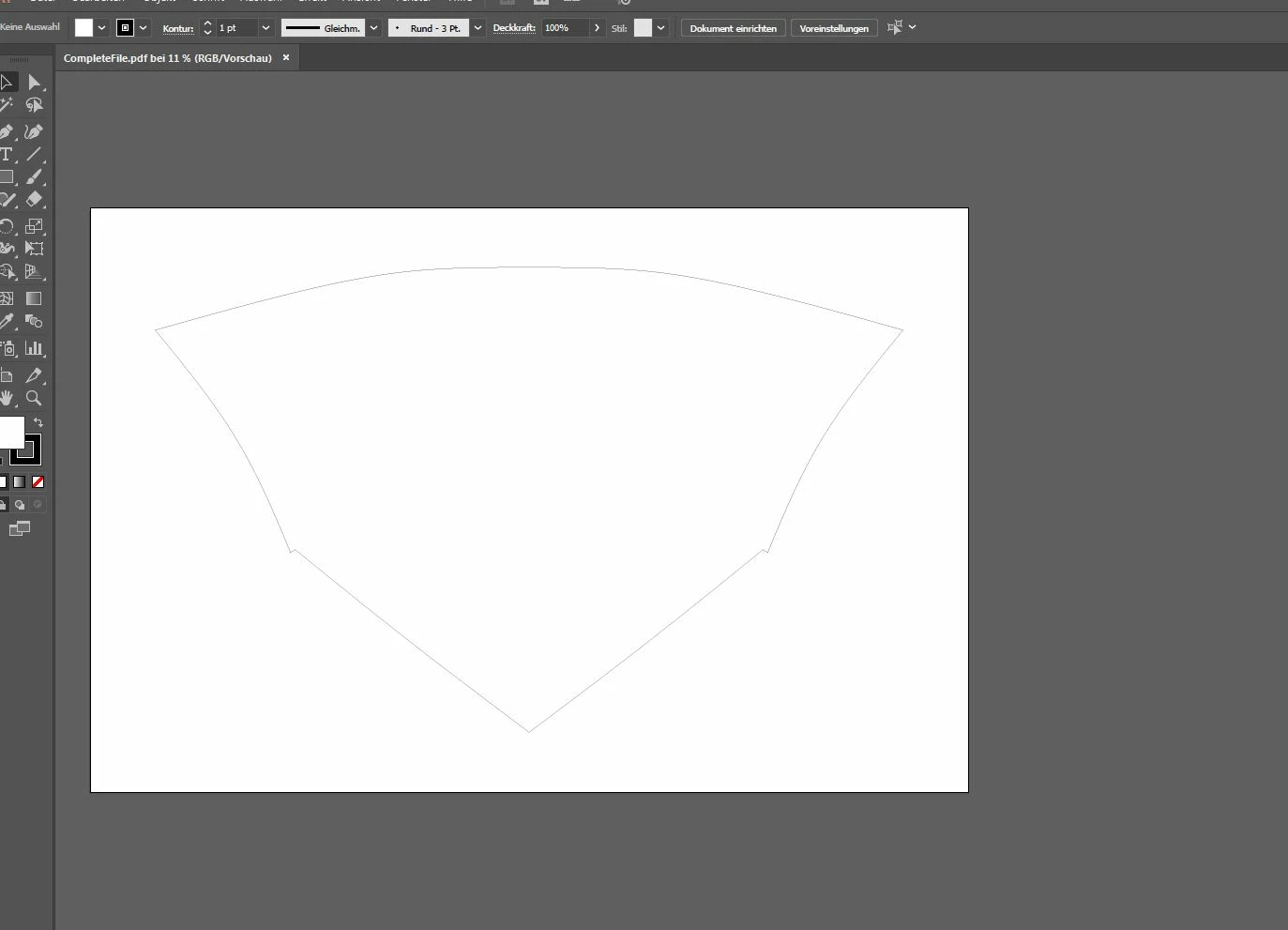
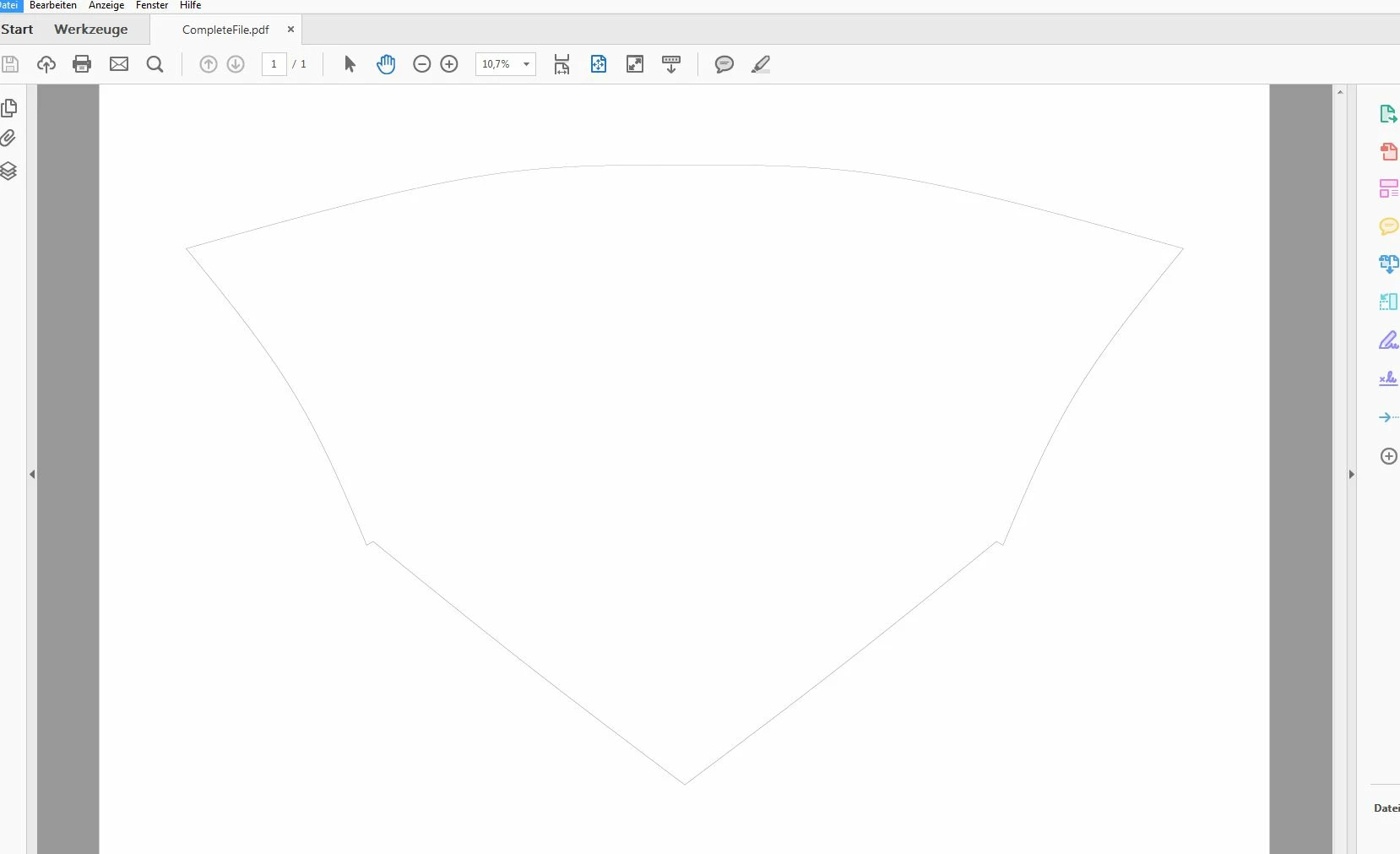
There I choose the option to tile and I choose A0 format. I can choose A0 if I preselect a virtual pdf printer before. I have different ones installed, PDFCreator PDF24 and others. Then I click on print and it prints and the virtual pdf creator opens the file and I get 8 pages with the splitted/tiled file:

The file with the 8 pages can be found here.
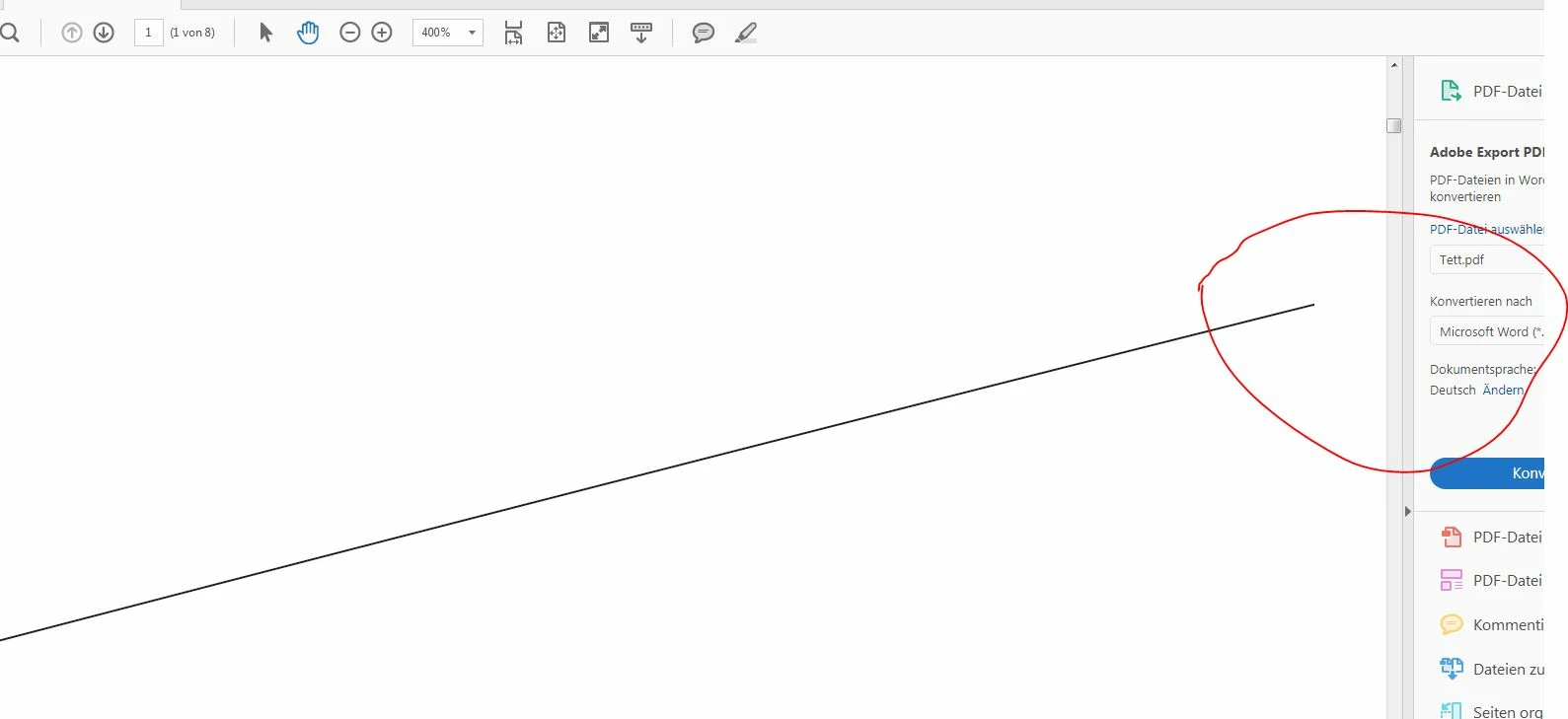
However there are no margins (zoom in to see it at the edge):
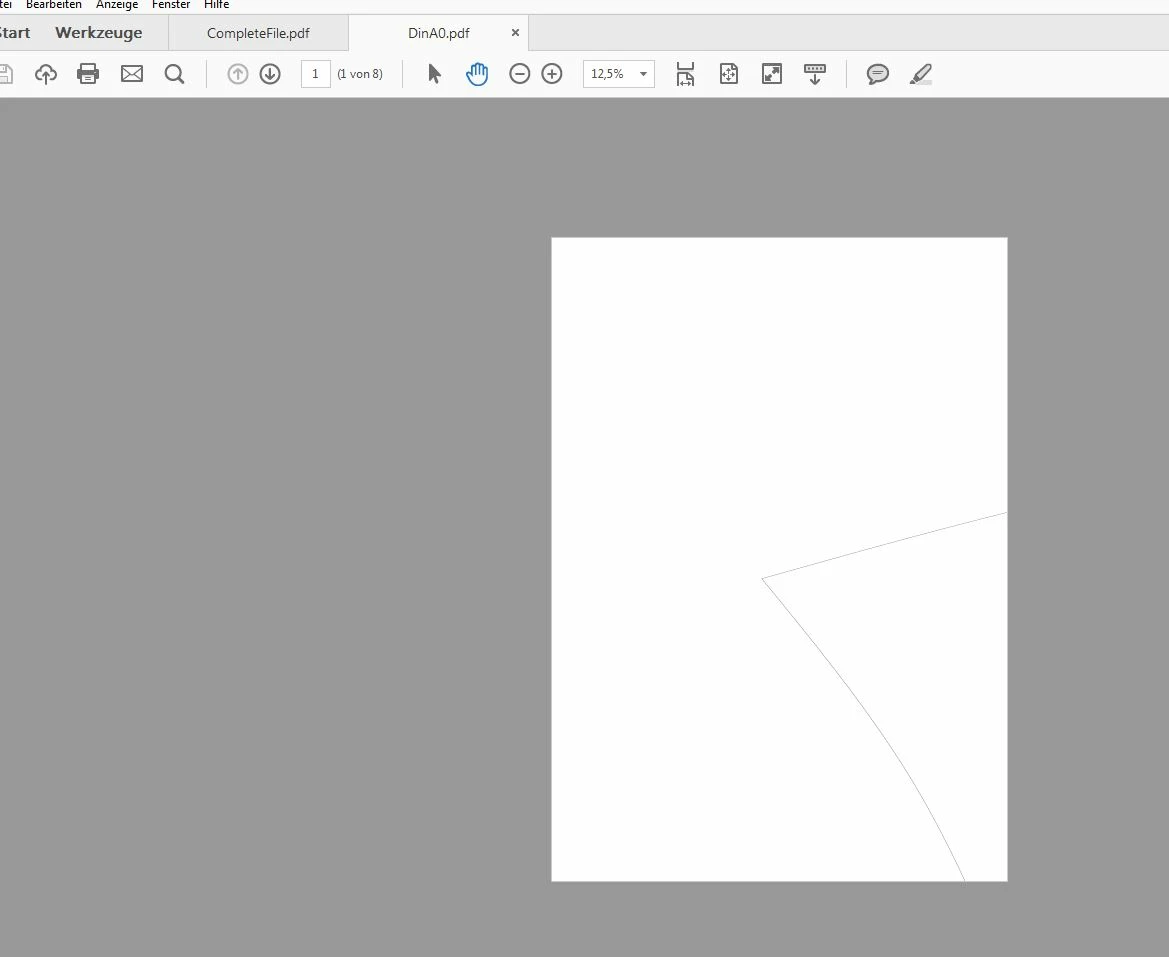
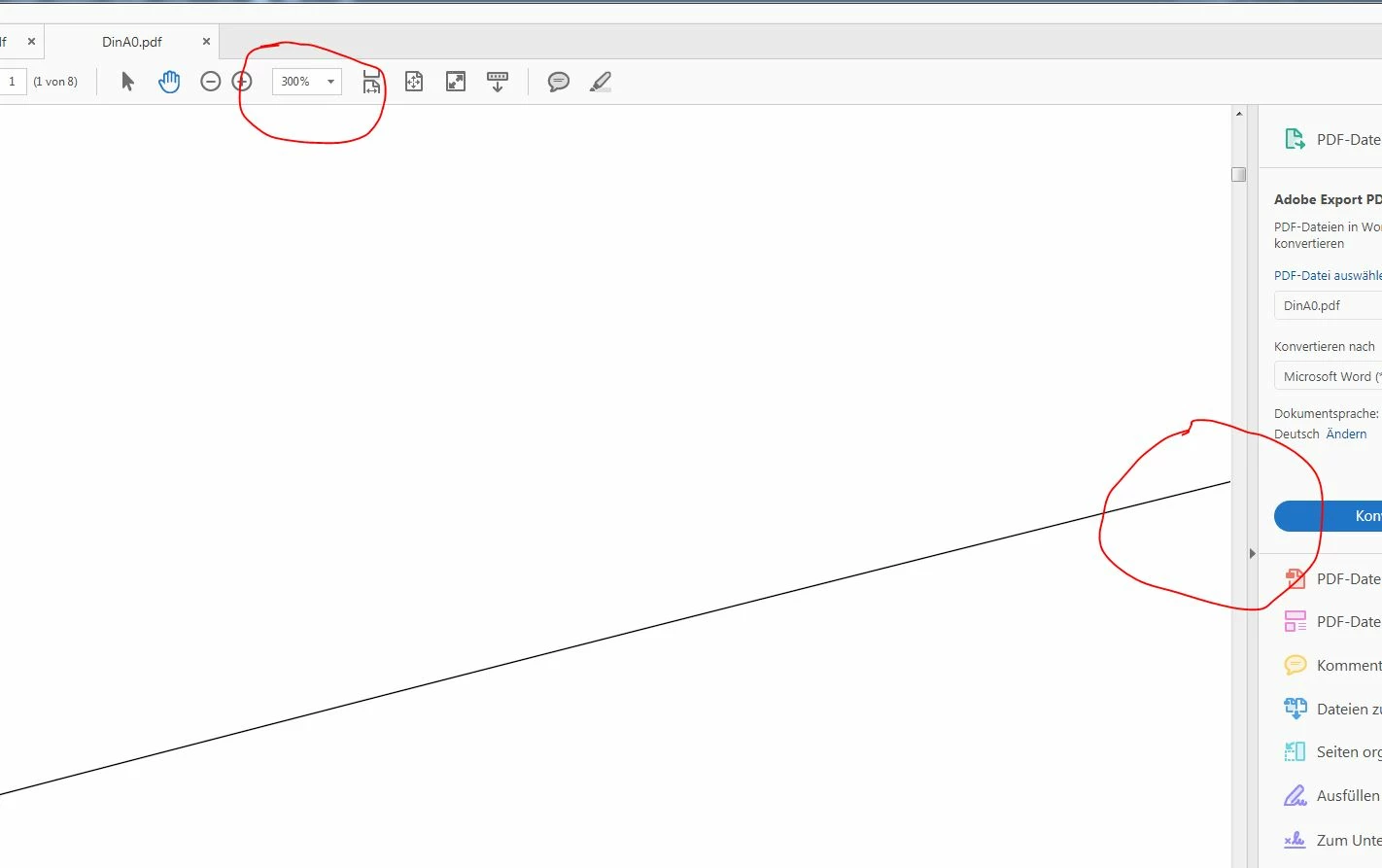
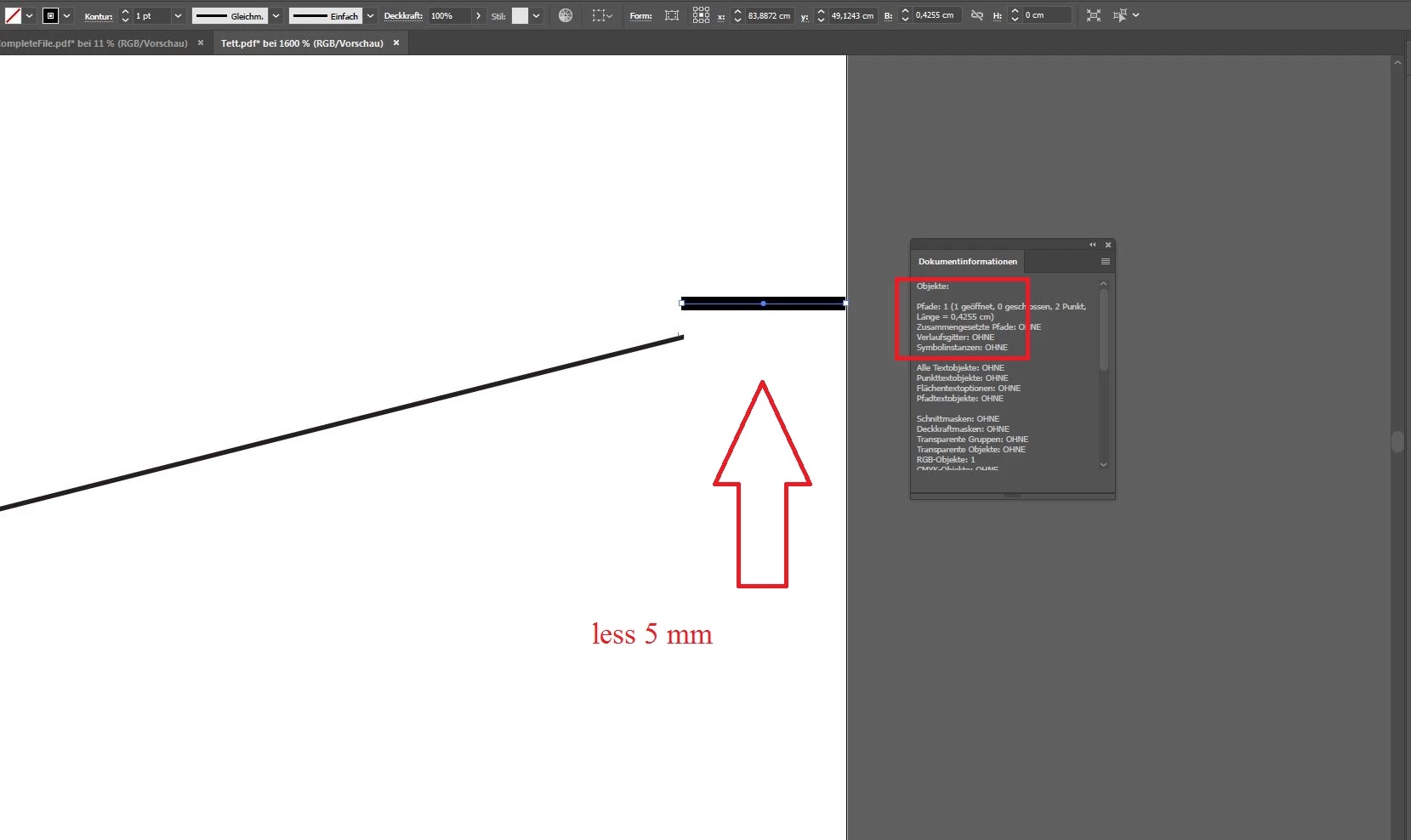
I need at least 5mm margins. It is possible to get margins, since when I select cutmarks or labels then there are small margins:
However this is less than 5mm:
I tried it with acrobat reader and with Illustrator. Illustrator gives me more option, however there is the same problem.
So how can I send it to the virtual printer that at the end there is a margin? Would be great if I can set it manually, so for example 10mm or 20mm, but I would be already ok if I get it with 5mm. So this is crucial since the online print services ask for this. I also thought about selecting a custome size. Then I choose A0 minus 1 cm. Then I output this to pdf. Then I open the pdf in Illustrator, select everything and copy it to a new area of exactly A0. Then I can arrange it that I have 0.5cm margin at each side. However I have to do it manually with every page. And it opens the door for quite a few mistakes if I do it manually.
(Just for notice: I need 5mm at every edge, so not only left and right, but also on top and bottom.)
Edit:
I also tried the bleed options: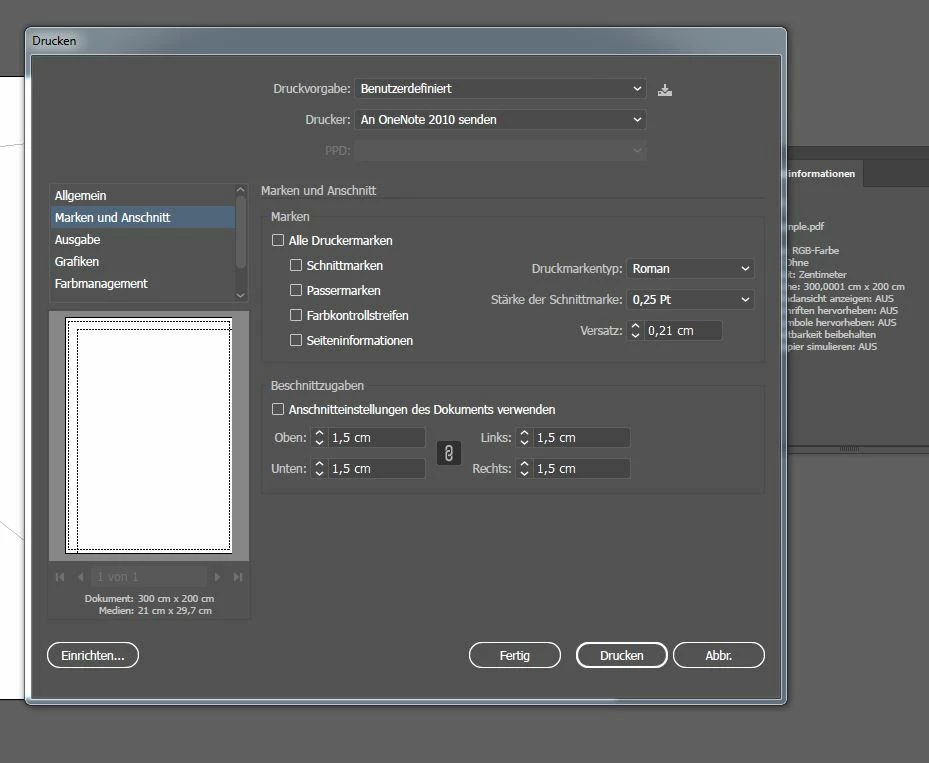
However this also does not solve my problem.
 AdChoices