Inspiring
January 28, 2022
Answered

How to set up canvas and grid pixels to be perfect

  • January 28, 2022
  • 2 replies
  • 480 views

Hi community.


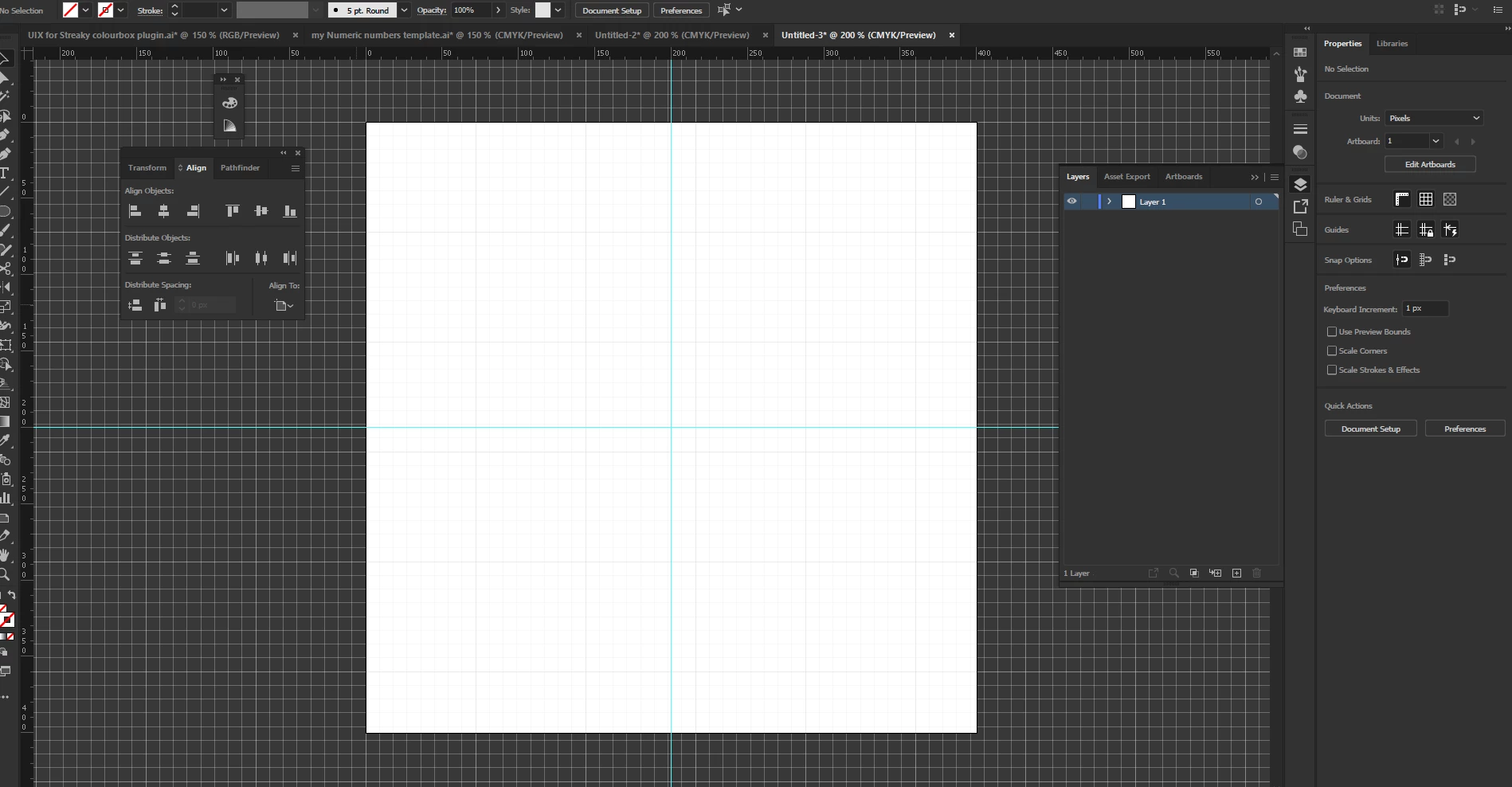
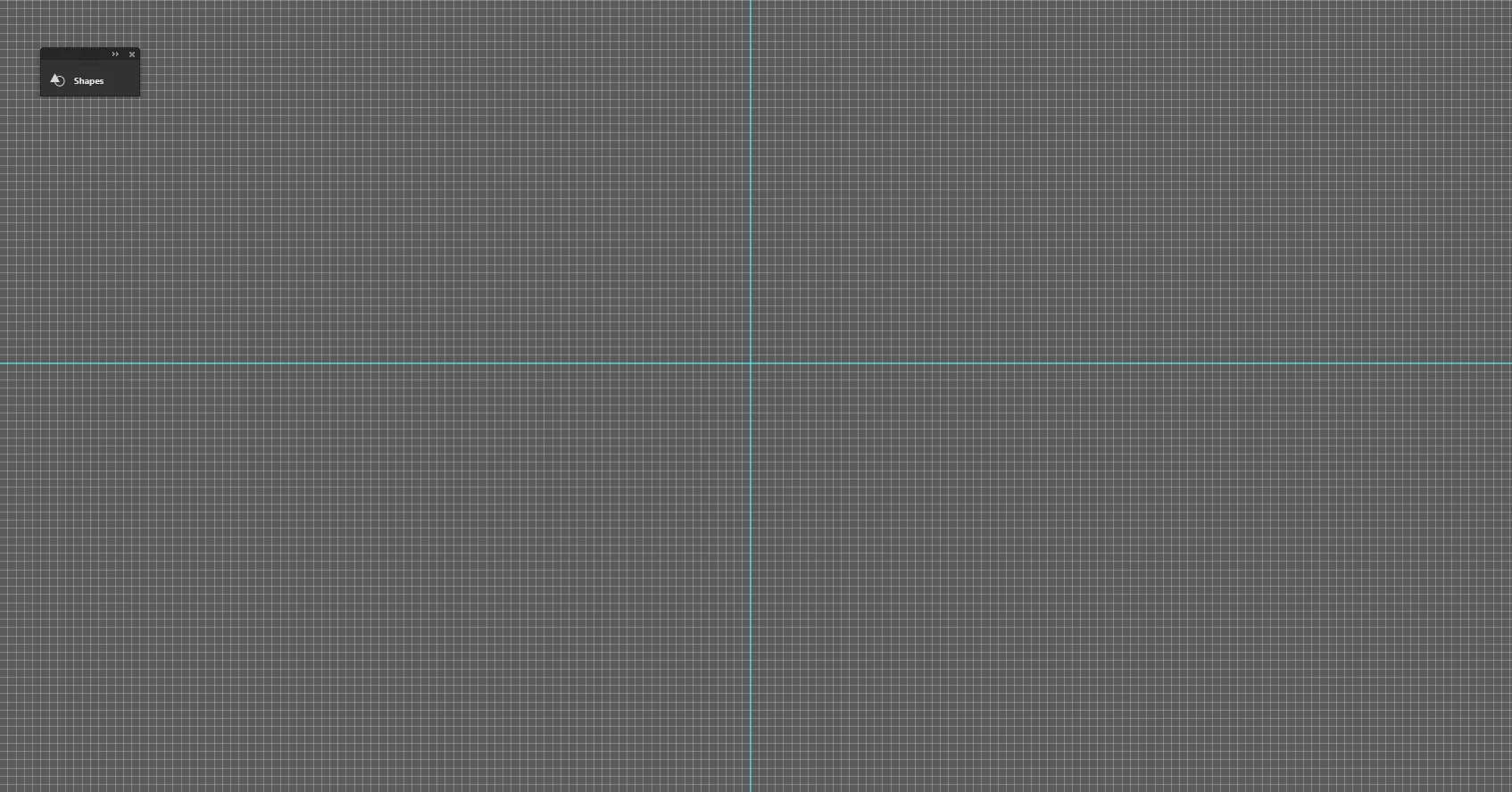
I have set up my document 400x 400, but when I put the guides, and turn on the grid, its not perfectly symmetrical to the smaller pixels within the rectangles are of the grid, is there a way to get it all lined up perfectly? and the cavas since its 400 x 400, why is the last large rectangle with half sqaure, and the other half out the canvas?


first image from illustrator 


Second image with guides from PS


This topic has been closed for replies.
Correct answer Ton Frederiks

Looks like that is what you get if you divide 400/72: 5,555555555555556

You could use a different Gridline Every and Subdivision.

2 replies

Ton Frederiks
Community Expert
Ton FrederiksCommunity ExpertCorrect answer
Community Expert
January 28, 2022

Looks like that is what you get if you divide 400/72: 5,555555555555556

You could use a different Gridline Every and Subdivision.

Ton Frederiks
Community Expert
Community Expert
January 28, 2022

And if the result has to be digital (web, video, image) why work in CMYK?

Inspiring
January 28, 2022

I would change it to RGB later on since the colour of what I want to do is black and white.


Ton Frederiks
Community Expert
Community Expert
January 28, 2022

What units do you use?

How is your grid setup?

Inspiring
January 28, 2022

here's some information about the units and grid set up