


Inspiring
May 7, 2025
Answered

How to share character styles across multiple files?

  • May 7, 2025
  • 2 replies
  • 372 views

Hi there,


I am working on mlutiple file and would like to reuse the "charater styles" across multiple files for making sure to have the same consistency.


I added a bunch of styles to "Character Styles" but I can't seem to find a way to "save" them. In the flyout menu of the Character Styles panel, there is "Load Character Styles" option but there is no option to save?
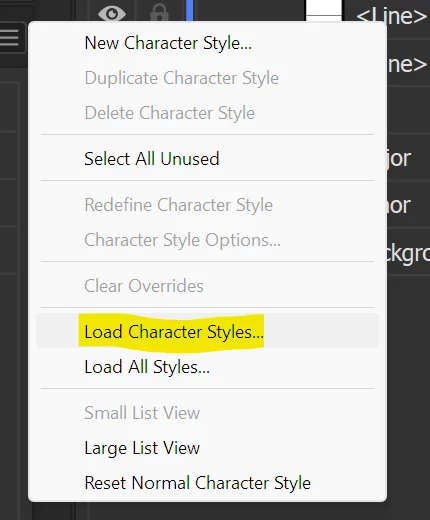


I am doing something wrong? Any advice will be greatly appreciated.


Thanks

Correct answer Ton Frederiks

If you have saved a document with your character styles, you can load those character styles in a new document by opening that document from the Styles panel.

2 replies

Kurt Gold
Community Expert
Community Expert
May 7, 2025

At the bottom-left in the Character Styles panel there is a button to add selected character styles to the current library for exchange purposes.

Ton Frederiks
Community Expert
Ton FrederiksCommunity ExpertCorrect answer
Community Expert
May 7, 2025

If you have saved a document with your character styles, you can load those character styles in a new document by opening that document from the Styles panel.

Inspiring
May 7, 2025

Thanks for the response. That's what I was thinking to do but I have a lot of documents already so was looking to see if there is an easier way to share to an existing documents.