Extremlity,
Some think that Illy (job description Adobe Illustrator) moves in mysterious ways, sometimes or always, but that is also one of her strengths that makes her capable of more than many believe; and she is always eager to help.
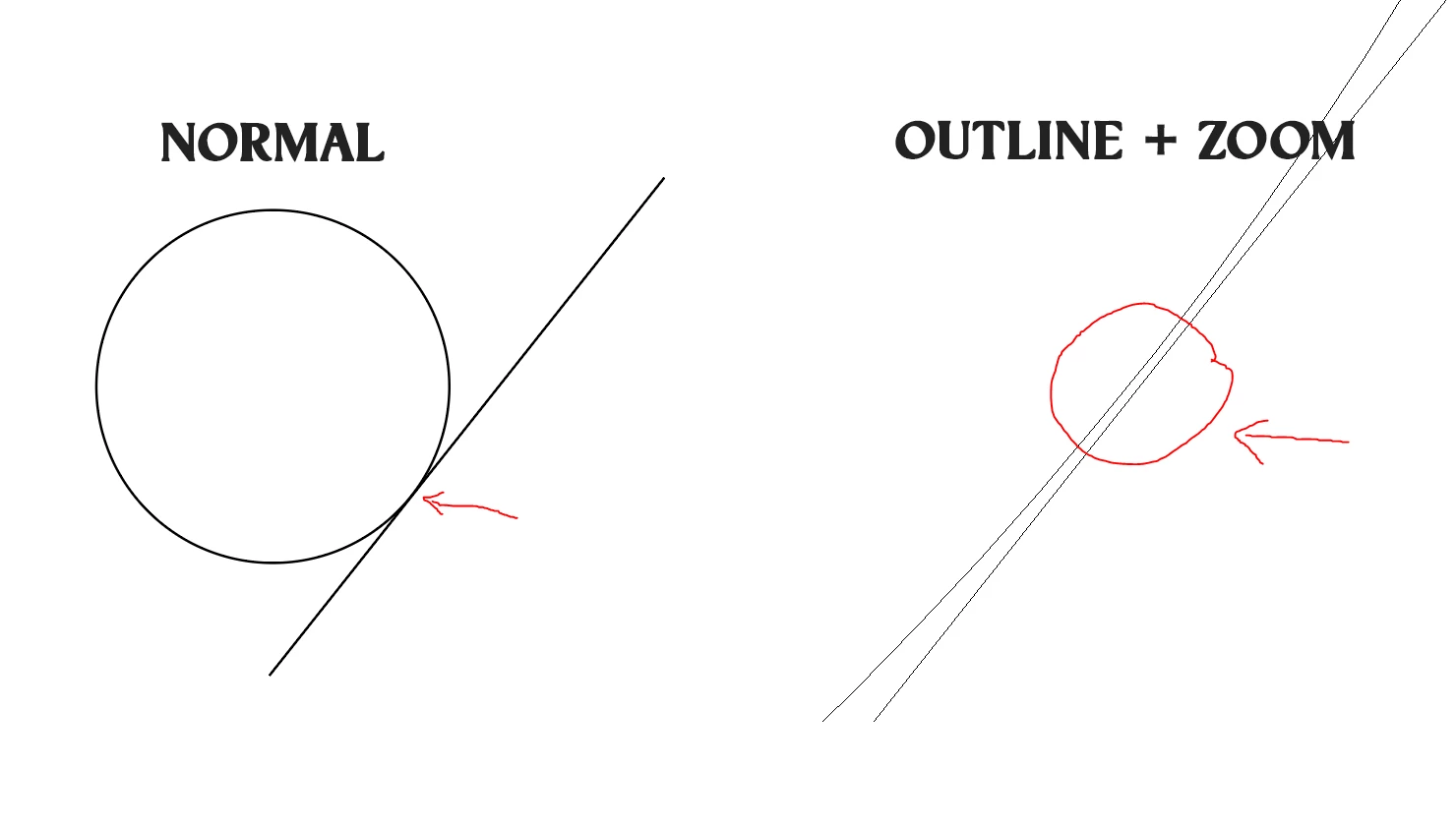
One way to an exact hit, especially if you wish to move the line perpendicularly towards the circle, is as follows, Smart Guides and the Line Segment Tool being your friends:
1) ClickDrag along the line with the Line Segment Tool far enough, passing the circle, then rotate the help line by 90 degrees, then deselect and ClickDrag by the nearest end Anchor Point to near the centre of the circle, then ClickDrag across the relevant area to have the centre appear, then ClickDrag the help line into snapping distance (Smart Guides say centre); that line intersects the circle on the crucial spot;
2) ClickDrag the original line by its intersection (Smart Guides say intersection) with the help line along the help line (Smart Guides say path) till it meets the circle (Smart Guides say intersection again), then hide/delete the help line.
Hitting the centre after your having seen it is the art part, but no more so than some other things like drawing with the Pen Tool. If you wish/must, you can cheat and drag a cross with the Line Tool between opposite circle Anchor Points for an obvious hit. Or use at least one other way to make the centre permanently visible.
There is at least one other way, and at least one is better in the the rare cases where an exact distance from the centre of the circle is required, and undesirable in some other cases.


 AdChoices