


S_ A
Inspiring
May 28, 2025
Answered

how to solve this- Illustrator crash

  • May 28, 2025
  • 2 replies
  • 1024 views

Hi,


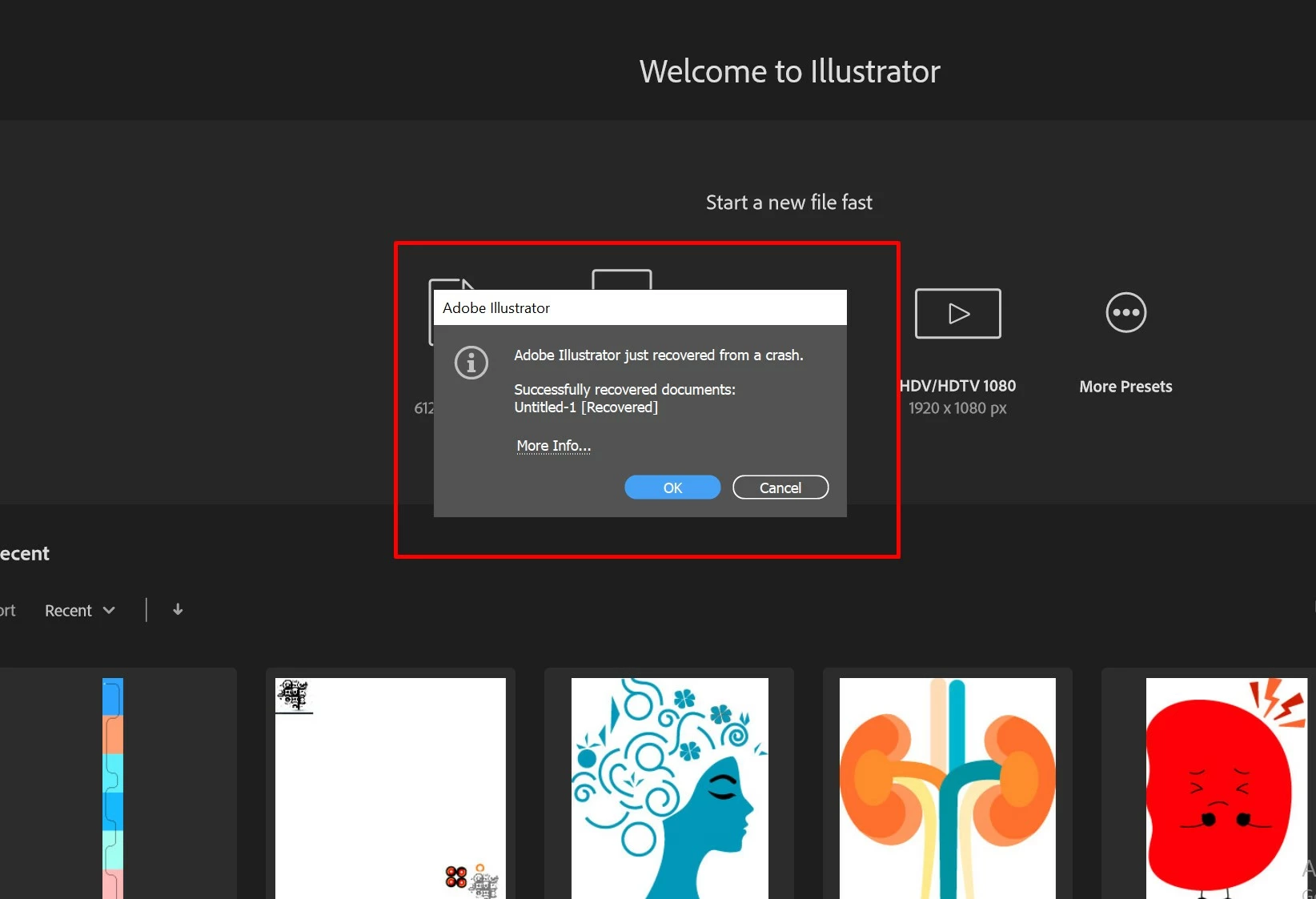
I am losing sanity. I am getting this when ever I use Illustrator for my work. I dnt understand what is causing it,


please someone tell me what I should do. 


Correct answer Monika Gause

Hi,


You mean this? we call it 'restart', yes I do restart my PC every day!


You have 32 GB of RAM, which is sufficient for Illustrator. But: if you alse have Photoshop, After Effects and Chrome with 100s of tabs open, then 32 GB might be a little on the low end.


So the preferences is, where I would start, but if that does not help with the crashes, then RAM comes in as the second.

2 replies

Abhishek Rao
Community Manager
Community Manager
May 28, 2025

Hi @S_ A,


Thanks again for all the updates. I know how disruptive this recurring crash must be.Could you please confirm the version of Adobe Illustrator you're using and the operating system details (Windows or macOS, including the version number)?

Also, I wanted to ask, were you able to submit the crash report through the Adobe Crash Reporter dialog box when the crash happened? I checked using the email address linked to your community profile but couldn't locate any submitted reports so far. If you didn't get a chance to send it earlier, please do submit it the next time the crash occurs, and feel free to send me the email address you used via DM on the community so I can pull up the logs and get it properly investigated.

It's great that you're already trying the suggestions from our expert @Monika Gause. Could you also confirm if the crash consistently happens with every file after 10 to 12 minutes of working, or only with specific ones?

Meanwhile, please go through the steps in this article and try the suggestions listed there:
https://helpx.adobe.com/illustrator/kb/fix-crash-on-launch-issues.html?linkId=100000357094815

Once you've had a chance to review and try them, let me know your observations.


Looking forward to hearing back.

Abhishek 


S_ A
S_ AAuthor
Inspiring
May 28, 2025

Thank you so much. No I never report back. I ignored it until I cant bear it anymore..I will next time. I will follow what Monika suggested for now. If it crases one more time I will do what you said.

Monika Gause
Community Expert
Community Expert
May 28, 2025

So you can't even launch the application, because when you do this pops up?

S_ A
S_ AAuthor
Inspiring
May 28, 2025

Hi,


no no, I can open and can  draw , but after some time (10/12 mintues)  it crashes and When I reopen I got that notification. and its non stop. if I open illustrator 2 days later it will happen. it also happens last month. its reoccuring

