mary_n_fingerlakes
Participating Frequently
February 4, 2026
Question

How to split a filled path into even segments in Adobe Illustrator

  • February 4, 2026
  • 3 replies
  • 87 views

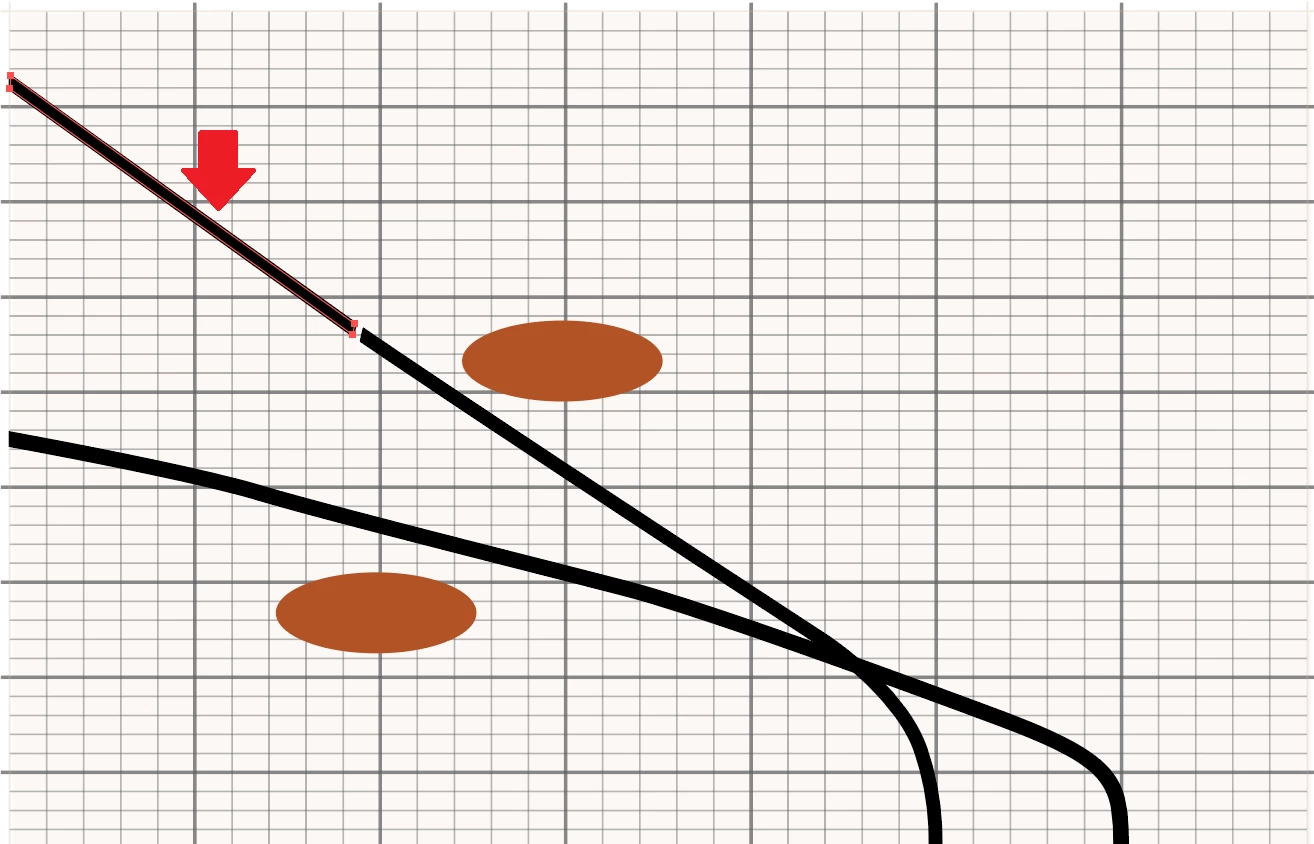
Hi - I have a filled path that I need to divide into even segments:
 

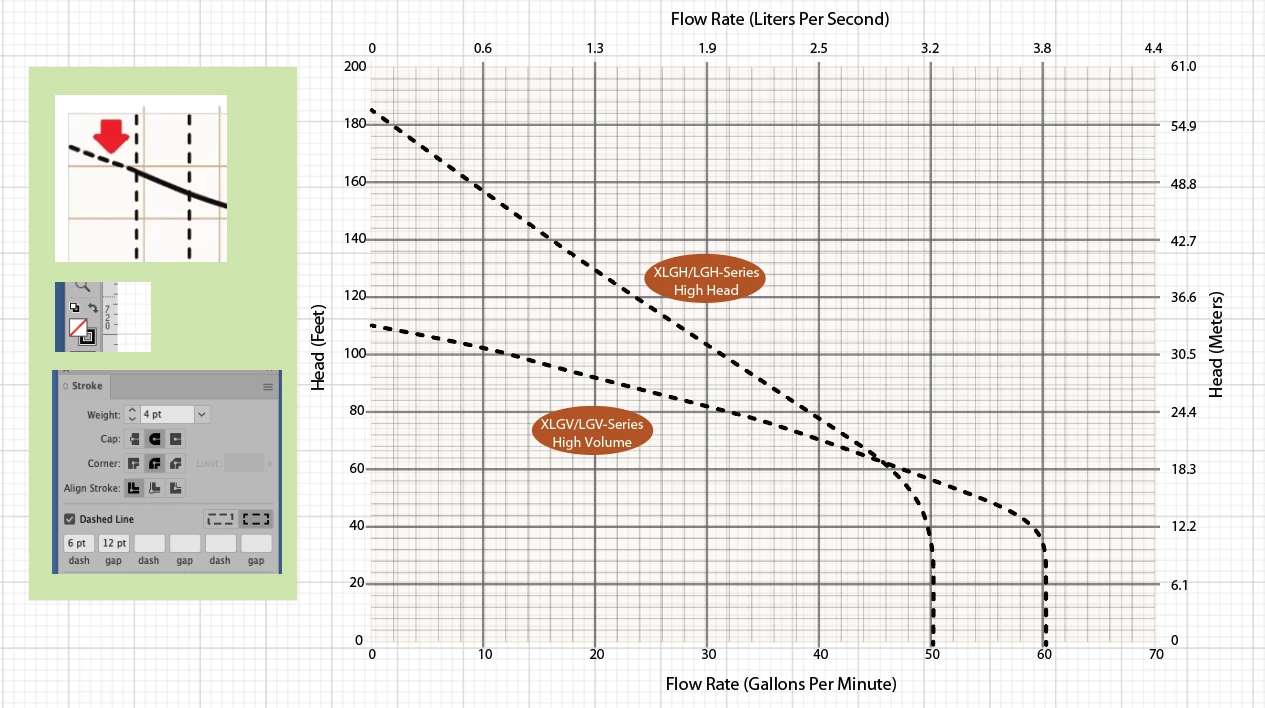
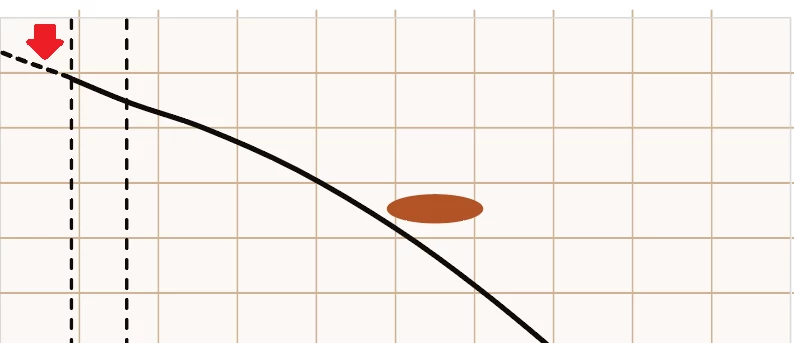
The end result should look like a dotted line, similar to this image:
 

I have found tutorials on how to divide shapes but nothing for a filled path or curve like in my situation. Also, the path cannot change shape or be distorted in any way since it represents data.


Any help would be greatly appreciated. Thank you.

    3 replies

    kphotopage
    Legend
    February 5, 2026

    Mary, hi. Thank you for uploading your file.

    I see your graph line paths have a Fill AND a Stroke, both in Black.

    To make a single dashed line Stoke, no biggie. Many suggestions offered here. All are valid.

    I went a different route to add yet another suggestion.

    Put the graph paths on a new Layer. Select and give a Fill of None.

    White arrow, delete extraneous anchors of the strokes to make just a single line paths.

    Move the path down to put into place.

    Give it a Stroke dash of your choice.


    K


    Kurt Gold
    Community Expert
    Community Expert
    February 4, 2026

    Can you share one or several sample Illustrator files for inspection?

    mary_n_fingerlakes
    Participating Frequently
    February 4, 2026

    Gladly! Thank you ​@Kurt Gold - see attached.

    Kurt Gold
    Community Expert
    Community Expert
    February 4, 2026

    Thanks for the sample file, Mary.


    Provided that your graphs always only contain one, two or three curves, I'd suggest to use the route René recommends. It's an established way to remodel filled paths to dashed strokes.


    Based on your sample file, it would even be convenient to just take the Pen tool and trace the curve manually.


    If you have some more complex graphs, one may think about other ways to automate the conversions.


    Have you already tried René’s suggestion?

    Community Expert
    February 4, 2026

    Are the dotted and solid lines open paths with line strokes applied to them? Or are they expanded shapes. If the lines are open paths you could use the Scissors tool to cut the line where you want the dotted style line to begin and simply apply a dotted line style to the stroke.


    A more complicated procedure would be required if the lines are actually filled shapes.

    mary_n_fingerlakes
    Participating Frequently
    February 4, 2026

    @Bobby Henderson - I created the dotted line in the second image using the Line Segment tool and applied a stroke to it. The first image is one I “inherited” and it looks like the original writer created a path with a 2-pt black stroke and fill. Thank you.

    renél80416020
    Inspiring
    February 4, 2026

    Bonjour ​@mary_n_fingerlakes,

    Peut être arriverez vous avec cet exemple:

    René